Masks
AI masks for subject, sky and background.
masoc finds the subject, the sky and the background on its own, right on your iPhone, iPad or Mac. Add gradients and brush strokes, combine them into one mask, and change light, color and effects inside it.
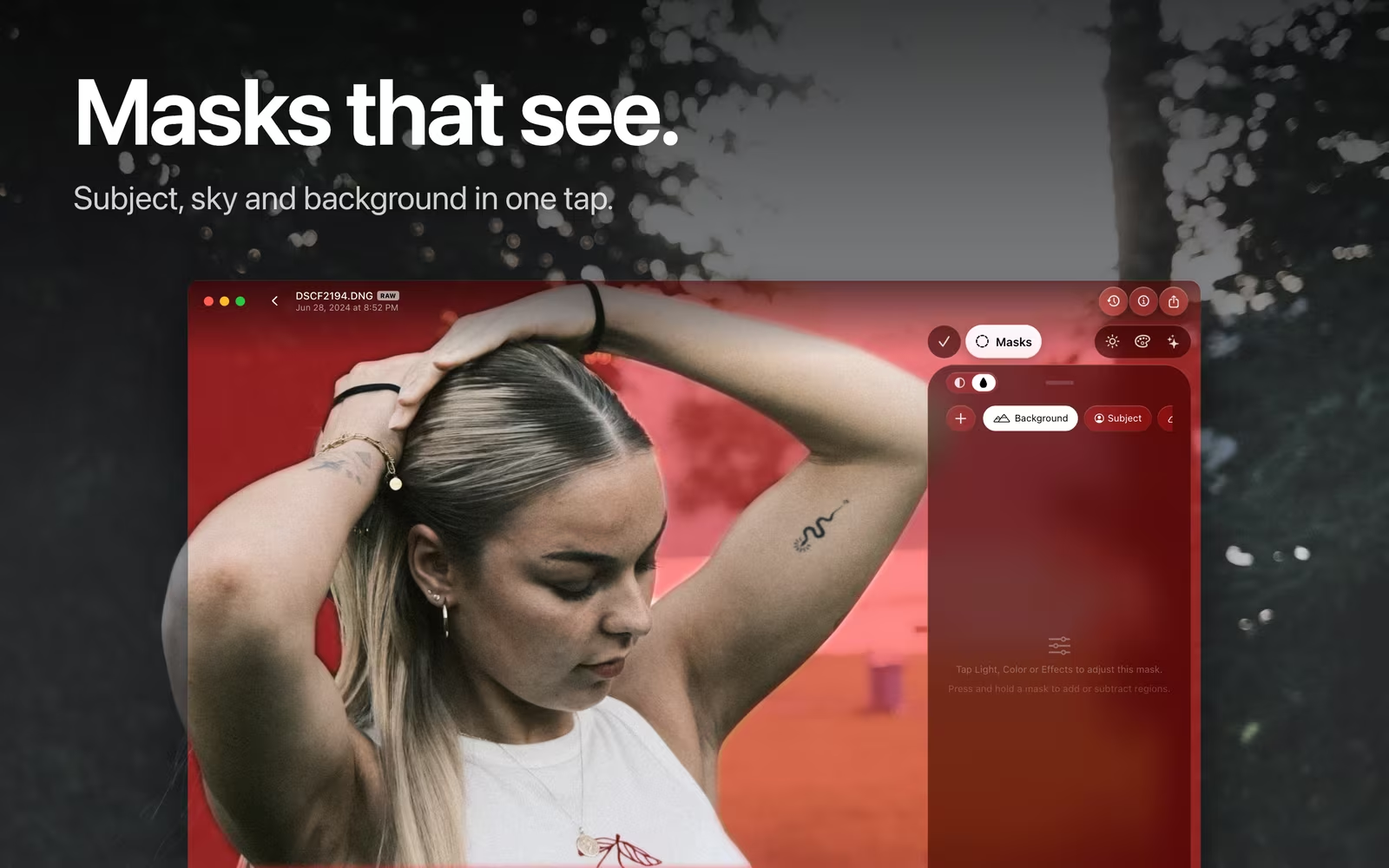
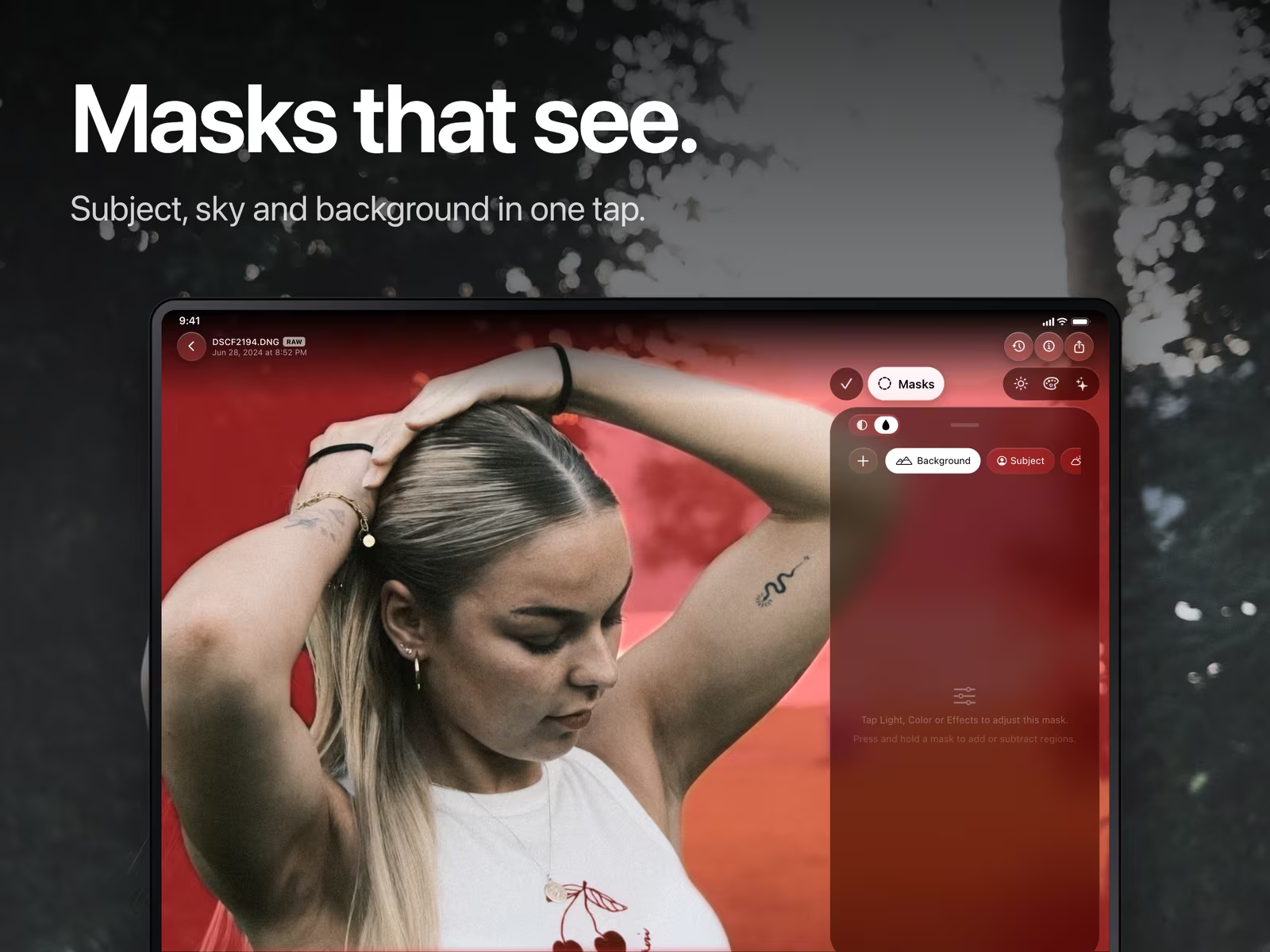
Subject, sky and background in one tap.
Pick a region. masoc finds it in the photo.
Open Masks, tap +, and choose Subject, Background or Sky. masoc marks the area in red, so you see right away what it found. Subject and Background come from the same detection, one is simply the other turned inside out. The sky mask is built to reach in between leaves and branches, not only above the horizon.
The edges are softened a little, so an edit blends in instead of cutting off hard. And when a photo has no sky or no clear subject, masoc says so instead of guessing, and the mask leaves the photo as it is.
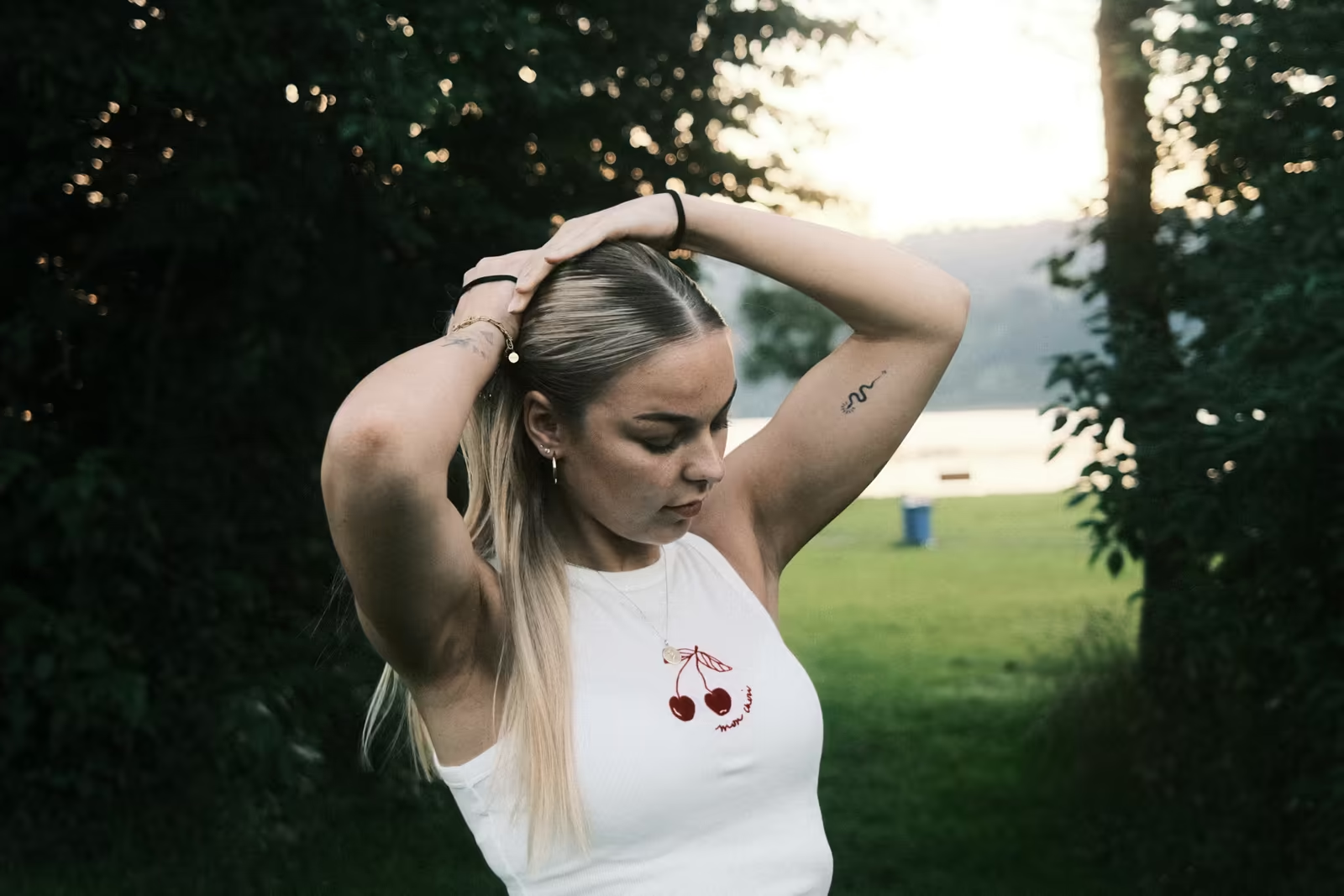
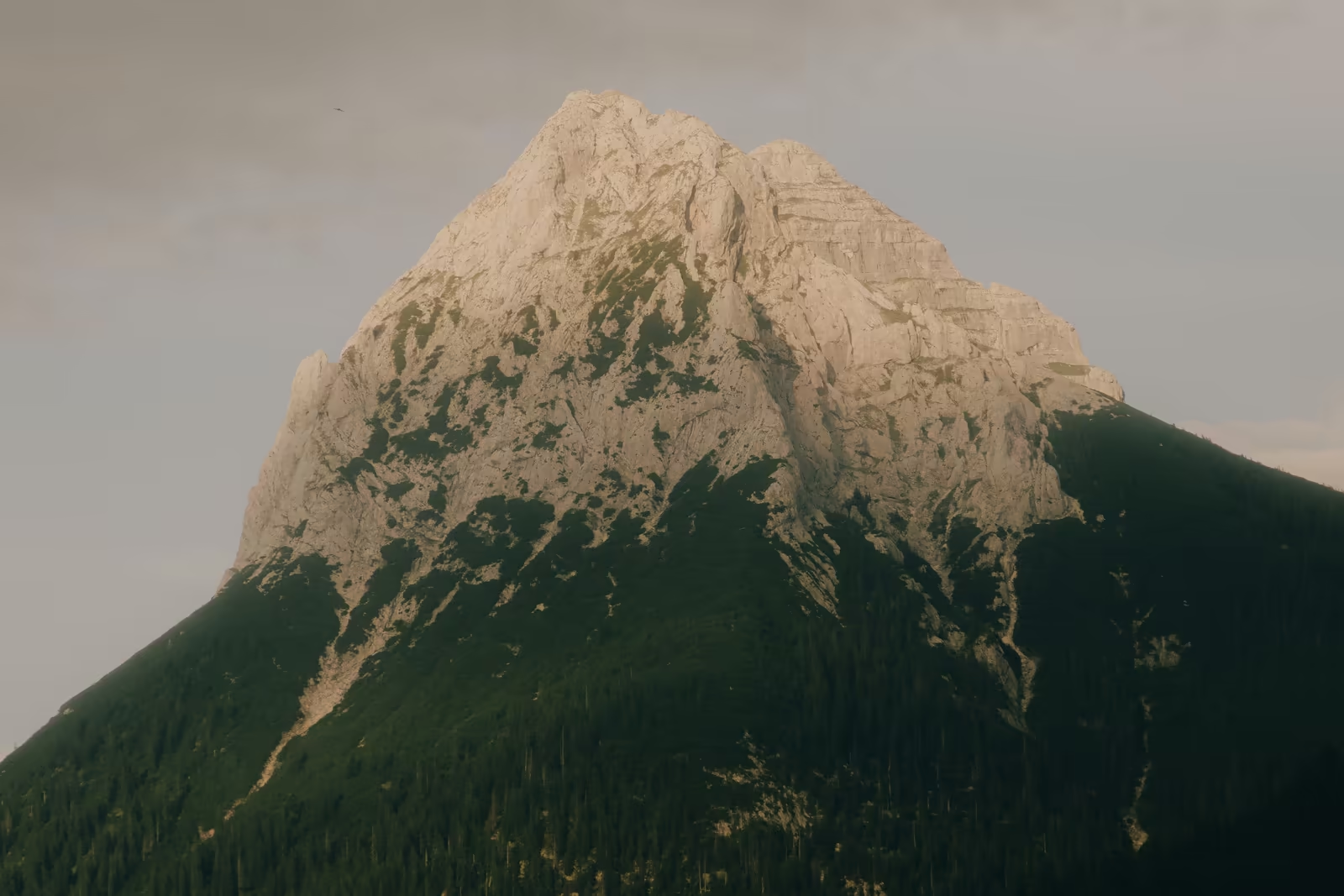
Draw your own.
Linear, radial and brush, for the areas only you know.
Drag a linear gradient down from the top to calm a bright sky. Place a radial gradient around a face and give it a soft feather. Or paint the area yourself: the brush has size, feather and flow, and erases as easily as it paints.
Combine them into one mask.
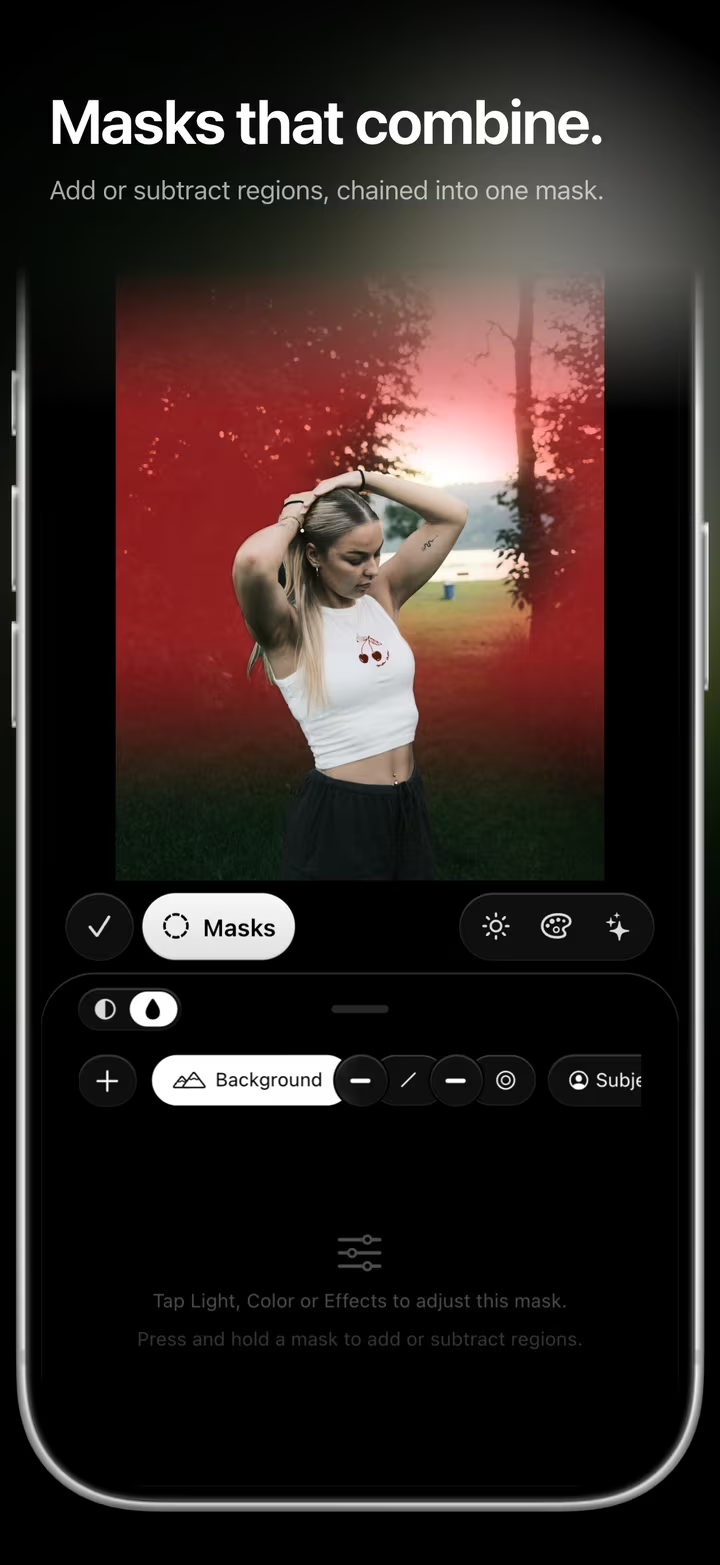
Add and subtract regions, chained into one mask.
A mask in masoc is a chain. Start with a radial gradient, subtract the subject, add a linear gradient: together they make one area with one set of adjustments. Press and hold a mask to add or subtract a region, AI or drawn.
Every part can be inverted, hidden or switched between add and subtract. Tap one, and masoc shows it on its own for a moment: red where it adds, white where it takes away. The whole mask has an opacity from 0 to 100 percent and inverts or hides with one tap.
Light, color and effects, only where you want them.
Every mask carries its own sliders.
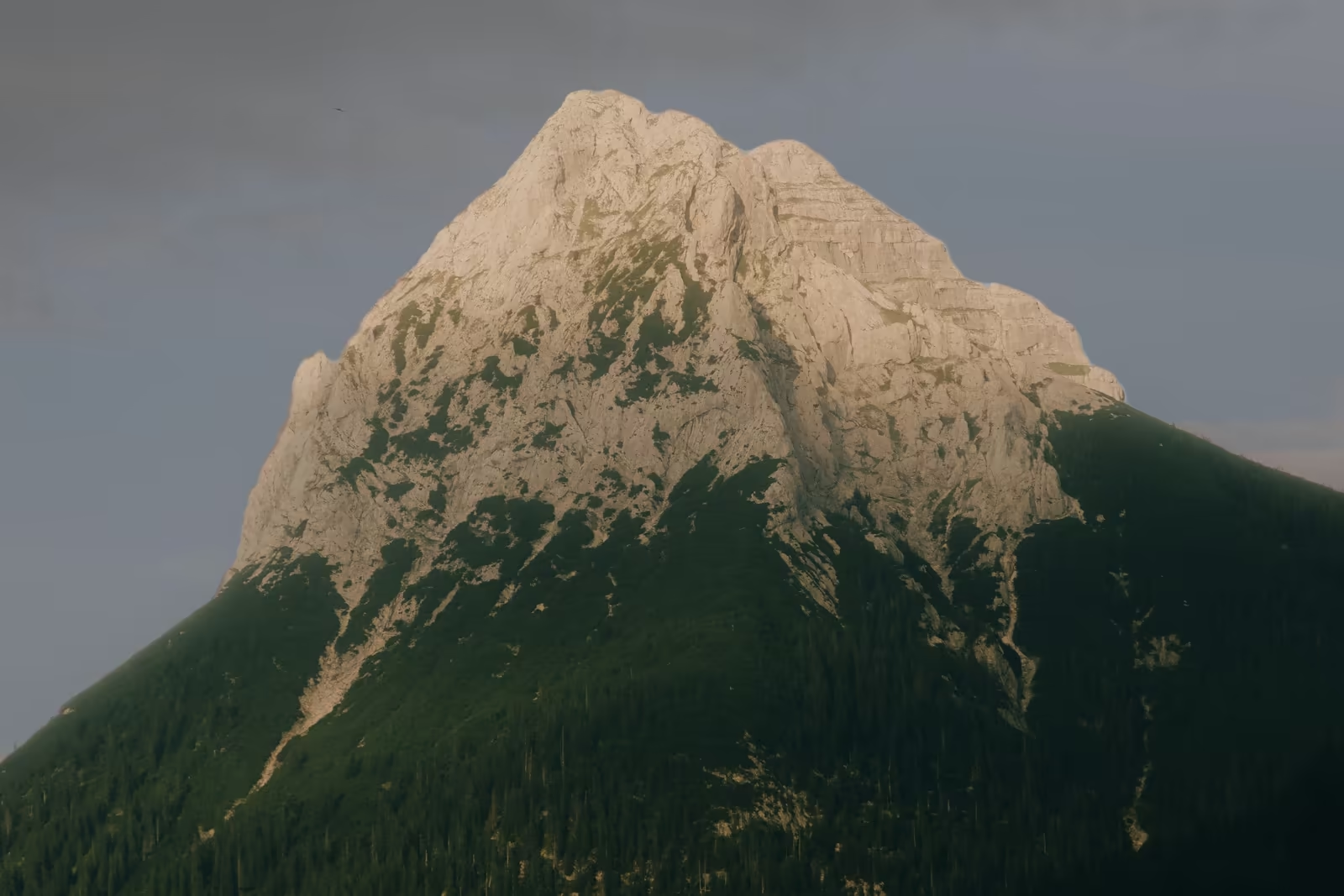
Inside a mask you get the light sliders from exposure to blacks, temperature, tint, vibrance and saturation, and the effects: texture, clarity, structure, dehaze, glow, vignette, grain, sharpening and noise reduction. Darken a sky without touching the mountain, or lift a face without flattening the background.
Smart Edit can set masks too. Ask for a darker sky, and it can add a Sky mask with the change already inside, ready for you to fine-tune.
Smart Edit requires a device that supports Apple Intelligence.
Private, on your device.
No upload, no account, no connection needed.
Finding the subject, the sky and the background happens on your iPhone, iPad or Mac. The subject comes from Apple’s Vision framework, the sky from two models that ship inside masoc. Your photo never has to leave the device to get a better sky. More about privacy in masoc.
Masks that stay put.
Crop it, copy it, take it along.
- Crop and rotate. Masks are anchored to the original photo, so they stay on the subject when you crop, straighten or rotate.
- Copy to other photos. Copy a photo’s edits and pick Masks when you paste. Subject, sky and background are found again on every new photo.
- Lightroom presets. Linear and radial masks travel with the presets you export as .xmp, add and subtract included. More about switching from Lightroom.
Coming soon.
The beta has ended. The App Store is next.
masoc is being prepared for the App Store. Sign up for the newsletter, and you’ll hear first when it lands.
Questions
- Does masoc upload my photos to find the subject or the sky?
- No. Subject, background and sky are detected on your iPhone, iPad or Mac. The subject comes from Apple’s Vision framework, the sky from two models built into masoc.
- Which edits work inside a mask?
- Light, color and effects: exposure to blacks, temperature, tint, vibrance, saturation, texture, clarity, structure, dehaze, glow, vignette, grain, sharpening and noise reduction. Tone curve, HSL, color grading and looks act on the whole photo.
- Can I combine several regions into one mask?
- Yes. Add or subtract regions, AI or drawn, in one chain. Each part can be inverted or hidden, and the whole mask has its own opacity.
- What happens when a photo has no sky?
- masoc tells you with “No sky detected” and the mask changes nothing, instead of guessing. The same goes for photos without a clear subject.
- Can I use my masks on other photos?
- Yes. Copy a photo’s edits and pick Masks when you paste. Subject, sky and background are detected again on each photo, so they fit the new picture.
Adobe and Lightroom are trademarks of Adobe Inc. masoc is not affiliated with Adobe.