Technology
How masoc is built.
One Swift codebase, native on iPhone, iPad and Mac. Every slider runs through a GPU pipeline in wide color, and every smart feature runs on your device. Here is what sits under the photo.
One codebase. Three native apps.
SwiftUI on iPhone, iPad and Mac, built natively for each.
masoc is written in Swift, with one SwiftUI codebase for all three devices. On the Mac it is a native macOS app, not Mac Catalyst, with its own Settings window. iPad and Mac get a menu bar and keyboard shortcuts. masoc needs iOS 26, iPadOS 26 or macOS 26, and a Mac with Apple silicon.
The whole editor is one panel, the Deck. masoc looks at the space it has: where the window is narrow, the Deck lies under the photo; where there is room, it stands at the side. Liquid Glass sits on the controls only, never on your photo. More in how masoc is designed.
Modern Swift, end to end.
Built on Apple’s current frameworks, from the first tap to the saved edit.
- Swift concurrency. Code runs on the main actor by default. The renderer is its own actor, and blocking work like Core ML gets a queue of its own, so it doesn’t hold up the interface.
- Observation and SwiftData. The interface follows state through @Observable, and your library lives in SwiftData.
- A non-destructive edit stack. Every edit is one Codable value, saved as JSON with the photo. The original file never changes. Each stack carries a version, so an older masoc never overwrites edits made by a newer one.
- Swift files
- ~290
- lines of Swift
- 60,000+
- custom Metal kernels
- 30
- bundled Core ML models
- 4
A GPU pipeline in wide color.
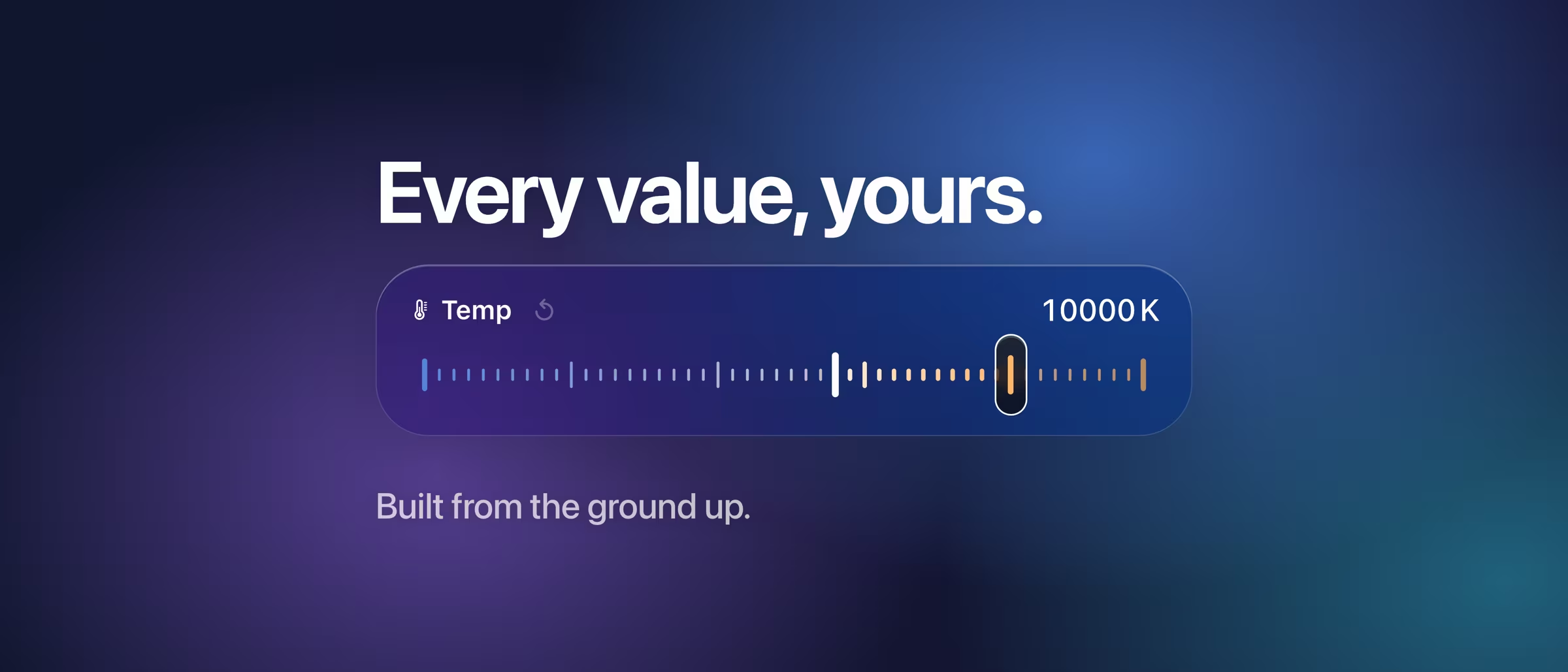
Every slider runs through Core Image on Metal.
masoc renders on the GPU through one shared Metal context. The math happens in linear Display P3, a wider color space than sRGB, and in-between images keep 16-bit floating-point precision. While you drag, masoc renders a lighter preview. When you let go, the full-detail version takes its place. Exports go out as HEIC, JPEG or PNG, in Display P3, sRGB or Adobe RGB, and where memory is tight, big files render in strips.
RAW files are decoded by Apple’s RAW engine, Core Image’s CIRAWFilter. White balance is set right there, in true Kelvin, before any other edit. More about RAW in masoc.
Where built-in filters aren’t enough, 30 kernels written in Metal take over: the color mixer, hue shift and color grading in a single pass, noise reduction, sharpening, dehaze, grain, lens corrections, Log video and the blending of HDR and panorama merges.
One fixed render order.
Every photo passes through the same steps, in the same order.
Order changes the result. Retouching comes first, on the original, so a removed spot stays put when you crop. A look sits after camera calibration, as a creative layer on top. Grain and vignette come after the masks, so a mask never smooths the grain away. The frame comes last.
- Retouch
- Lens vignetting, fringing
- Distortion, perspective, crop
- Camera calibration
- Look (LUT)
- Exposure
- White balance
- Contrast, highlights, shadows
- Saturation
- Tone curve
- Vibrance
- Color mixer and grading
- Dehaze
- Noise reduction
- Clarity, structure, texture
- Sharpening
- Glow
- Background blur
- Masks
- Grain
- Vignette
- Censor
- Frame
On RAW files, white balance and the base curve happen even earlier, in the decode. On JPEG, HEIC and other files, white balance shifts at step 7.
Machine learning, on the device.
No servers. The models ship inside the app.
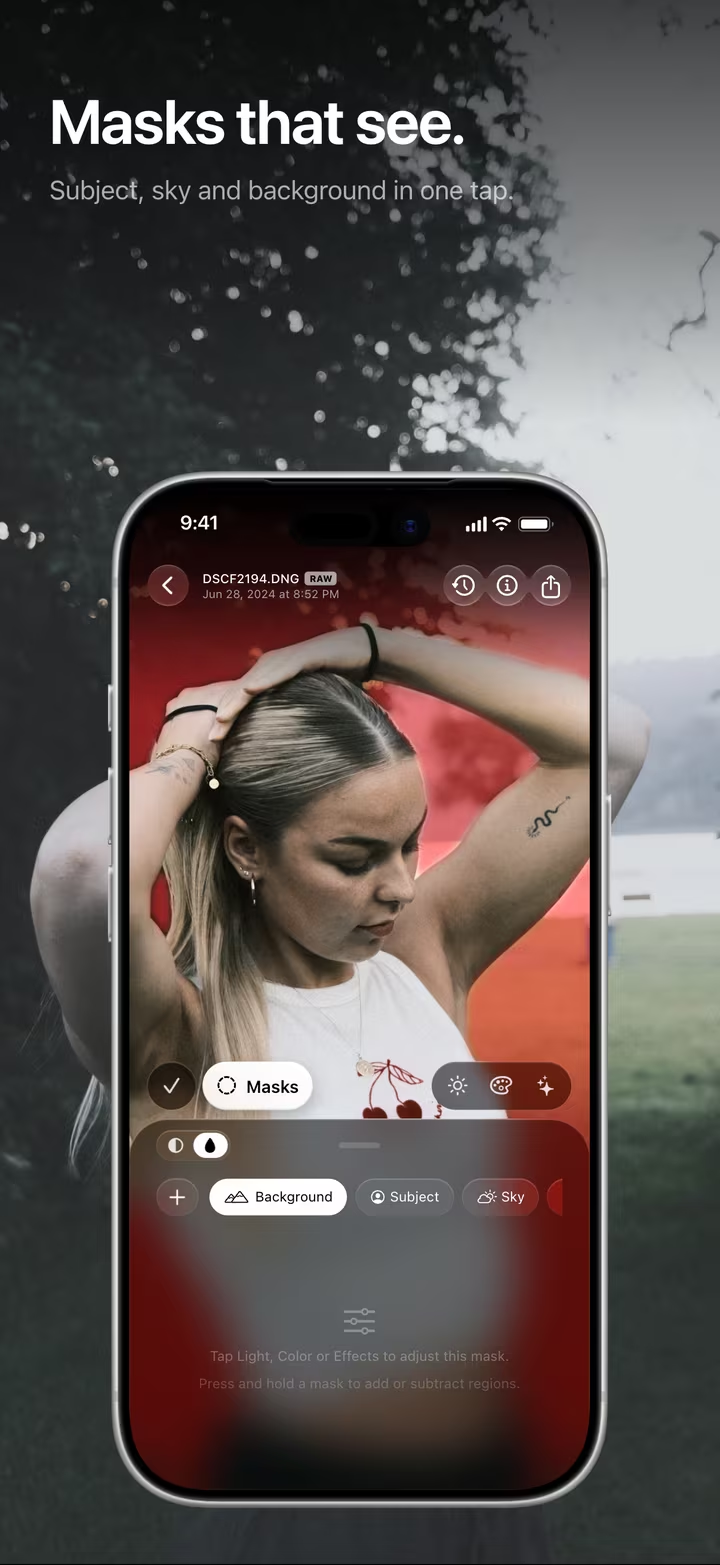
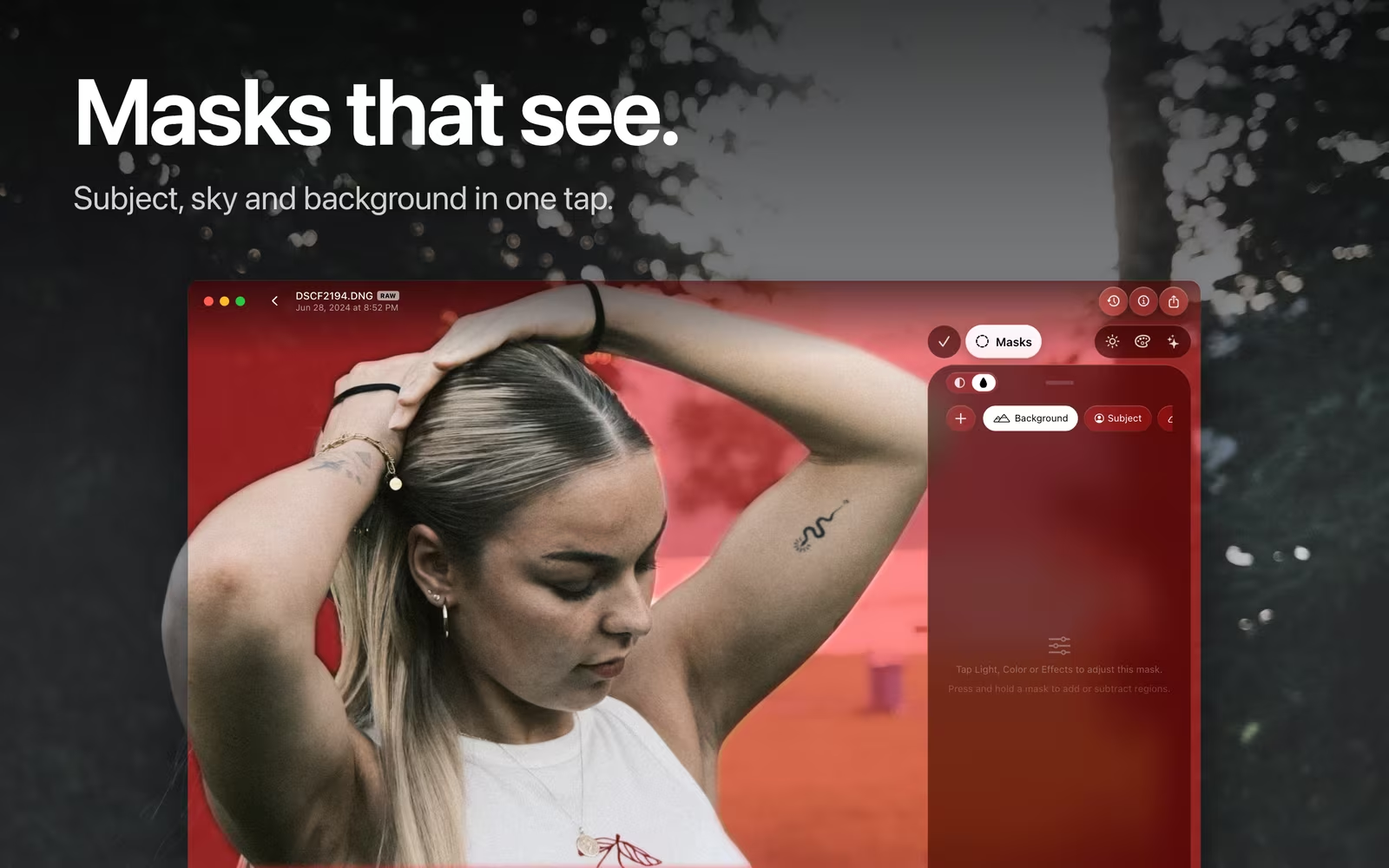
- Masks. Subject and background come from Apple’s Vision framework. The sky comes from two Core ML models working together: one traces the fine edges, the other confirms there is sky at all and fills the gaps.
- Depth and retouch. A depth model reads a single photo for background blur, and an inpainting model paints the fill when you remove something.
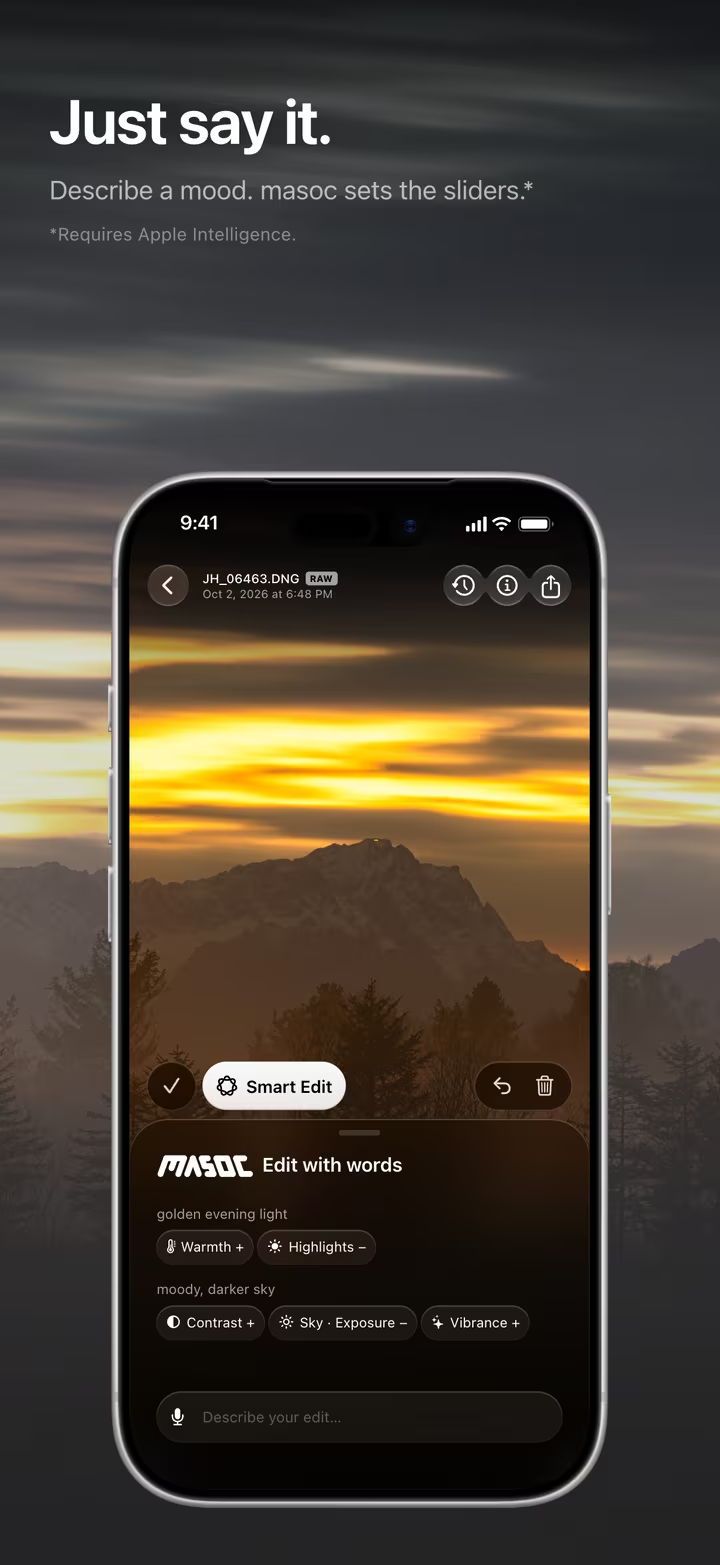
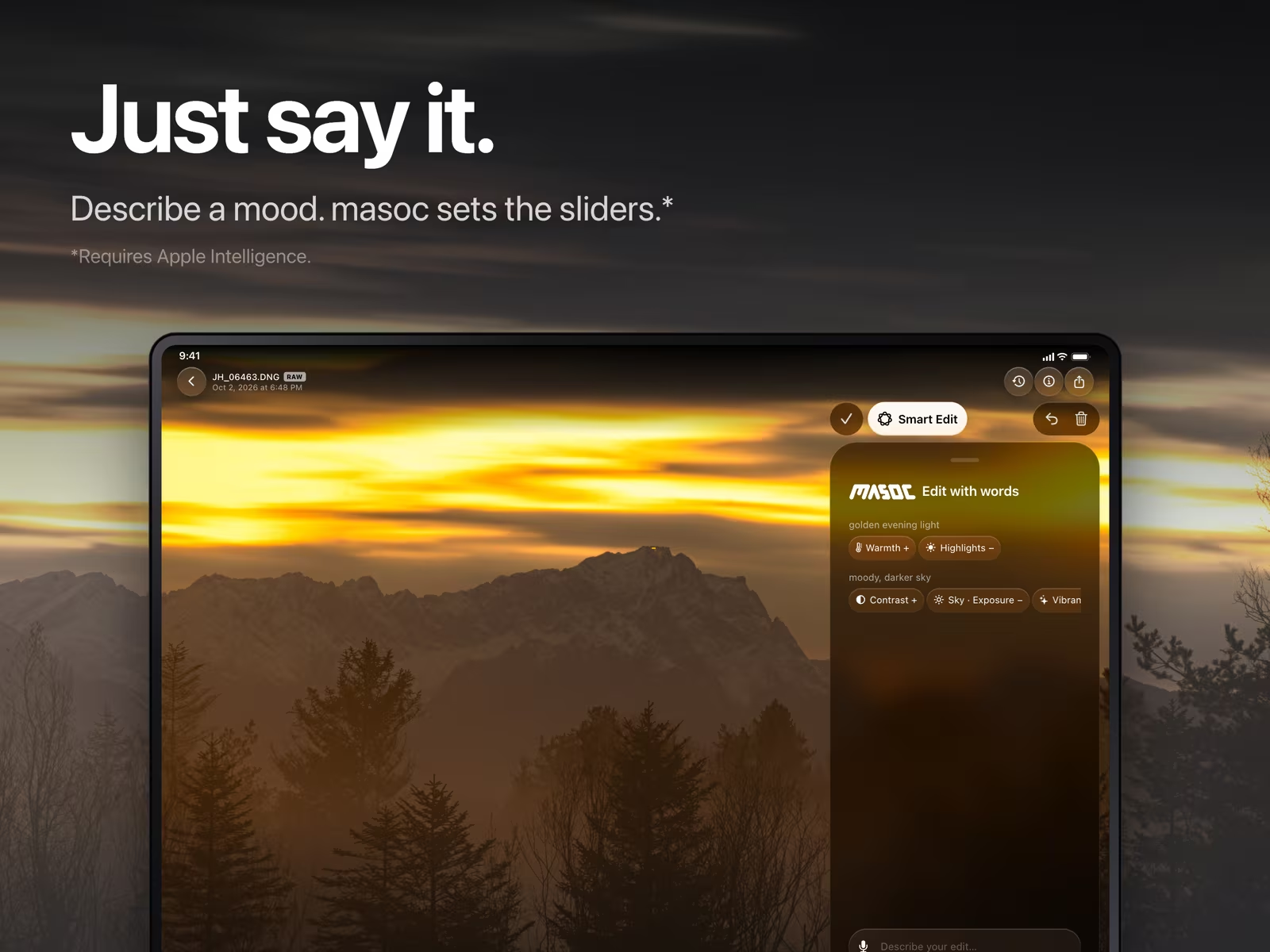
- Smart Edit. It uses Apple’s Foundation Models framework, the on-device model behind Apple Intelligence. The model fills in a typed plan, and masoc’s own code checks every value before it reaches a slider. Speech is transcribed on the device too. More about Smart Edit.
Why this matters for your photos: private by design.
At home in the system.
masoc uses what iPhone, iPad and Mac already do well.
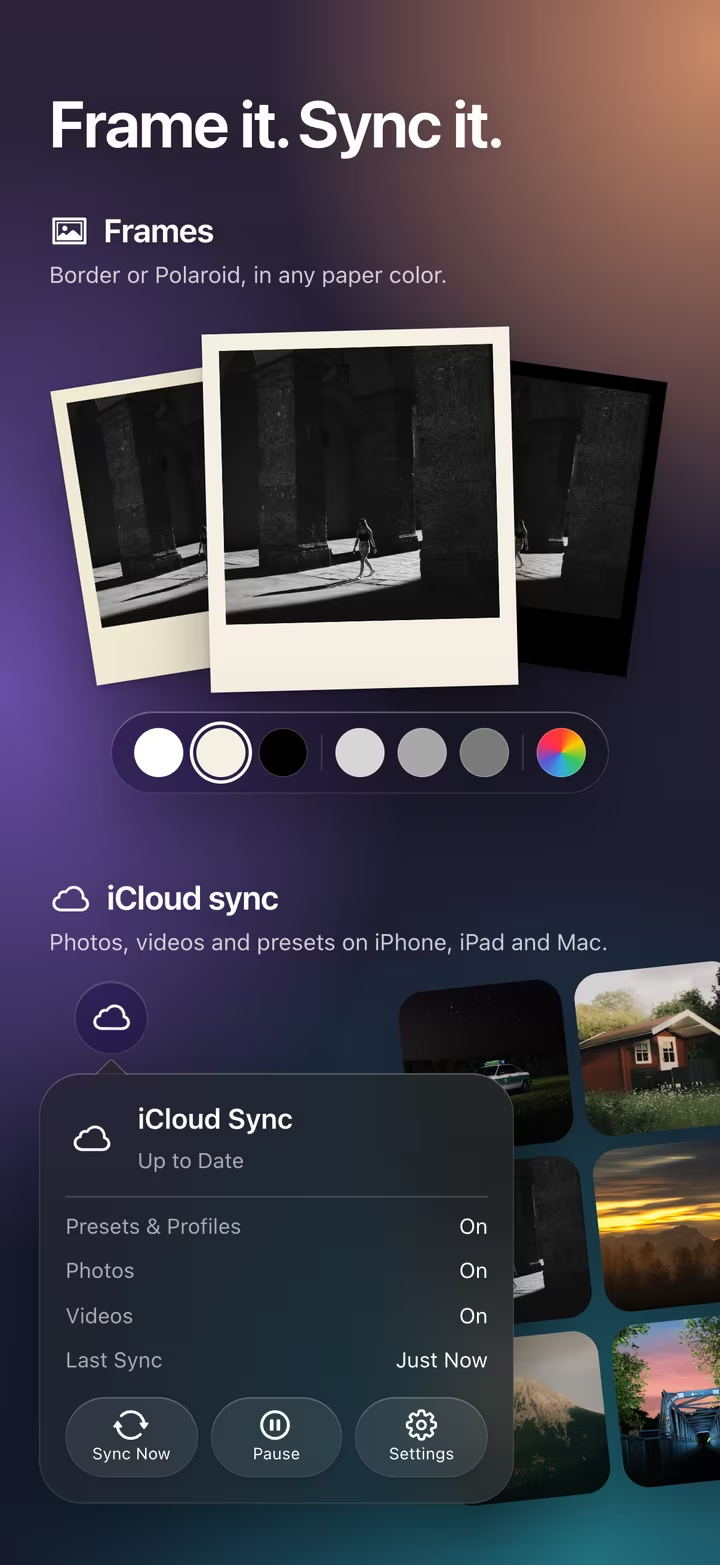
- iCloud sync. CloudKit’s CKSyncEngine moves photos, videos and presets through your private iCloud database. It stays off until you turn it on.
- Share and export. A Share extension drops photos, presets and LUTs into an App Group inbox for masoc. On iPhone, exports show their progress in a Live Activity, and where the device allows GPU work in the background, they keep running after you leave the app.
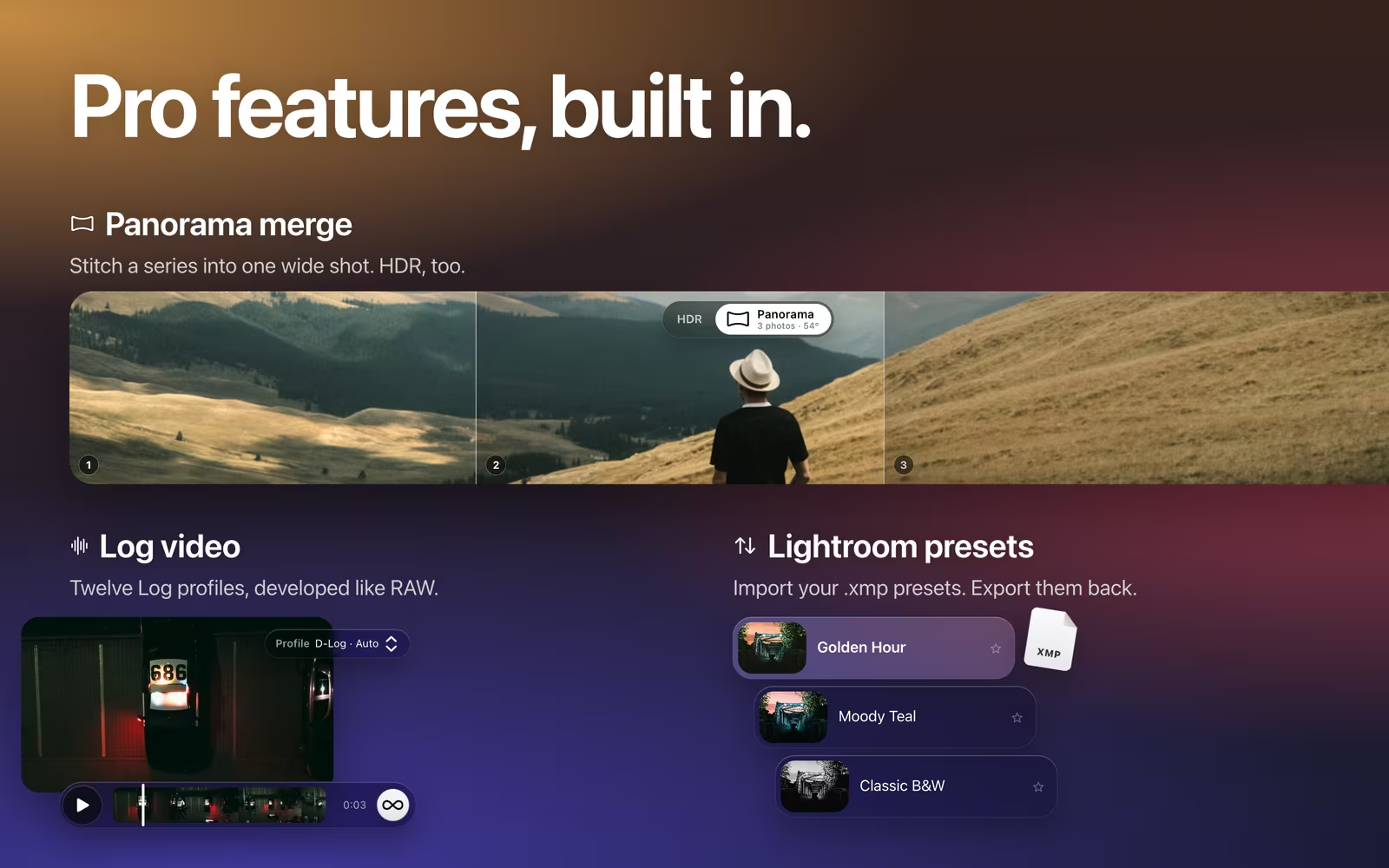
- Video. AVFoundation reads and writes the clips, as HEVC 10-bit or H.264. Twelve Log profiles are decoded by a Metal kernel and graded like RAW. More about Log video.
- Merges. HDR brackets are aligned with Vision and saved as half-float OpenEXR. For panoramas, OpenCV finds how the photos line up and where the seams go. Warping and blending run in masoc’s own Metal kernels.
Coming soon.
The beta has ended. The App Store is next.
masoc is being prepared for the App Store. Sign up for the newsletter, and you’ll hear first when it lands.
Questions
- Is masoc a native Mac app?
- Yes. masoc is built with SwiftUI for macOS, not ported with Mac Catalyst. It has its own menu bar, Settings window and keyboard shortcuts, and needs macOS 26 on a Mac with Apple silicon.
- Which frameworks does masoc use?
- Swift and SwiftUI, SwiftData for the library, Core Image with custom Metal kernels for rendering, Vision and Core ML for masks, depth and retouch, and Apple’s Foundation Models framework for Smart Edit.
- Does masoc need a server or an internet connection?
- No. Rendering and every AI model run on your iPhone, iPad or Mac, and masoc has no server of its own. iCloud sync through CloudKit is optional and stays off until you turn it on.
- Does masoc change my original photos?
- No. Your edits are saved as a separate, versioned edit stack, and the original file stays untouched. Undo any step, reset all edits, or export the original as it was.
Apple, iPhone, iPad, Mac, Swift, SwiftUI, Metal, Core ML, iCloud and Apple Intelligence are trademarks of Apple Inc. OpenCV is a trademark of its respective owner. masoc is not affiliated with them.