The app
Master of Colors.
masoc is a photo editor for iPhone, iPad and Mac, built from the ground up. Precise where it counts, simple everywhere else, and every tool runs on your device.
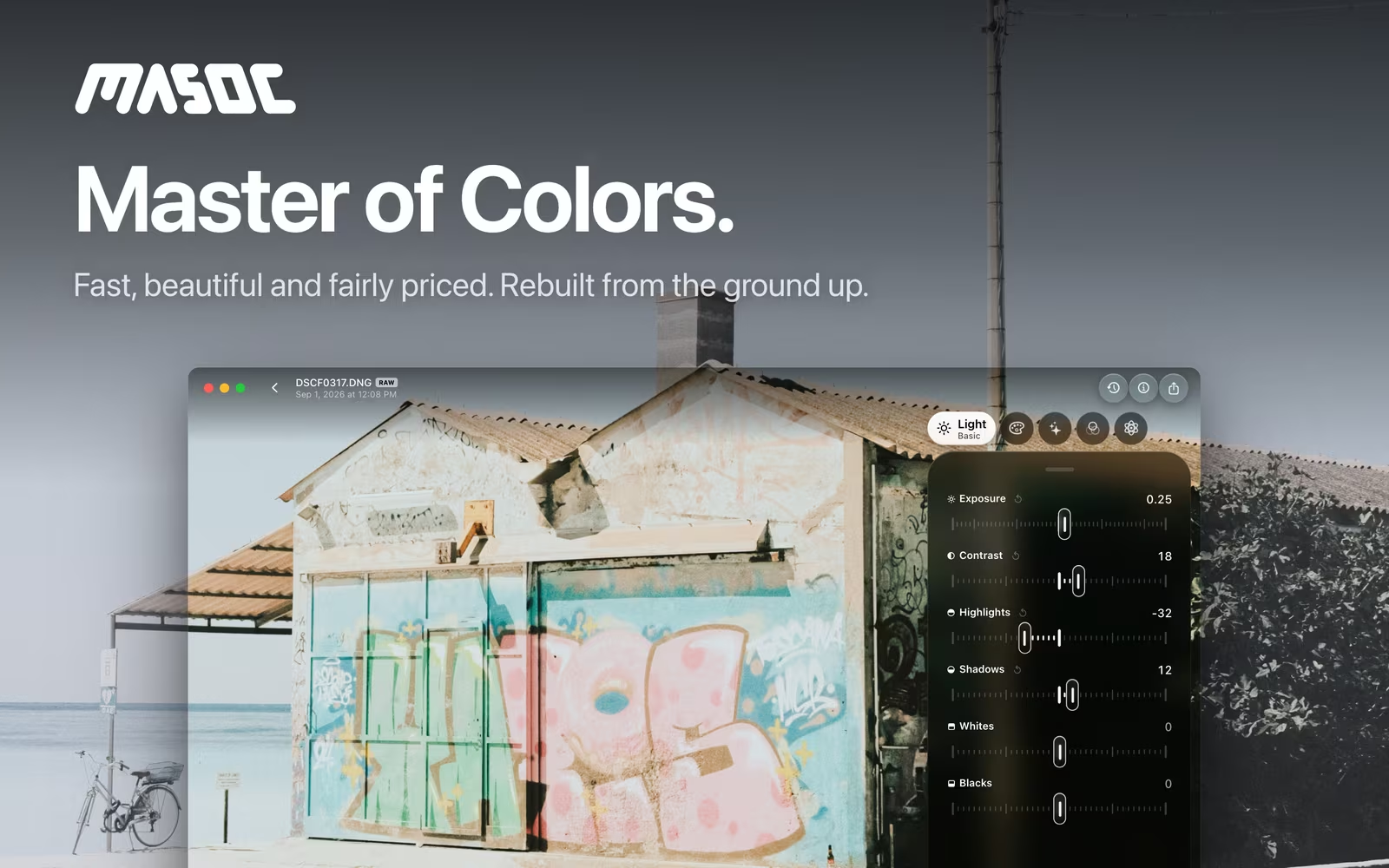
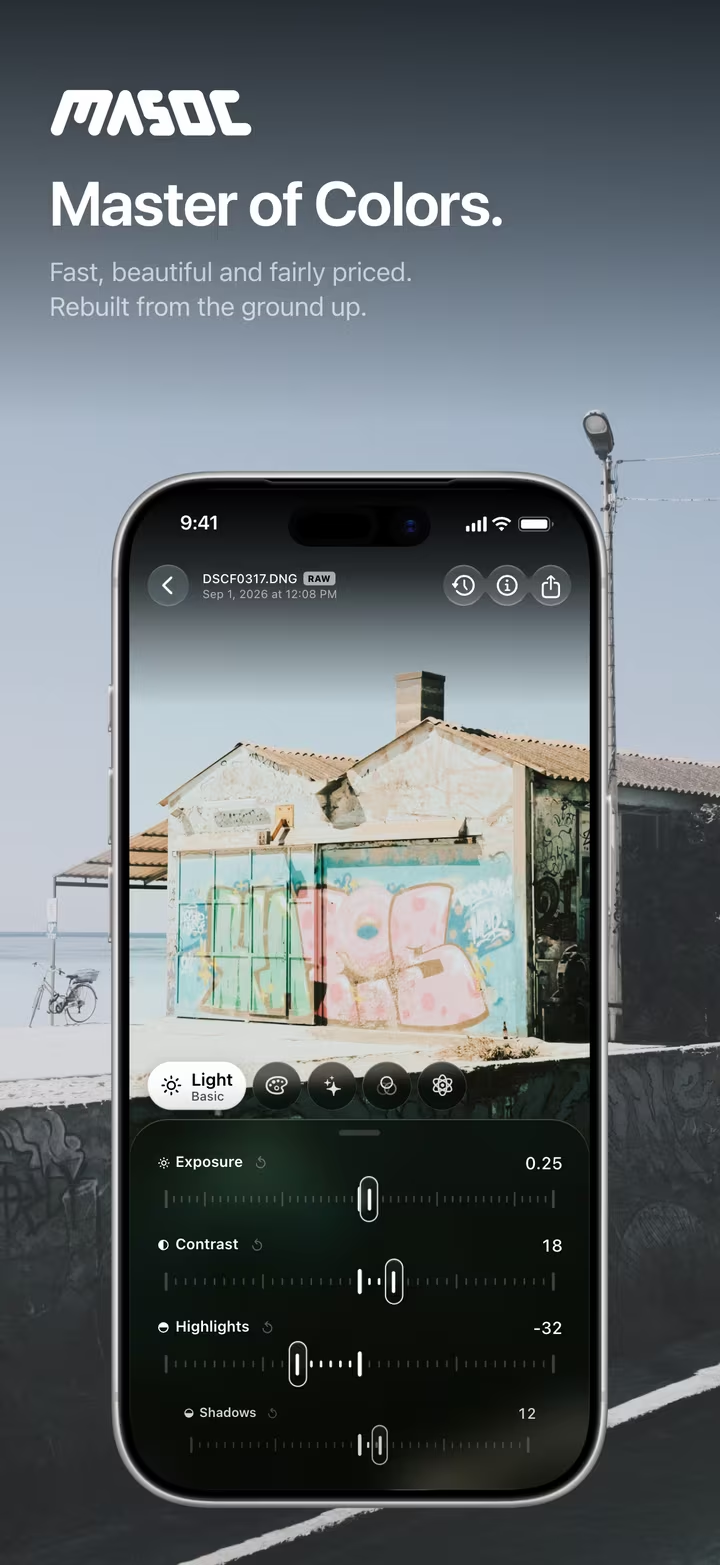
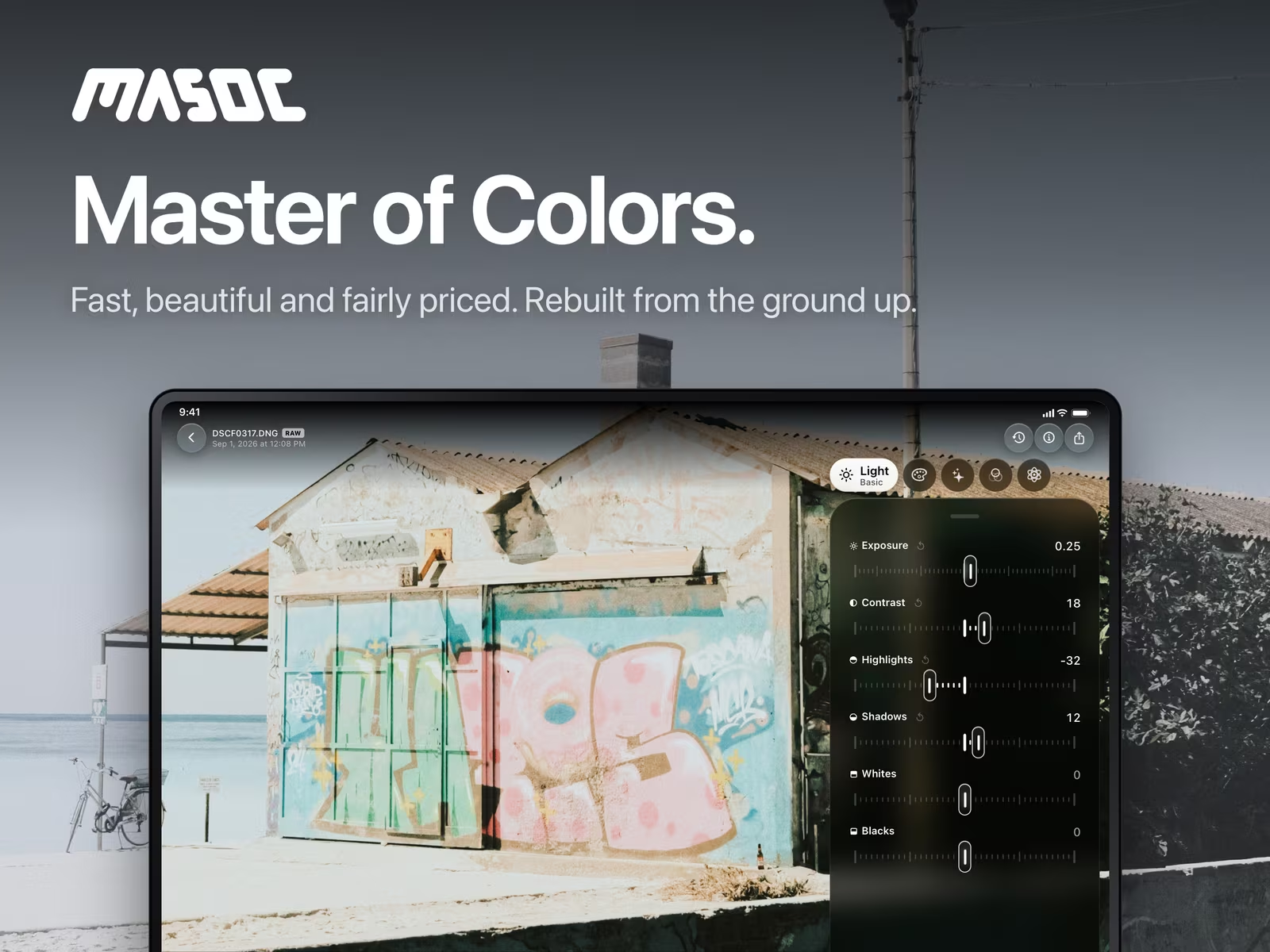
One app, every screen.
The same tools in the same places, on iPhone, iPad and Mac.
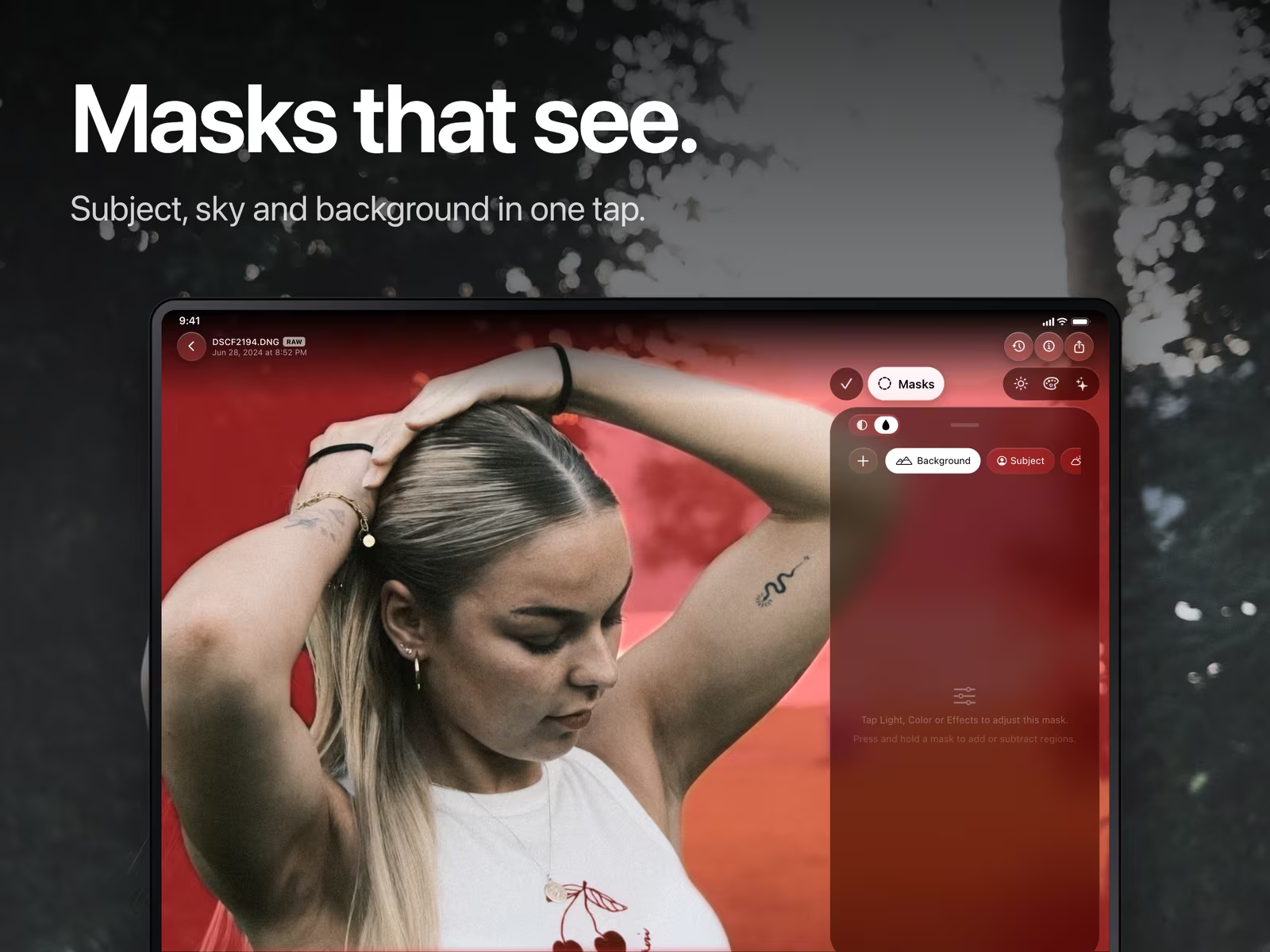
On iPhone the panel sits under the photo. On iPad and Mac it stands at the side, with a menu bar and keyboard shortcuts. Your photos, looks and presets come along through iCloud, if you want them to.
Just say it.
Describe a mood. masoc sets the sliders.
Type or say what you are after, like “warm sunset, softer shadows”. Smart Edit turns your words into slider values, and every one of them stays yours to change. It runs with Apple Intelligence on your device, so what you say stays there.
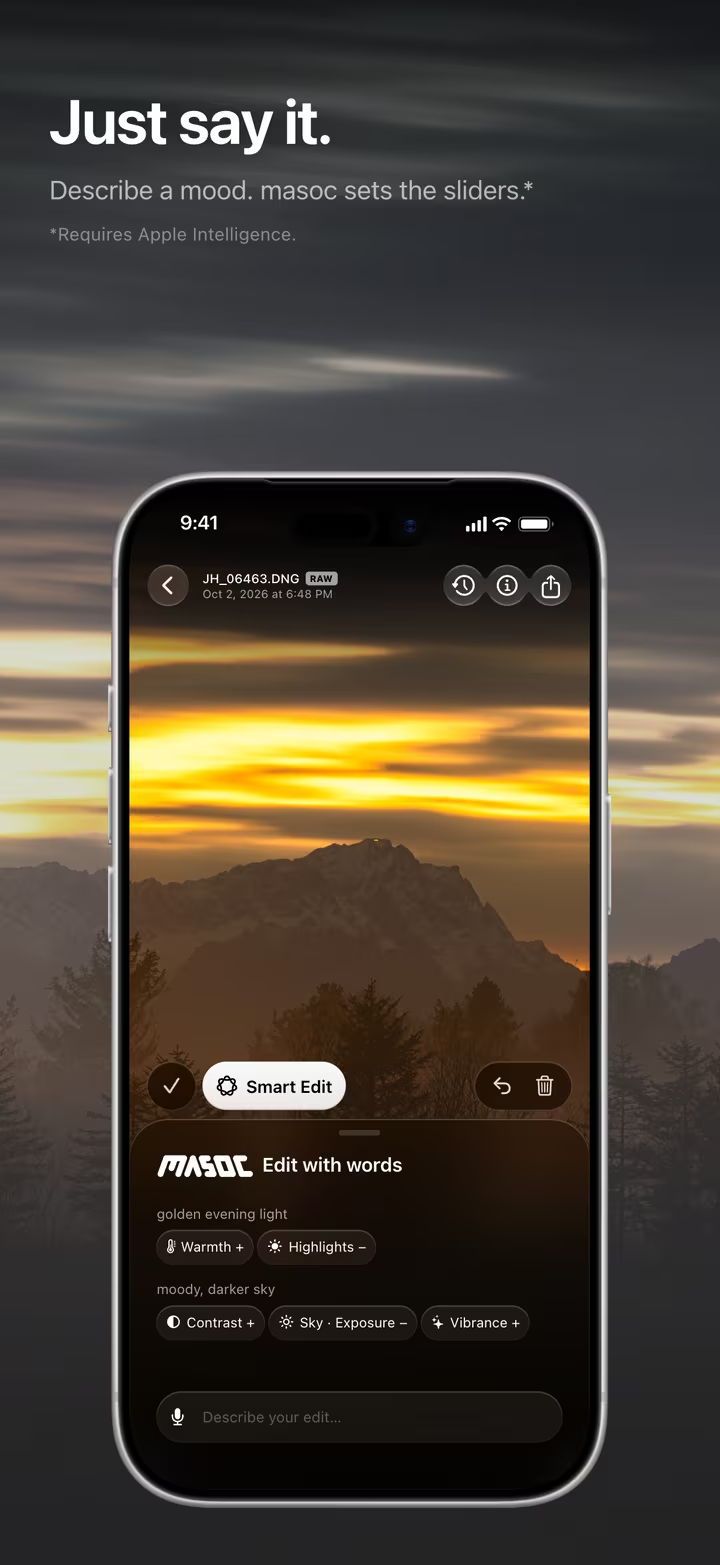
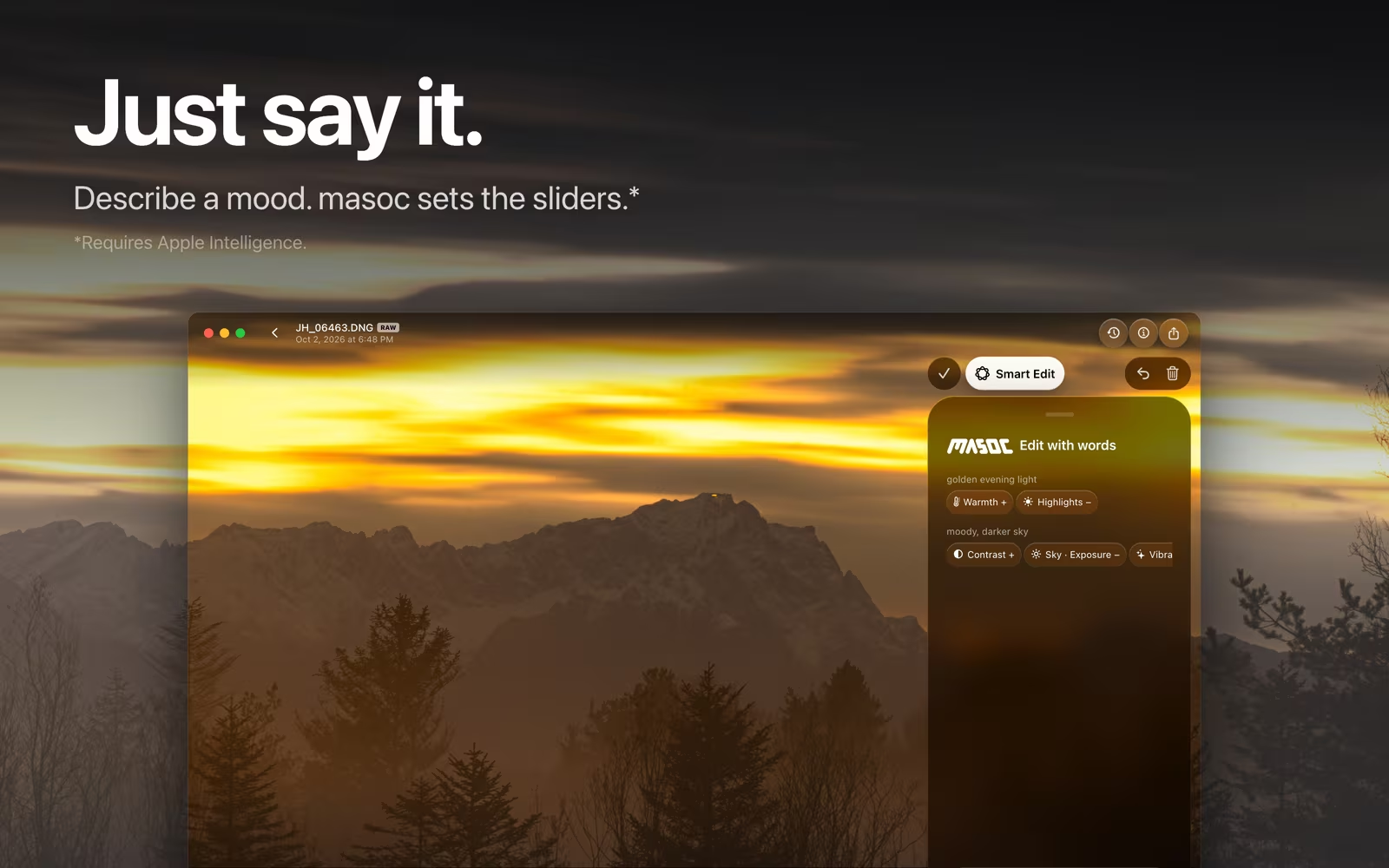
Smart Edit requires a device that supports Apple Intelligence.
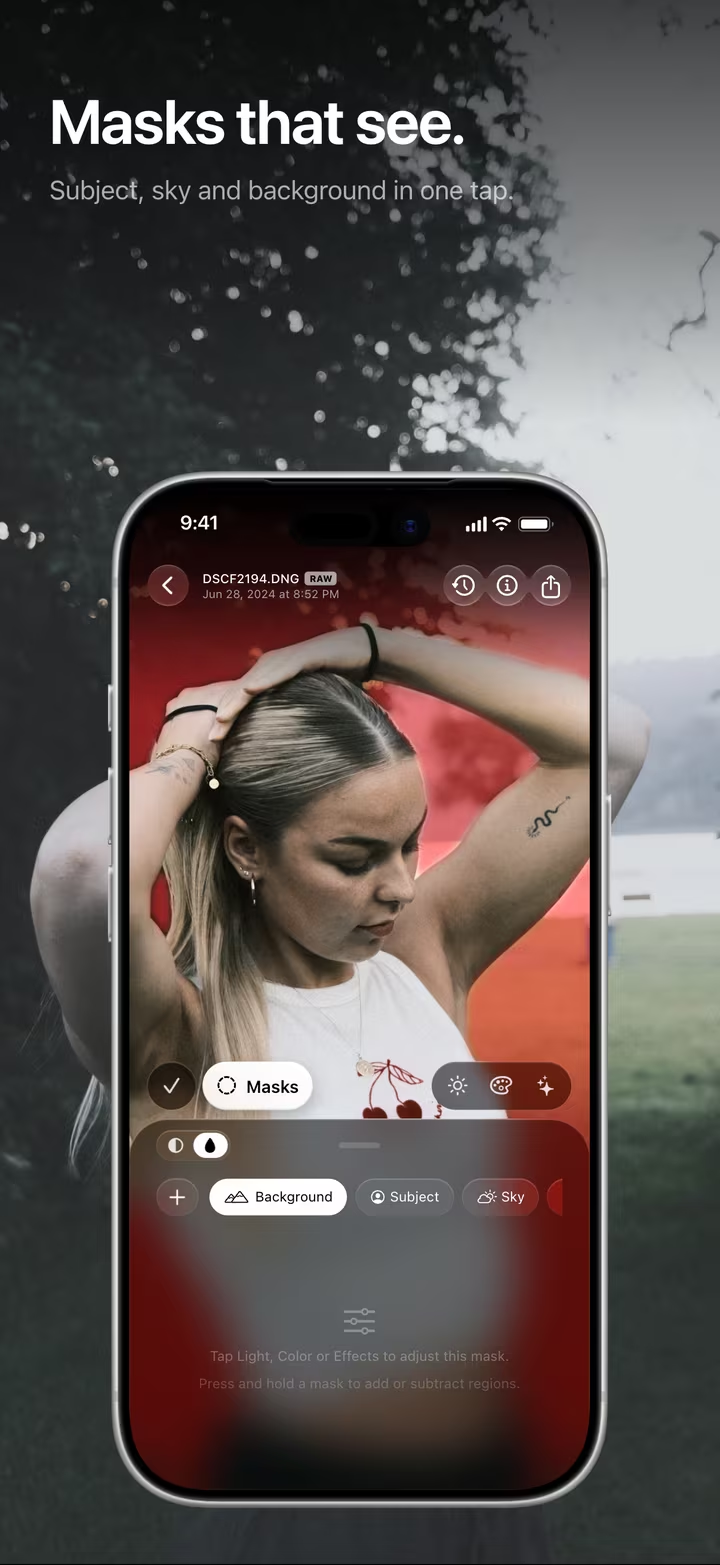
Masks that see.
Subject, sky and background in one tap.
masoc finds the subject, the sky and the background on its own. Add linear, radial and brush masks, combine and invert them, and change light, color and effects inside each one.
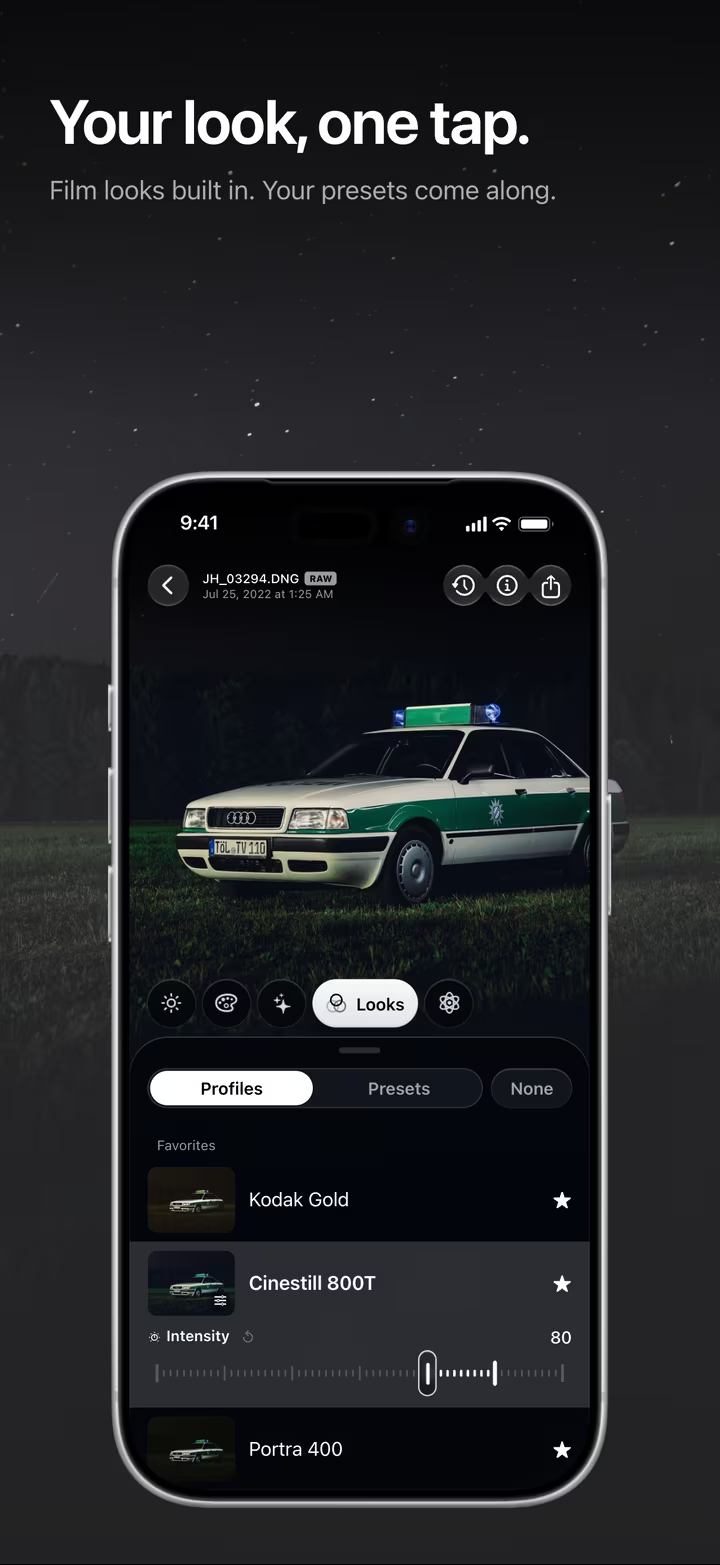
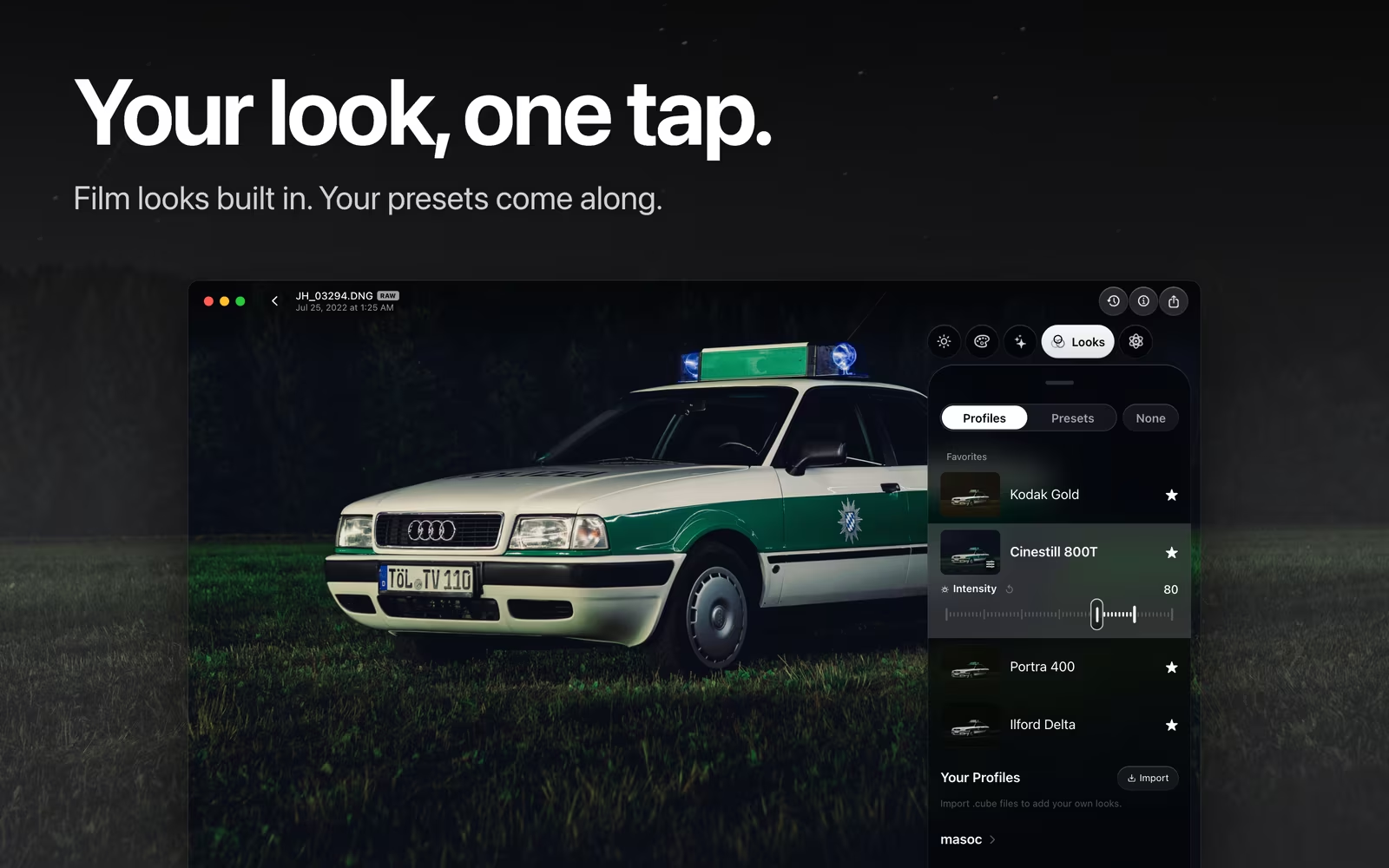
Your look, one tap.
Film looks built in. Your presets come along.
22 looks, among them film simulations from Fujifilm, Kodak and Ilford, each with an intensity from 0 to 120 percent. Import your own .cube LUTs and Lightroom presets, and save any edit as a preset of your own. More about film looks.
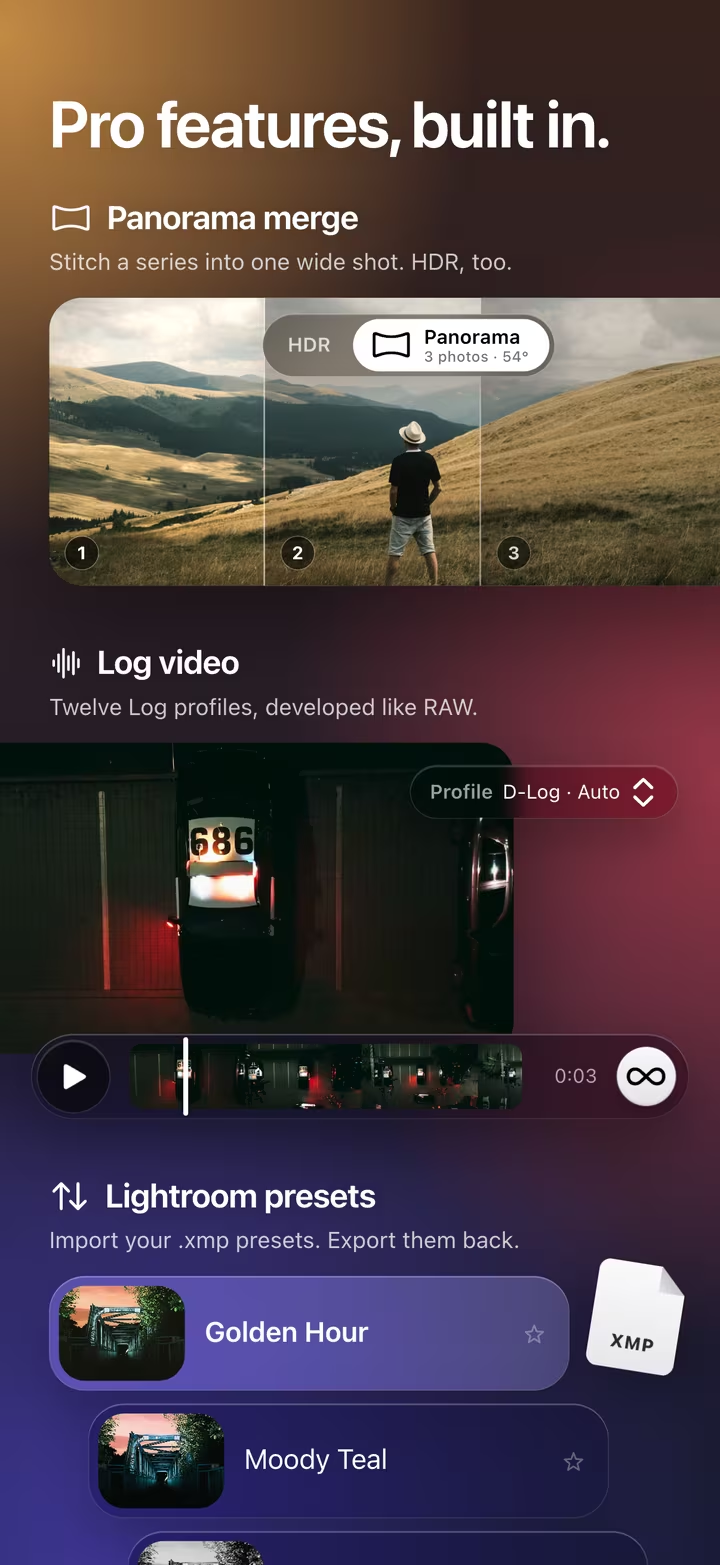
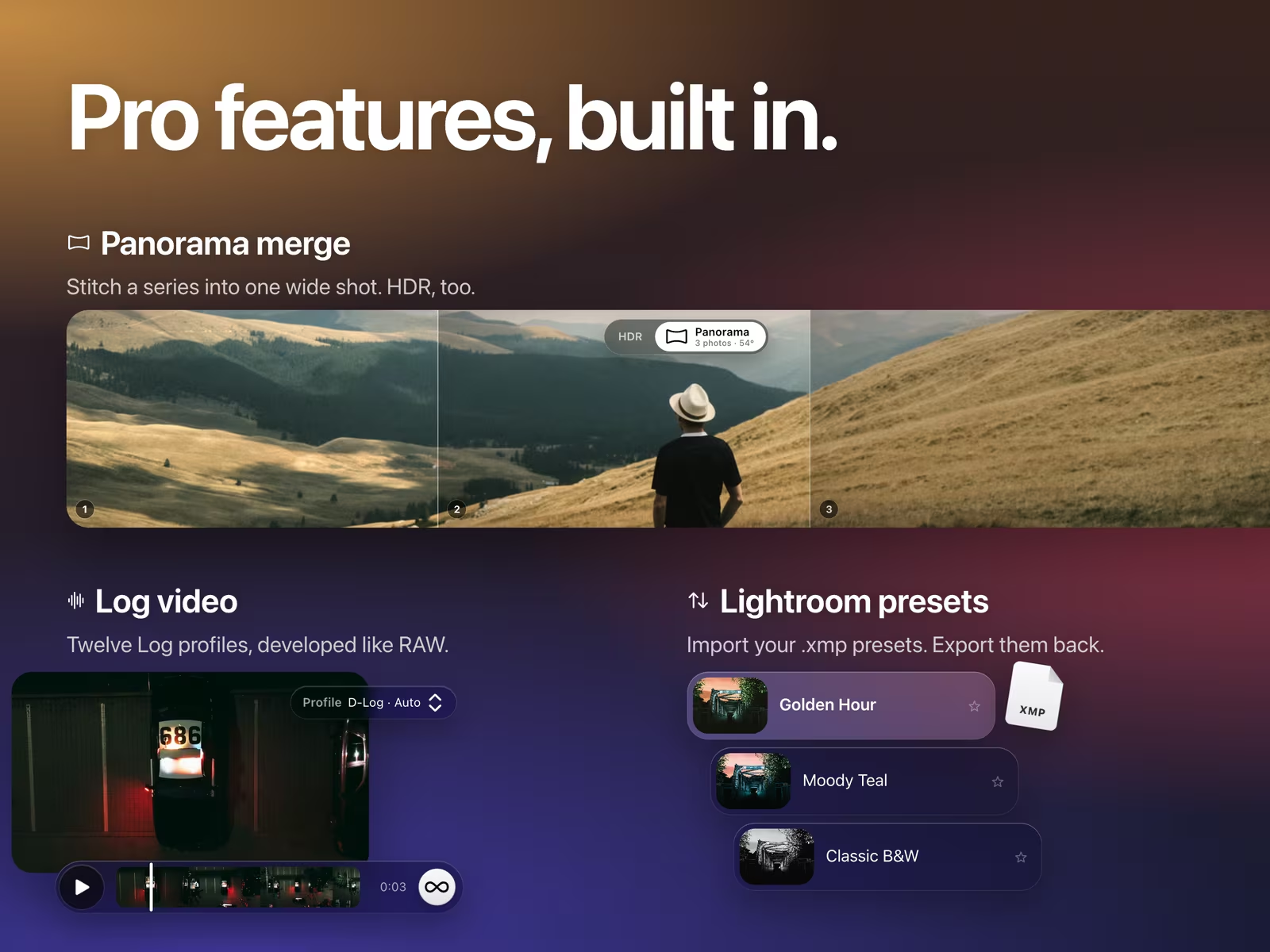
Pro features, built in.
For the shots that need a little more.
- Panorama and HDR merge. Stitch a series into one wide shot, or merge a bracket into one HDR photo.
- Log video. Twelve Log profiles, developed like RAW, with looks and grading on top.
- Lightroom presets. Import your .xmp presets, and export your masoc presets back. More about switching from Lightroom.
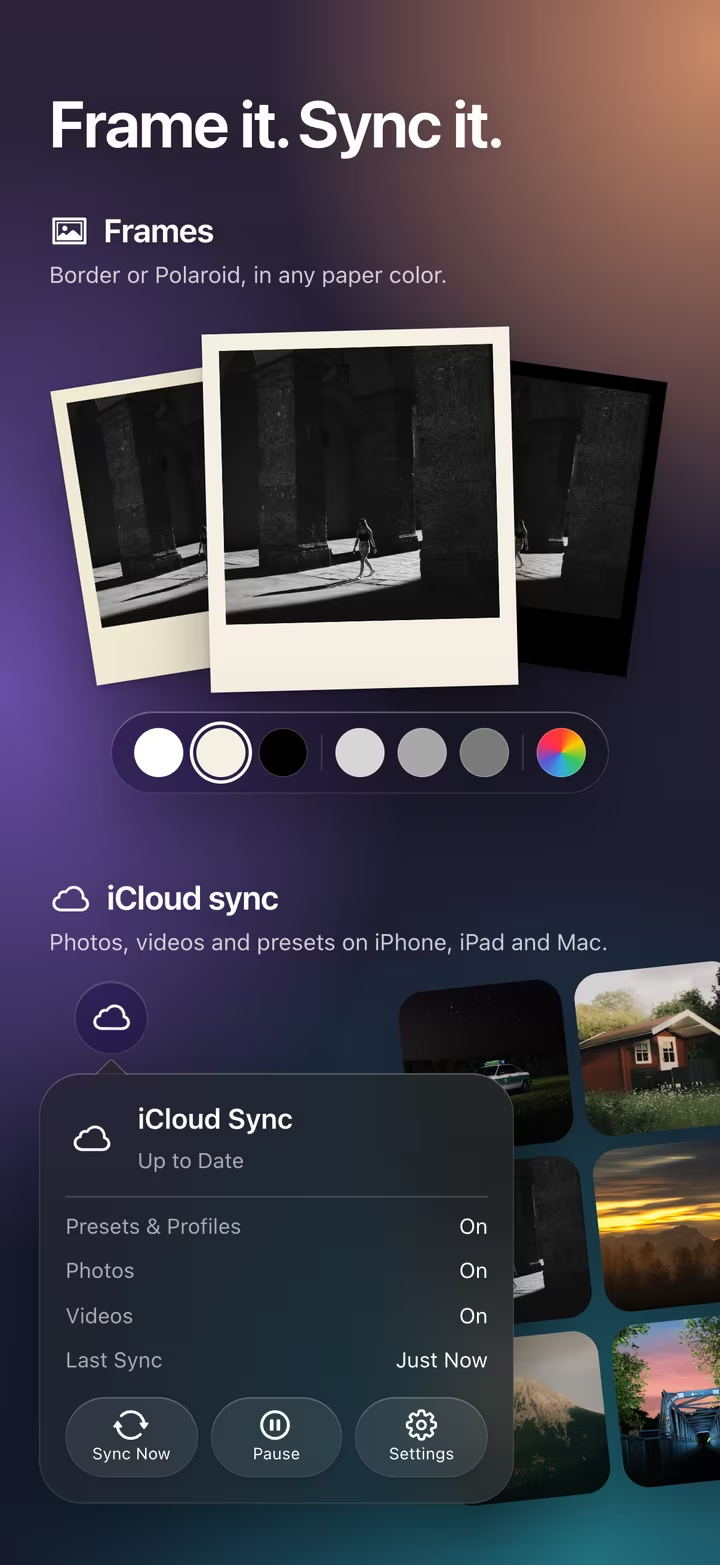
Frame it. Sync it.
Finish the photo, then take it everywhere.
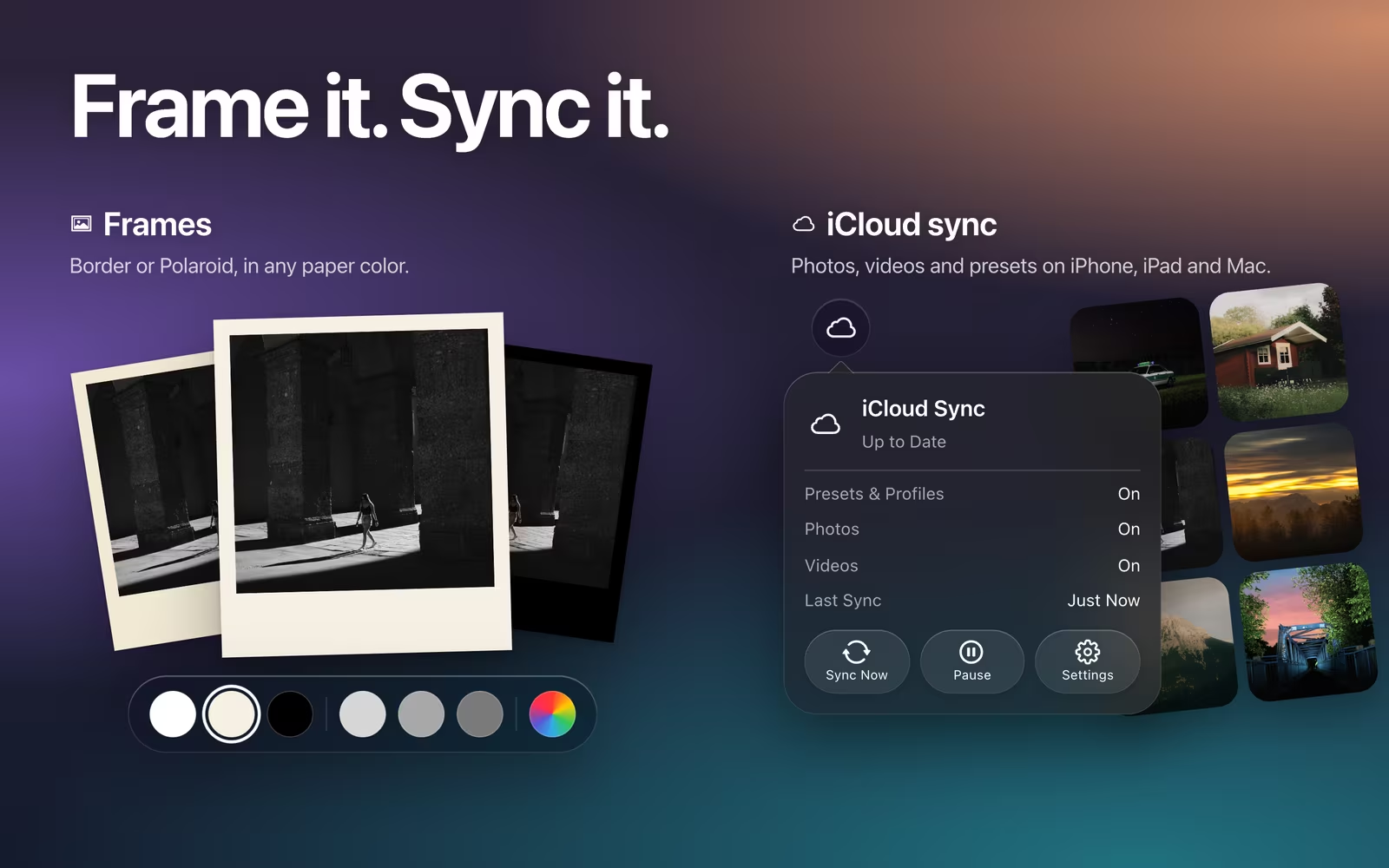
Add a border or a Polaroid frame in any paper color. iCloud sync keeps photos, videos and presets in step on your iPhone, iPad and Mac, in your own private iCloud. It stays off until you turn it on.
Every value, yours.
Precision sliders, built from the ground up.
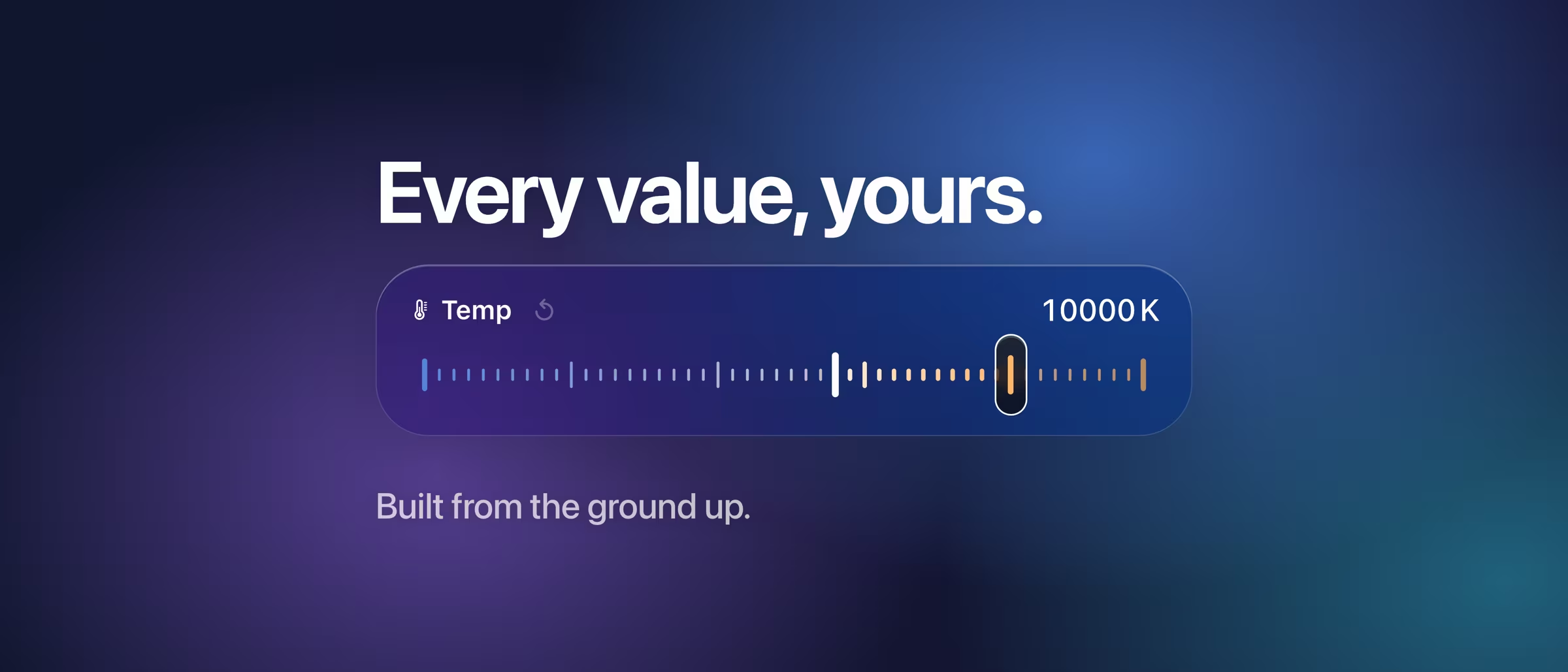
Every slider shows its real value: exposure up to ±5 EV, white balance in true Kelvin on RAW, a tone curve with free points on every channel and an HSL mixer in eight bands. Compare with the original at any time, and undo whatever you like.
Coming soon.
The beta has ended. The App Store is next.
masoc is being prepared for the App Store. Sign up for the newsletter, and you’ll hear first when it lands.
Questions
- Which devices does masoc run on?
- iPhone, iPad and Mac, as one native app with the same tools on each. It needs iOS 26, iPadOS 26 or macOS 26 or later, and a Mac with Apple silicon.
- Does masoc edit RAW photos?
- Yes. RAW from Sony, Canon, Nikon, Fujifilm and other cameras, Apple ProRAW, JPEG and HEIC. On RAW, white balance works in true Kelvin values.
- Do my edits sync between devices?
- If you want them to. iCloud sync is off until you turn it on. Then photos, videos, edits and presets move through your own private iCloud.
- When can I get masoc?
- Soon. The public beta has ended, and masoc is being prepared for the App Store. Sign up for the newsletter to hear first when it lands.
Fujifilm, Kodak, Ilford and Adobe Lightroom are trademarks of their respective owners. masoc is not affiliated with them.