Log video
Log video, developed like RAW.
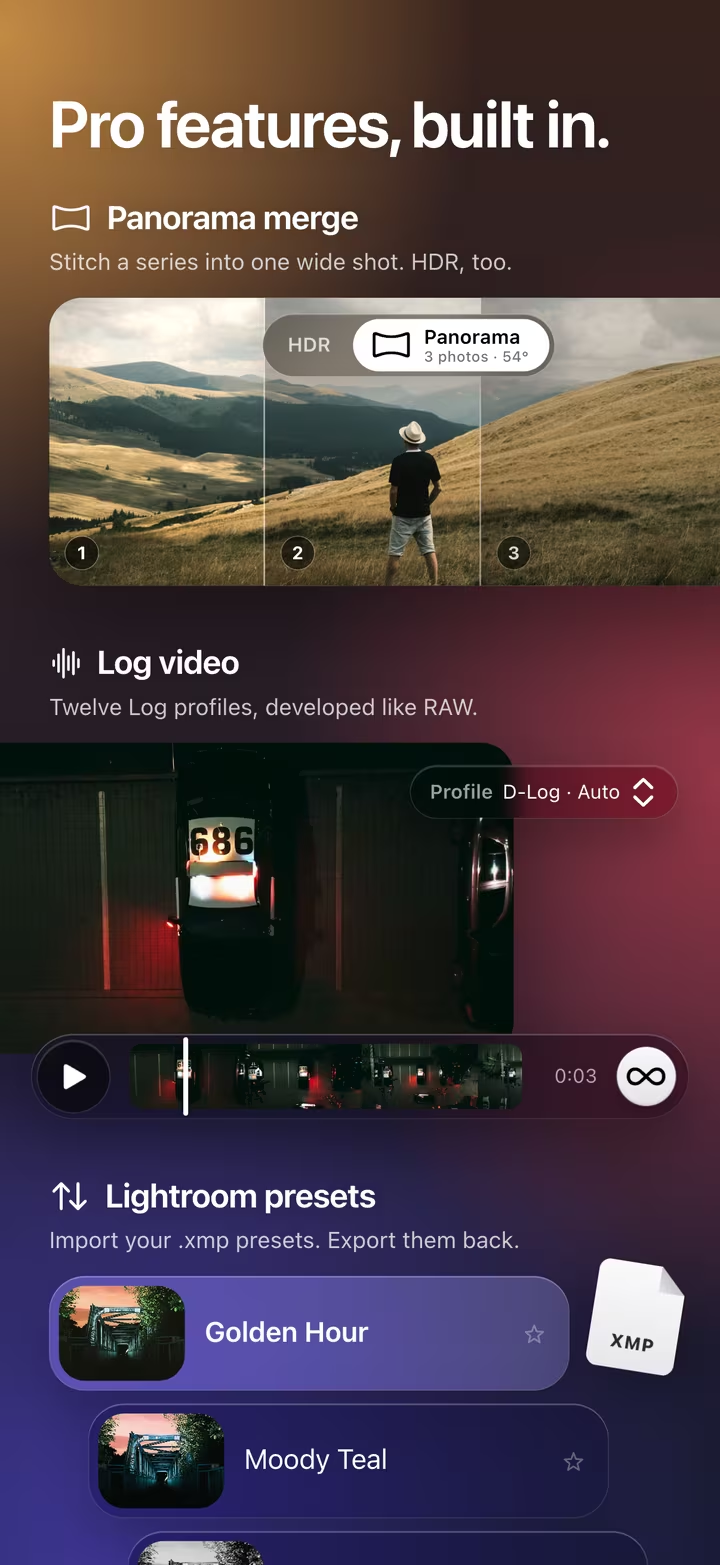
masoc color grades Log footage on iPhone, iPad and Mac. It develops twelve camera Log profiles like RAW files, and the light, color and look tools you know from photos take it from there.
Twelve Log profiles.
From iPhone to cinema cameras, each with its own curve and color gamut.
- Apple
- Apple Log, Apple Log 2
- Sony
- S-Log3 · S-Gamut3.Cine, S-Log3 · S-Gamut3
- Fujifilm
- F-Log, F-Log2, F-Log2 C
- Panasonic
- V-Log
- Canon
- Canon Log 3
- Nikon
- N-Log
- DJI
- D-Log
- ARRI
- ARRI LogC4
masoc reads the profile from the file wherever the camera writes it down: Apple Log, Sony S-Log3 and DJI D-Log. For other cameras, pick it once in the Profile menu. When the file names the camera, masoc remembers your choice for its next clips.
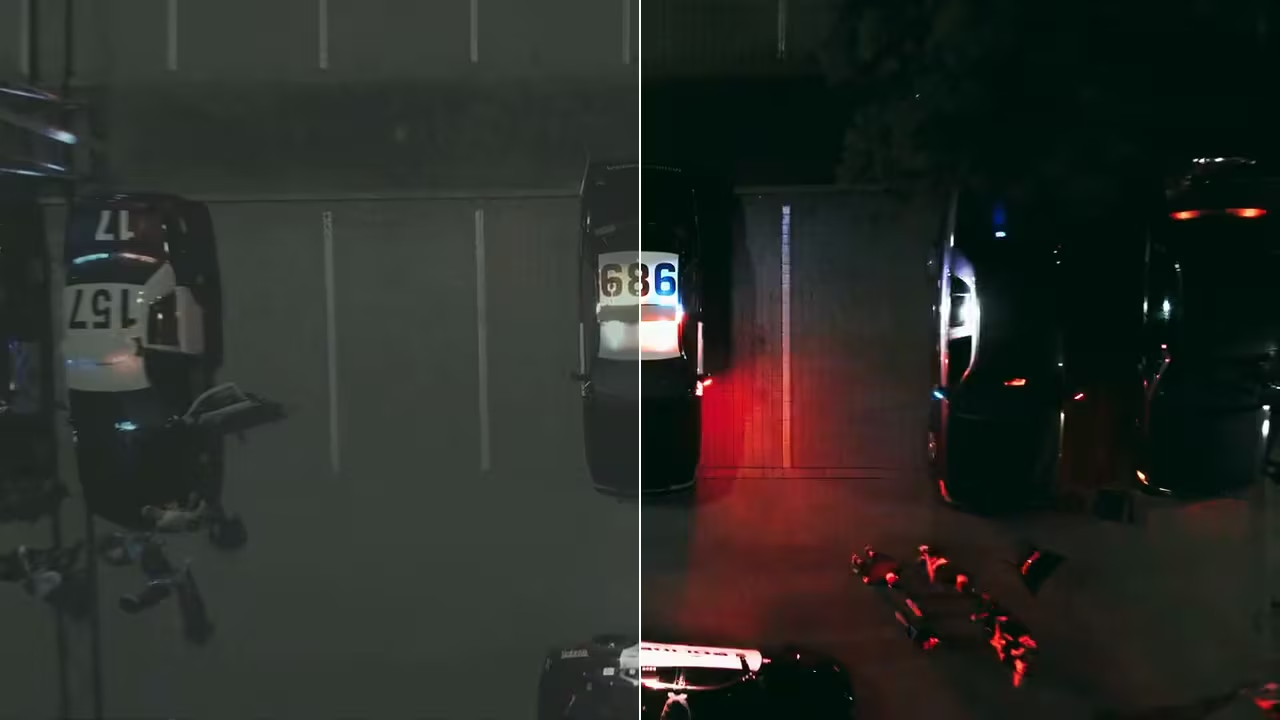
Choose Standard to see a clip flat, just as it was recorded. In the library, Log clips carry a LOG badge.
Developed like RAW.
The flat look of Log is room to work in. masoc uses all of it.
A Log profile turns the flat code values back into scene light, in masoc’s Display P3 working space. Exposure and white balance act right there, in linear light, where a stop is a stop and the highlights still hold their detail. Only then is the clip shaped for the screen.
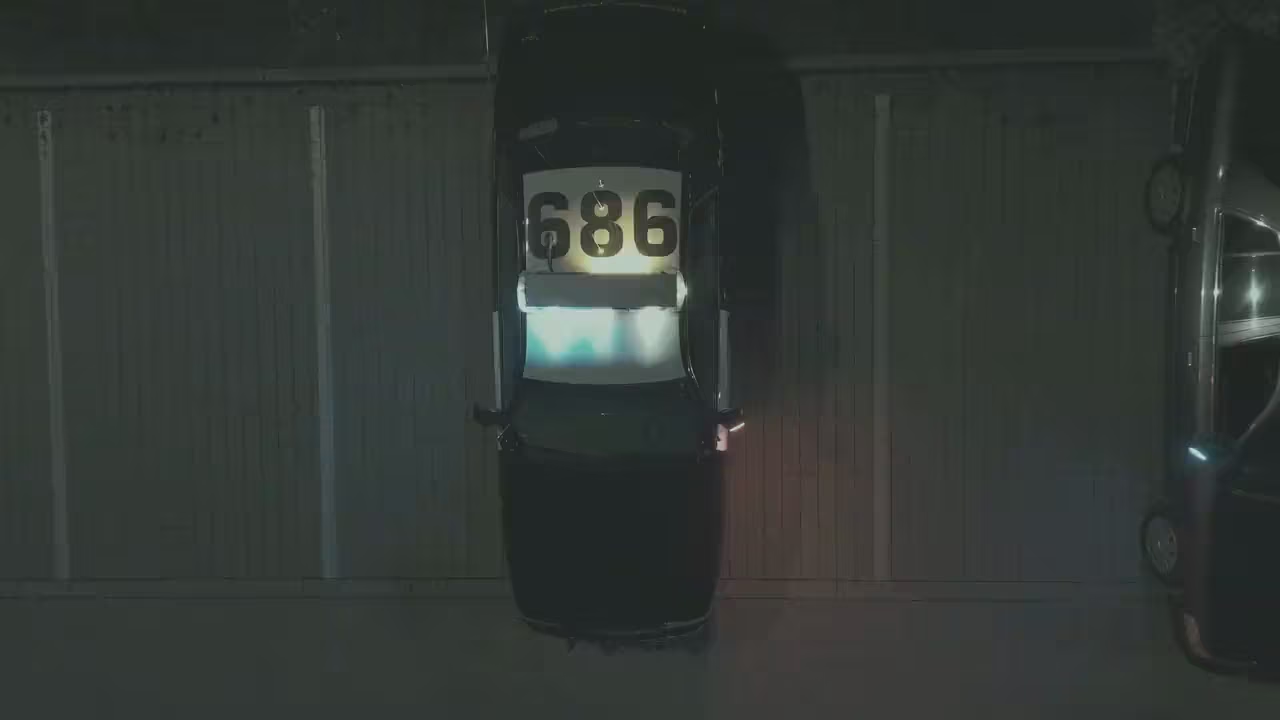
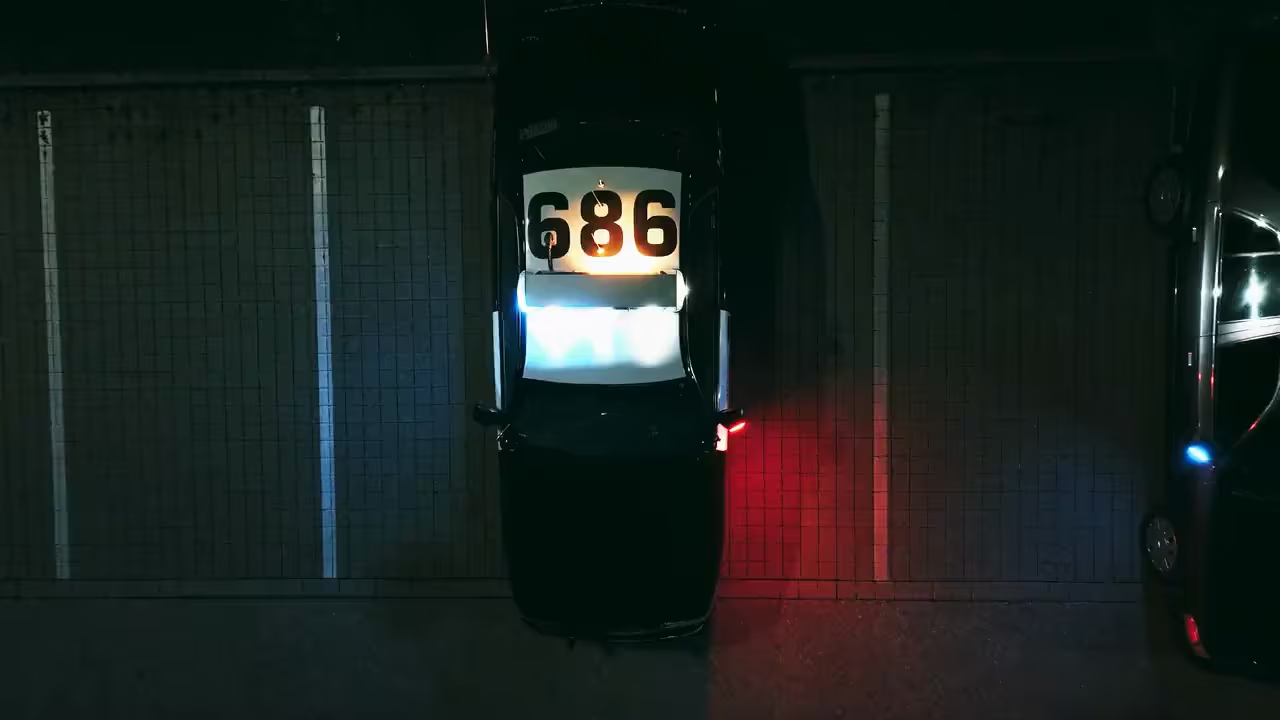
Every color tool, on every frame.
The grading tools of the photo editor, live while the clip plays.
Light with exposure and a tone curve with free points on every channel. Color with white balance, the HSL color mixer, color grading and calibration. The grade runs on every frame as the clip plays. Press and hold the clip to compare it with the original.
Found the grade? Copy it from one clip and paste it onto the next.
Looks and LUTs on video.
Film looks, your .cube LUTs and your presets work on clips too.
The built-in film looks work on video, with the same intensity slider as on photos. Import a .cube LUT, and it is ready for every clip. On Log footage, masoc develops the profile first, and the look goes on after. More about film looks.
A preset brings its light, color and look to a clip. Masks and effects in a preset stay with photos. Save a grade you like as a look of your own, right from the export sheet.
Crop for every screen.
Frame a clip for a phone, a feed or the cinema.
Pick Free, Original, 9:16, 4:5, 1:1, 16:9 or 2.39:1. Turn the clip in quarter steps, flip it, or straighten it by up to 45 degrees either way. A look saved from a clip keeps the grade, never the crop.
Export, then keep editing.
HEVC or H.264, from 720p to 4K.
- Codec. HEVC in 10-bit for the smallest files, or H.264 in 8-bit to play everywhere. Both leave as SDR in Rec. 709.
- Size. Original, 4K, 1080p or 720p, never larger than the clip.
- Frame rate. The clip’s own, or 60, 50, 30, 25 or 24 fps, never above it.
- Sound and metadata. Sound is copied across untouched. Location, camera and date go along if you want them to.
The export sheet closes right away. A progress pill shows how far along it is and the time left while you keep editing, and on iPhone a Live Activity follows along on the Lock Screen. Save to Photos or Files, or share the clip. On iPhone and iPad a clip renders while masoc is open and starts again once you return.

Coming soon.
The beta has ended. The App Store is next.
masoc is being prepared for the App Store. Sign up for the newsletter, and you’ll hear first when it lands.
Questions
- Which Log profiles does masoc support?
- Twelve: Apple Log, Apple Log 2, S-Log3 with S-Gamut3.Cine or S-Gamut3, F-Log, F-Log2, F-Log2 C, V-Log, Canon Log 3, N-Log, D-Log and ARRI LogC4.
- Does masoc detect Log footage on its own?
- Yes, where the camera writes it into the file: Apple Log, Sony S-Log3 and DJI D-Log. For other cameras, pick the profile once. When the file names the camera, masoc remembers it for its next clips.
- Do film looks and LUTs work on Log video?
- Yes. masoc develops the Log profile first, then a built-in look or your own .cube LUT goes on top, with the same intensity slider as on photos.
- Which formats does masoc export video in?
- QuickTime movies in HEVC 10-bit or H.264 8-bit, at the original size, 4K, 1080p or 720p, and at the clip’s own frame rate or 60, 50, 30, 25 or 24 fps. Sound is copied across untouched.
Apple, Sony, Fujifilm, Panasonic, Canon, Nikon, DJI, ARRI and the names of their Log profiles are trademarks of their respective owners. masoc is not affiliated with them.