Film simulations
Film simulations, right now.
Fujifilm recipes, grain controls on the iPhone, halation on purpose. Where the film look stands in 2026, and how to use the 22 looks that masoc and IIWII share.
From film stock to firmware.
Film simulations began at Fujifilm. Fans turned them into recipes.
Fujifilm introduced its film simulations in 2004, built on the film it had made since 1934. Its overview lists 20 today, filter variants included. The newest, Reala Ace, is based on Fujifilm’s color negative film. It arrived with the GFX100 II in 2023 and reached the X series with the X100VI in 2024.
Fans took it further. Fuji X Weekly, run by Ritchie Roesch, shares recipes: camera settings that push a simulation toward a film stock. Its free app holds over 100 of them. In the site’s ranking for 2025, most of the top recipes start from Classic Chrome, led by Reggie’s Portra and Kodachrome 64. Fujifilm uses the word now too: on the X-E5, you can save your own “FS recipes”.
Sources: Fujifilm’s film simulation overview, its press releases on the GFX100 II (September 12, 2023) and the X100VI (February 20, 2024), the Fuji X Weekly app, Fuji X Weekly’s most popular recipes of 2025 (December 15, 2025) and the X-E5 page, checked in October 2026.
Small cameras, big demand.
The film look sells cameras, new and old.
The X100VI has been on backorder ever since it launched early in 2024, DPReview reported in April 2025. The X half, launched by Fujifilm in 2025, added filters called Light Leak, Halation and Expired Film, plus a Film Camera Mode with 36, 54 or 72 shots, like a roll of film. Older cameras are back too: Canon told NPR that sales of its PowerShot point-and-shoot jumped nearly sevenfold from 2022 to 2025.
Real film costs more, too. Kosmo Foto reported price rises of around 8 percent for Kodak Gold, ColorPlus and UltraMax from January 2025.
Sources: DPReview (April 21, 2025), Fujifilm (May 22, 2025), NPR (July 15, 2026) and Kosmo Foto (November 29, 2024), checked in October 2026.
Phones, halation and Log.
The film look moved into phones and video.
With iPhone 16 Pro, Apple’s Photographic Styles became something you can apply after a photo is taken, or even reverse later. iPhone 18 Pro adds texture and grain controls.
Halation is wanted now: the X half even has a filter for it. The look comes from film like CineStill 800T. CineStill makes its color films without an anti-halation layer, which gives overexposed areas a signature red glow.
Video went the same way. iPhone 15 Pro introduced Log encoding in 2023, and iPhone 17 Pro added Apple Log 2 in 2025. Log footage looks flat on purpose, and a LUT is one common way to give it a look.
Sources: Apple Newsroom on iPhone 16 Pro (September 9, 2024), iPhone 18 Pro (September 9, 2026), iPhone 15 Pro (September 12, 2023) and iPhone 17 Pro (September 9, 2025), and CineStill’s FAQ, checked in October 2026.
22 looks, one photo.
The built-in looks of masoc, on a photo taken with an iPhone 12 Pro Max.
Fujifilm

Provia 
Astia 
Classic Chrome 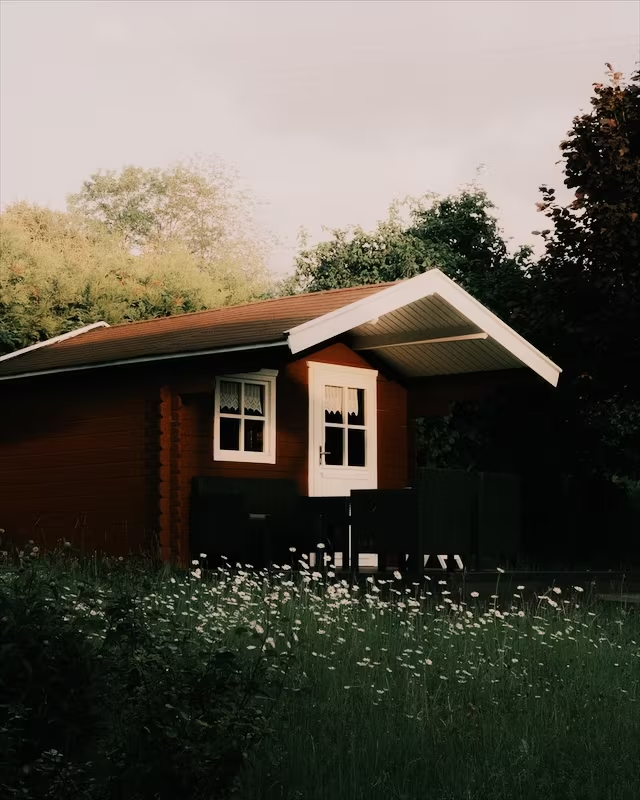
Classic Neg 
Reala Ace 
Eterna 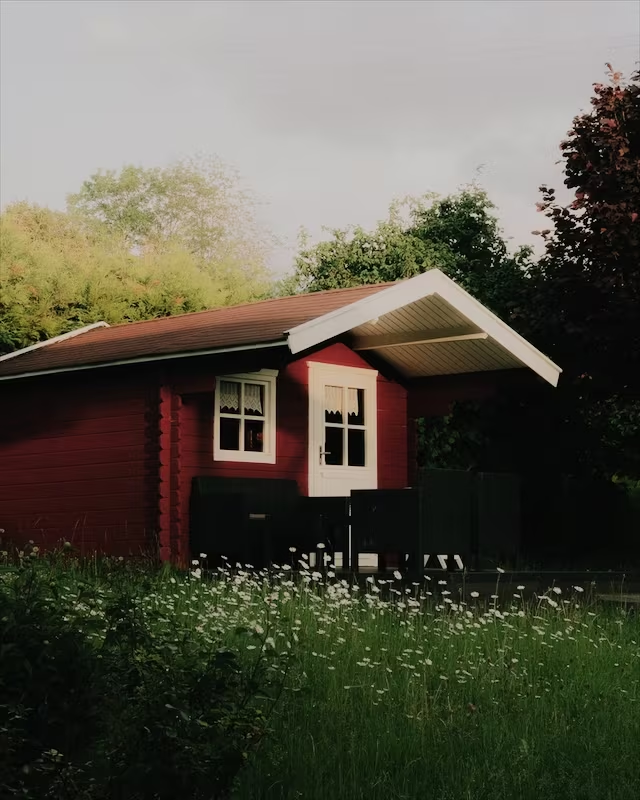
Pro Neg Std 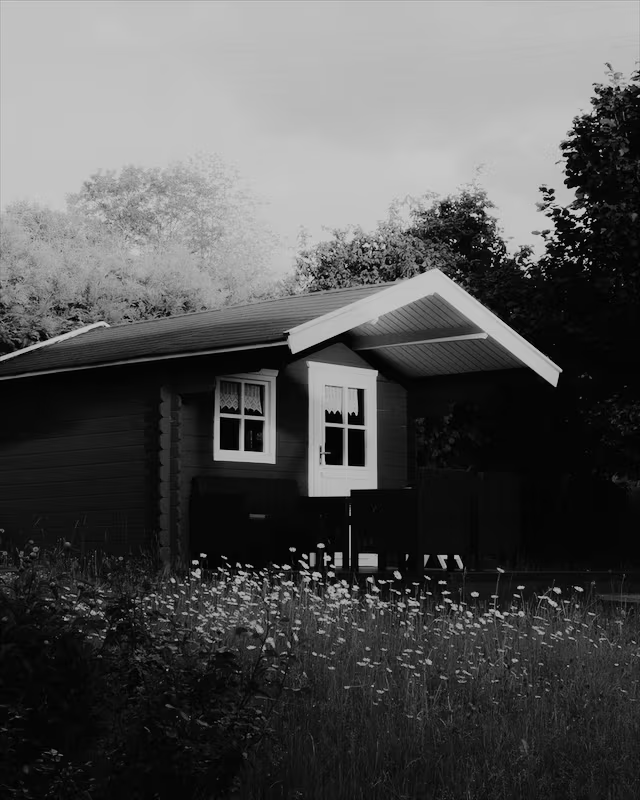
Acros
Film

Portra 400 
Kodak Gold 
CineStill 800T 
Polaroid
Black and white
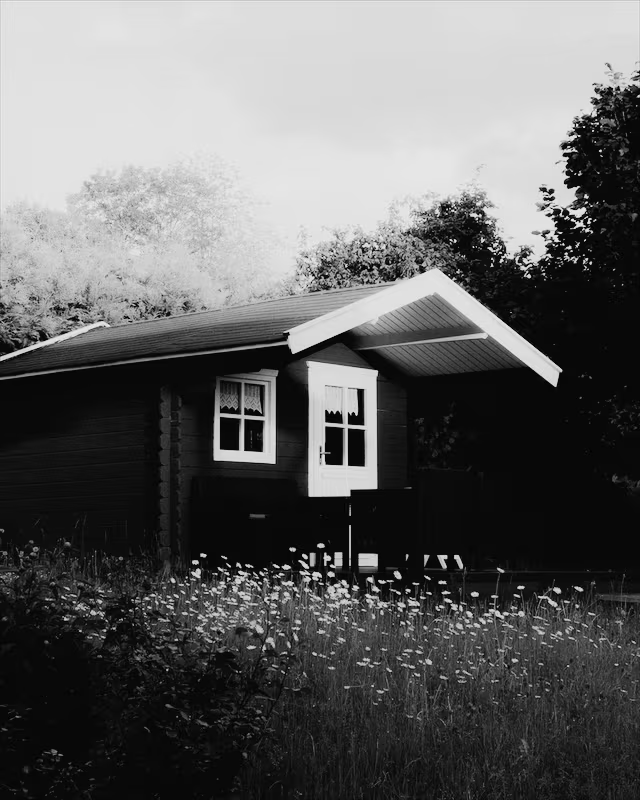
Ilford Delta 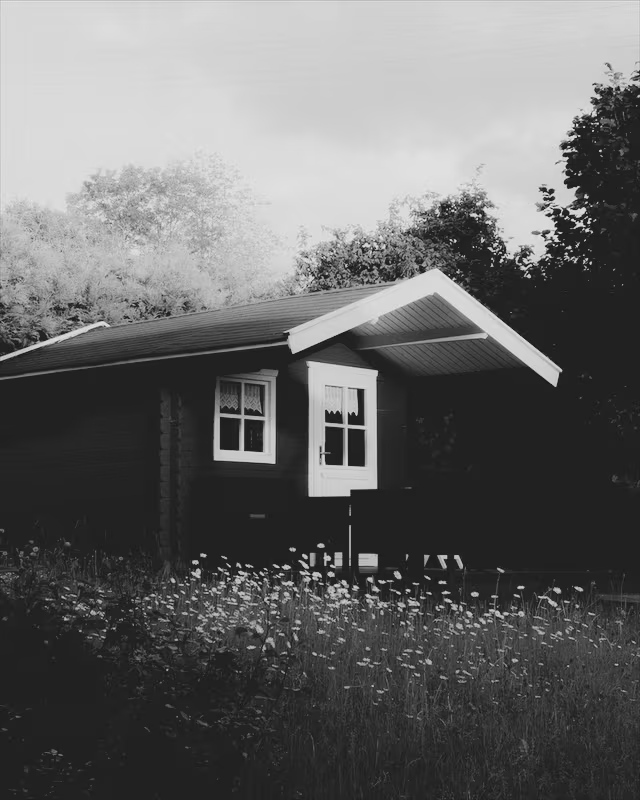
Ilford Delta Faded
Vintage

Autochrome 
Classic Cuban 
Coffee 
Summer Glow
Creative

Cyberpunk 
Infrared 
Bark Morken 
London
Rendered with the same color math masoc uses, at full intensity, with no other edits.
The same looks as IIWII.
One set of looks, in the camera and in the editor.
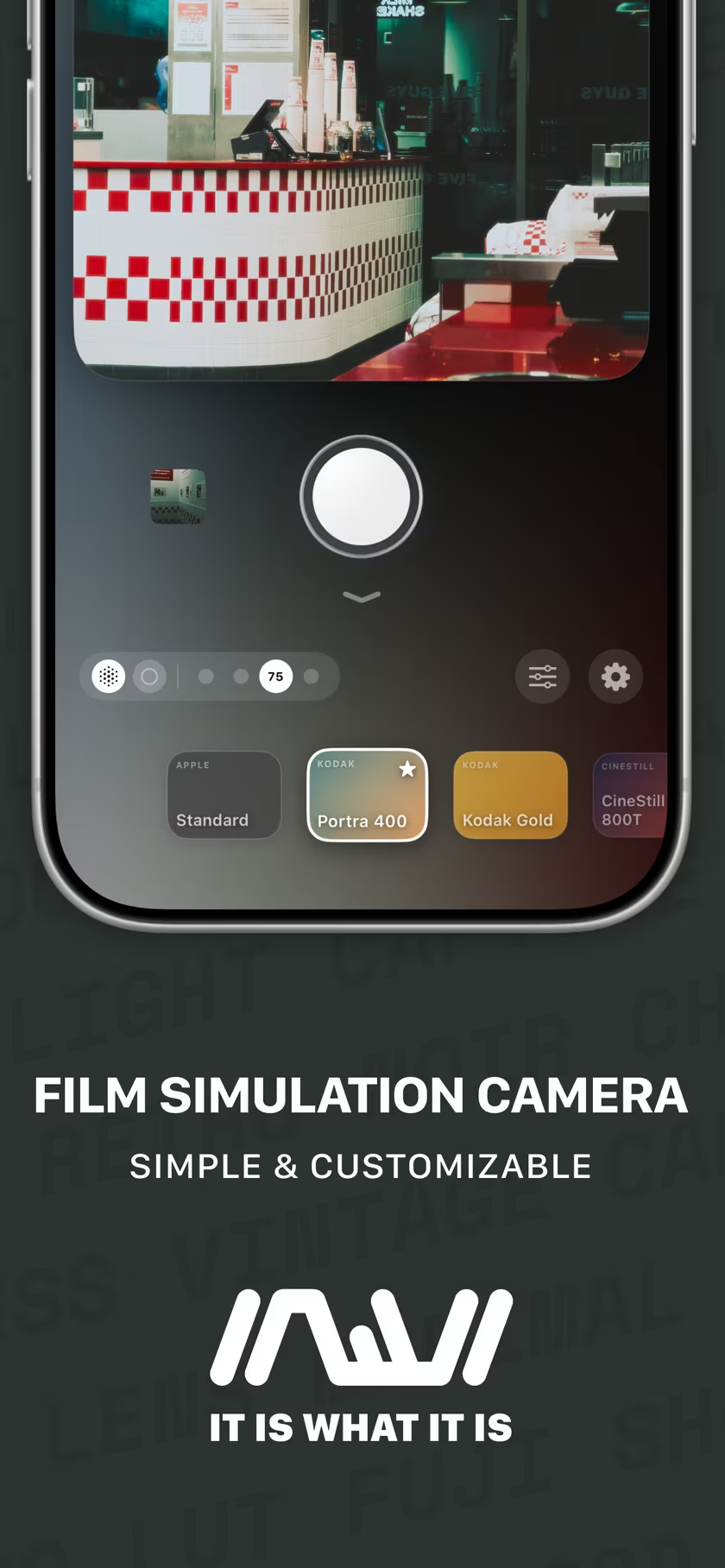
IIWII is a film simulation camera for iPhone by the developer of masoc. Every one of the 22 built-in profiles in masoc ships in IIWII too, built on the very same color tables. The Fujifilm looks take the same route in both apps: each photo is first converted to F-Log2, Fujifilm’s Log format, and only then does the look go on.
IIWII has 30 looks. The other eight, among them Kodachrome, Tri-X and Redscale, are IIWII’s own, built from tone and color adjustments. Most IIWII looks also add a touch of grain while you shoot. In masoc, grain is a slider of its own. More about IIWII.
Shoot in IIWII. Finish in masoc.
Commit to a look while you shoot. Refine it later.
- Shoot with a look in IIWII. Turn on RAW+, and a DNG is saved alongside the finished photo.
- Open the photo or the DNG in masoc, on iPhone, iPad or Mac.
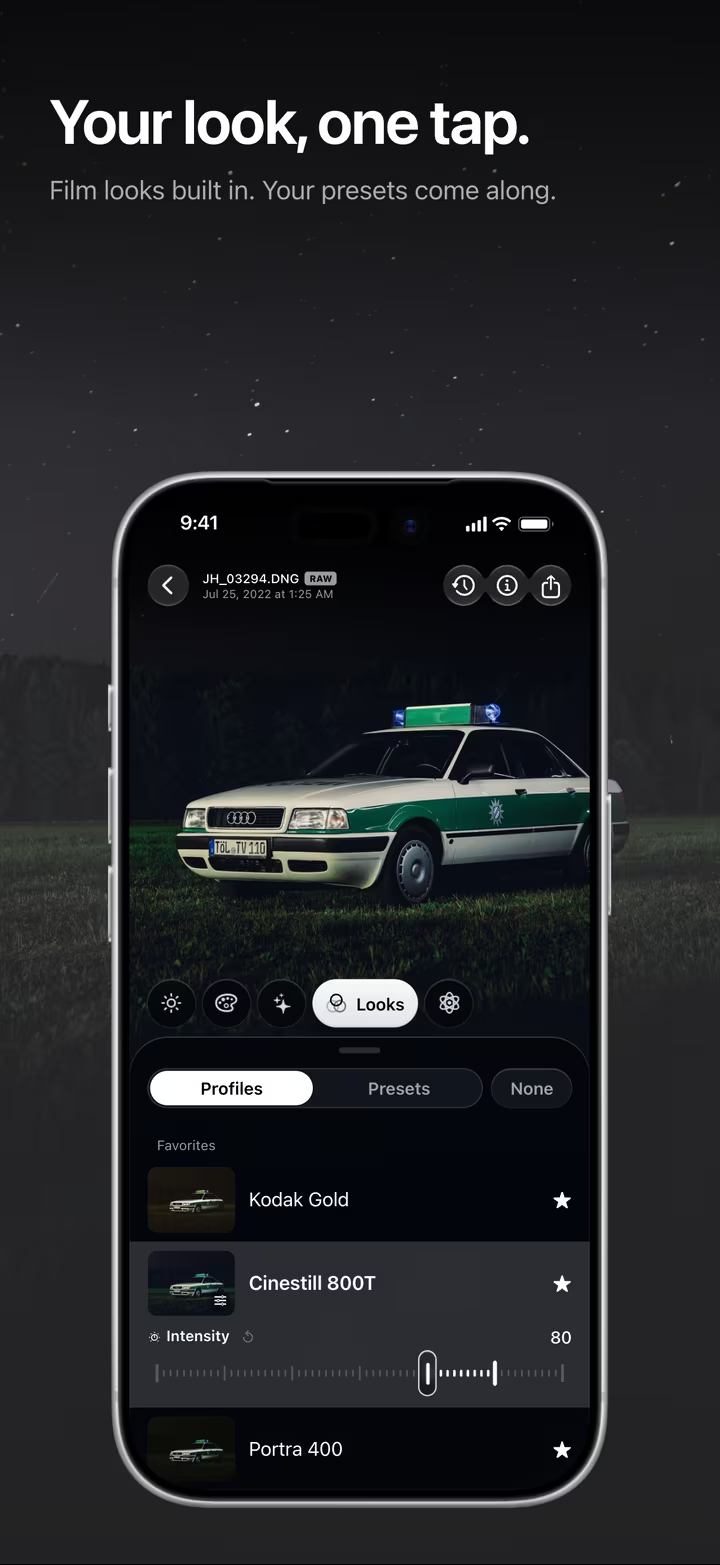
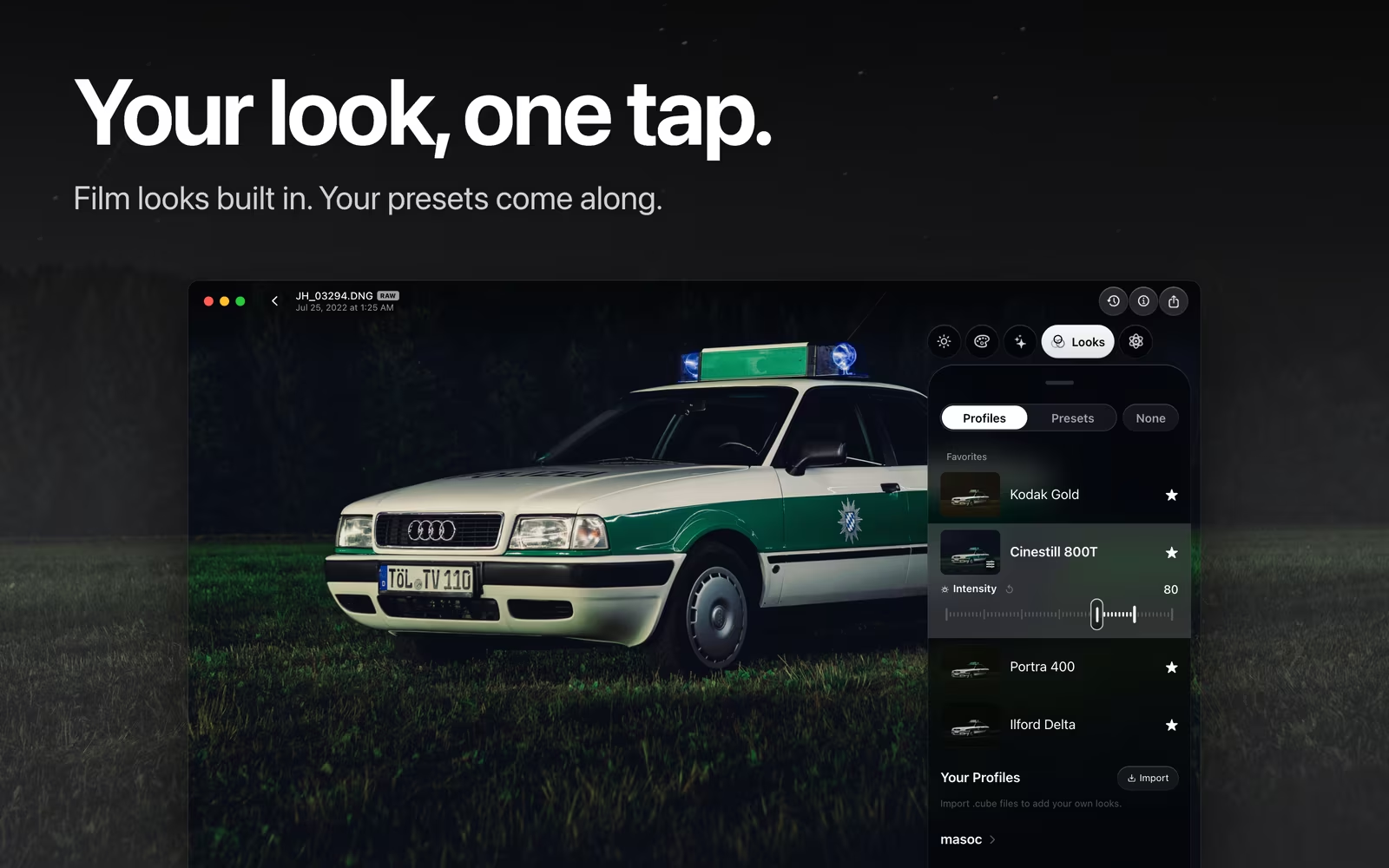
- Pick the same look under Looks › Profiles, and set its intensity from 0 to 120 percent.
- Refine it with masks, curves, white balance and grain, and save the result as a preset.
Your own looks, in both apps.
Any .cube LUT becomes a look.
Both apps import .cube files. In IIWII, the Look Manager turns one into a look you can shoot with, next to the built-in ones, with the same 0 to 120 percent range. In masoc, it lands under Your Profiles and works on photos and video. Lightroom presets come in as .xmp files. More about film looks in masoc.
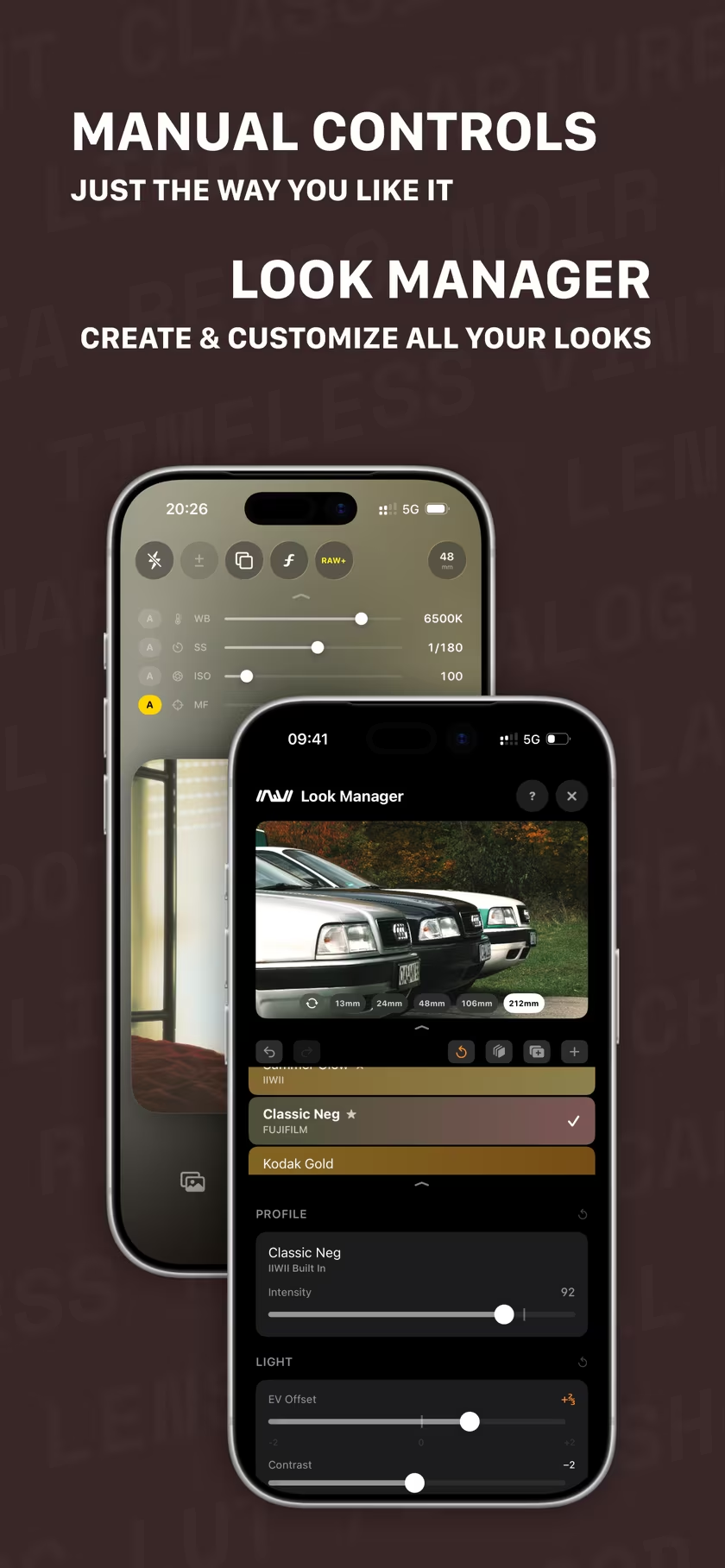
IIWII is available now on the App Store. masoc is being prepared for the App Store. Sign up for the newsletter to hear first when it lands, or take a tour of the editor.
Questions
- What is a film simulation?
- A color and tone profile modeled on the character of a film stock or a classic look. Fujifilm builds its simulations into its cameras. In masoc and IIWII, each look is a 3D color table, a LUT, applied on your device.
- Are the looks in masoc the same as in IIWII?
- Yes. All 22 built-in profiles in masoc use the same color tables as the looks of the same name in IIWII, and the Fujifilm looks go through the same F-Log2 conversion. IIWII adds eight looks of its own.
- How do I finish an IIWII photo in masoc?
- Open the photo, or the DNG from RAW+, in masoc and pick the same look under Looks › Profiles. Set its intensity from 0 to 120 percent, then keep editing with every other tool.
- Can I add my own film looks?
- Yes. Both apps import .cube LUT files. In masoc they sit under Your Profiles, right beside the built-in looks, ready for photos and video.
Fujifilm, Kodak, Portra, Kodachrome, Tri-X, Ilford, CineStill, Polaroid, Canon, PowerShot, Apple and iPhone are trademarks of their respective owners. masoc and IIWII are not affiliated with them.