Built with you
Built with the people who use it.
masoc is a photo editor for iPhone, iPad and Mac, made by one developer who reads every message. During the public beta, many of its changes started as a tester’s idea.
Photographers know their workflow.
Good ideas come from real photos, not from a roadmap.
Every photographer edits a little differently. One sorts an archive oldest first, another wants to see a look before committing to it, a third edits on a phone with one hand. Details like these only surface when people edit their own photos, and they decide whether a tool feels right or gets in the way.
That is why masoc spent its last stretch before the App Store in a public beta. Testers were asked to bring their own photos, edit the way they normally would, and say what felt slow, wrong or confusing. Ideas were just as welcome as bug reports.
You asked. It shipped.
Three changes that started as tester feedback.
- Sort both ways. Every sort in the library now runs in either direction. Tap the active sort again to flip it.
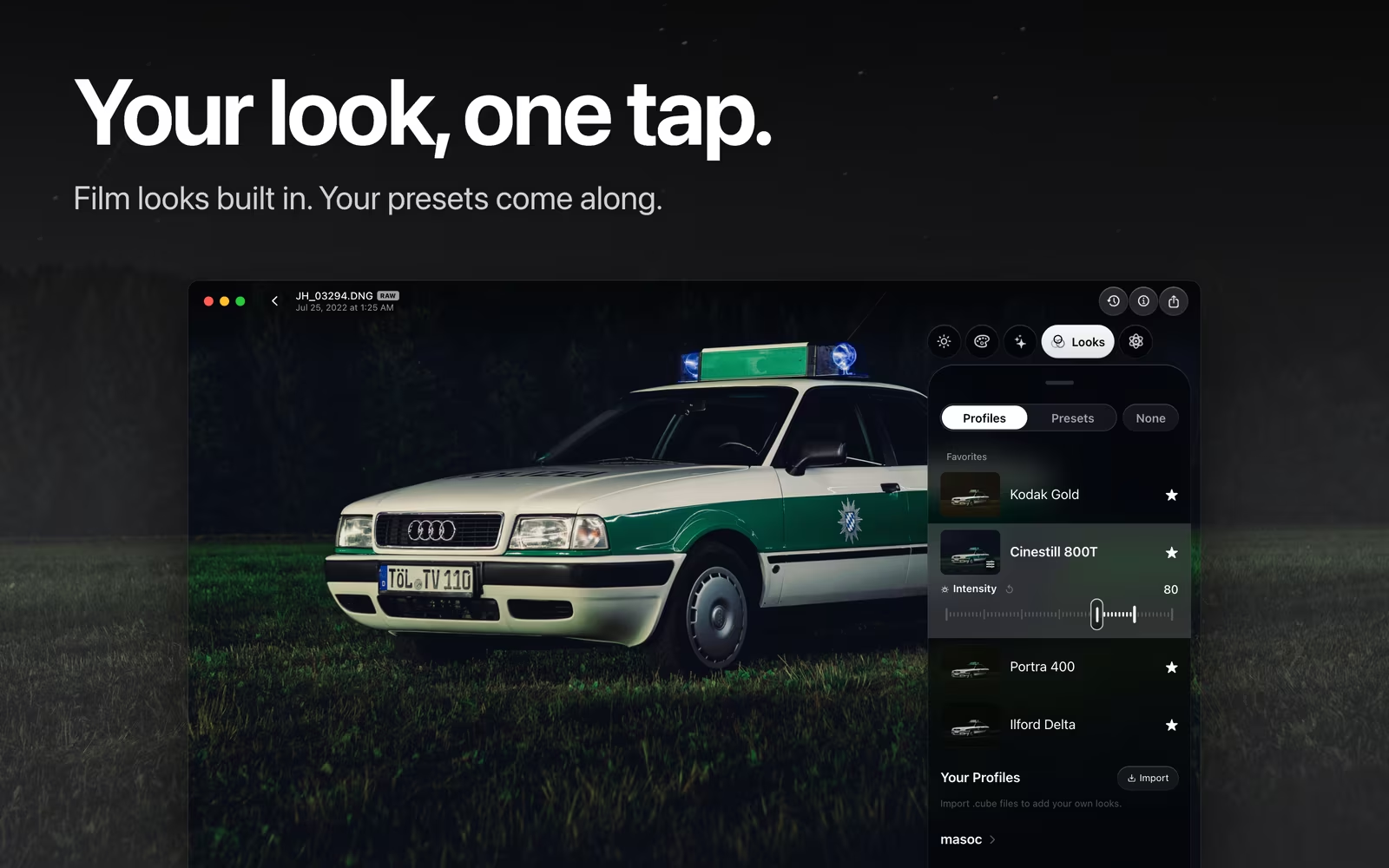
- Preview a look first. On Mac and iPad, hover over a look with a mouse or trackpad, and it appears on your photo. Click, and it stays.
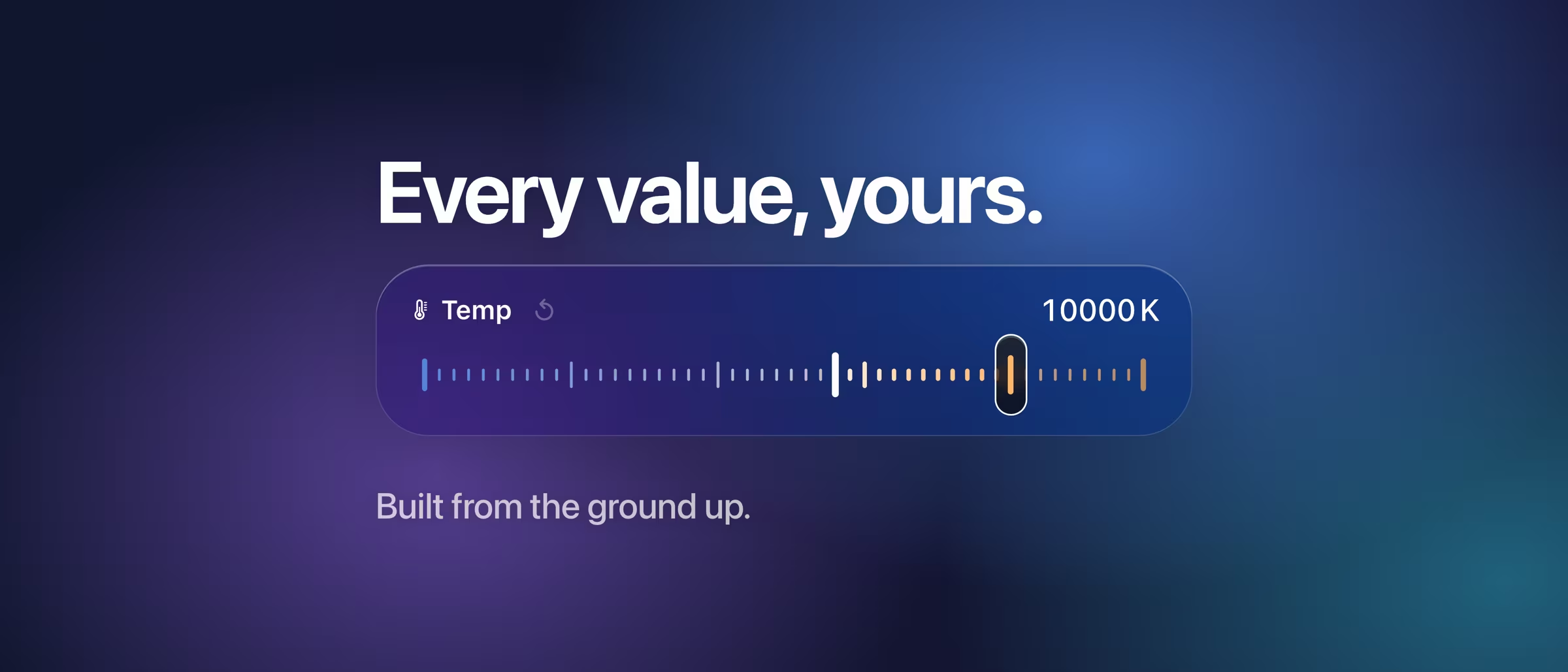
- Easier reset buttons. The small reset arrow beside a slider’s name now responds to a much larger area, without changing the layout.
Bug reports count just as much. One crash report sent through TestFlight led to a closer look at LUT import, which now turns down oversized files before loading them.
Six builds in under three weeks.
The public beta opened with Build 12 at the end of August. From September 21 to October 9, a new build followed every two to five days.
- Build 13
- Sort both ways (tester idea)
- Look previews on hover (tester idea)
- Sky masks that hold up between branches
- Finer grain, sharpening and noise
- Build 14
- Lens and perspective correction
- Camera calibration
- Copy and paste edits
- Build 15
- Video with Log development
- Border and Polaroid frames
- Easier reset buttons (tester idea)
- Build 16
- HDR and panorama merge
- Retouch: remove, heal, clone
- Build 17
- Censor
- Video crop
- Import many looks at once
- Problem reports
- Build 18
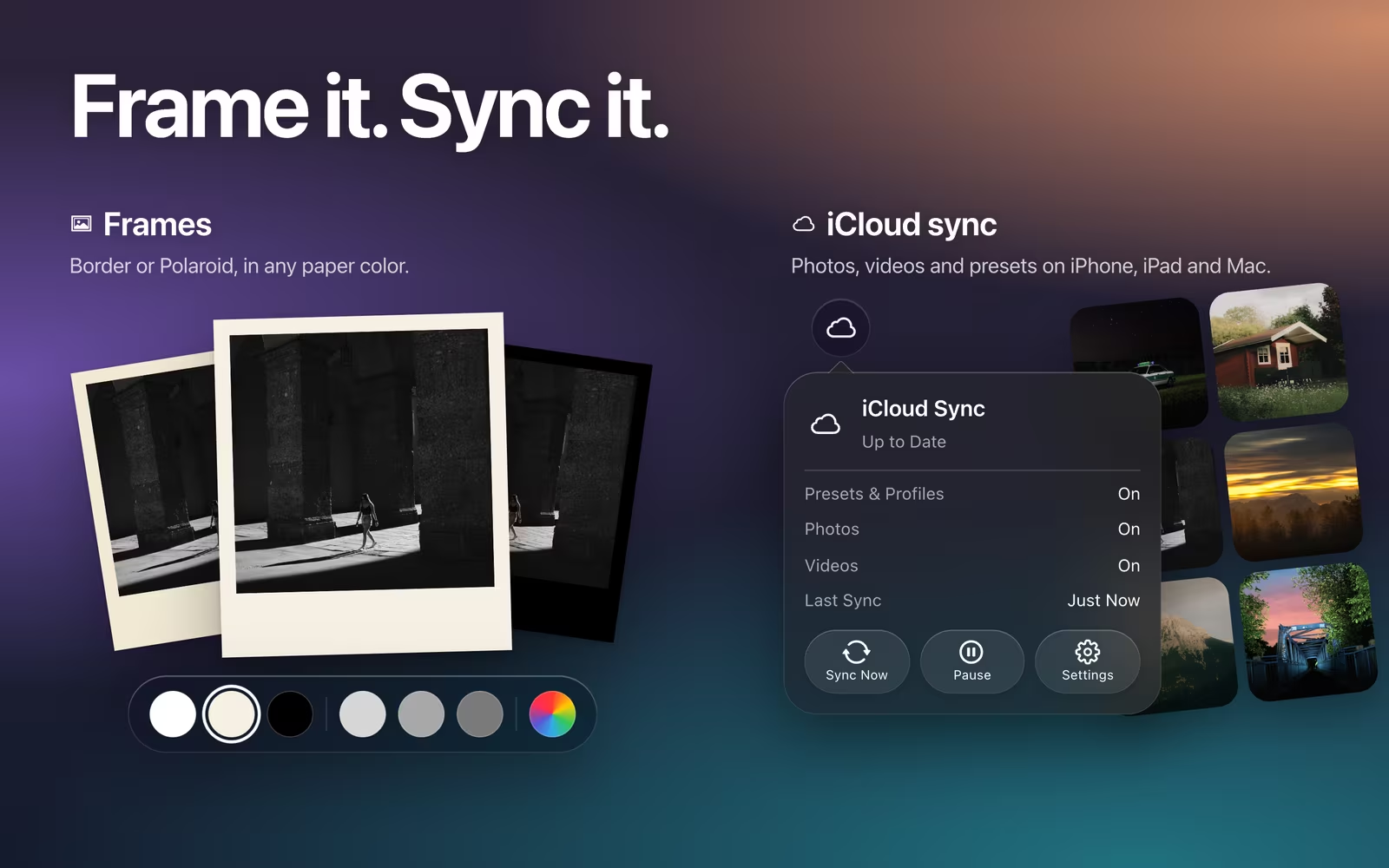
- iCloud sync
- Sharper zoom
- Histogram
- Sensor defect repair
- Feedback & Diagnostics
Outlined in orange: changes that started as tester feedback. Dates are when each build was finished.
A direct line to Josh.
Three buttons in the app. Every message gets read.
In masoc, open Settings › Feedback & Diagnostics. Report a Problem, Suggest a Feature and Share Feedback each open your mail app with a message to Josh, with the app version and your device details already filled in.
When something fails, masoc keeps a short report on your device. It holds no photos, no file names and no places, and nothing is sent automatically. A report only travels with a mail you send yourself, one switch leaves it out, and you see everything before it goes.
Josh reads every message. There isn’t always time to answer them all, but none goes unread. Looking for an answer first? Try the support page.
Small on purpose.
One developer, no committee.
masoc is made by Joshua Hoffmann, a photographer and developer building the editor he wanted for his own photos. There is no marketing roadmap to defend and no chain of meetings between a good idea and the code. Features grow from what people actually do with the app.
It isn’t new for him either. IIWII, his film simulation camera for iPhone, calls itself community driven, with features built on what real users ask for. masoc follows the same path, and the same care shows in how it is designed.
Coming soon.
The beta has ended. The App Store is next.
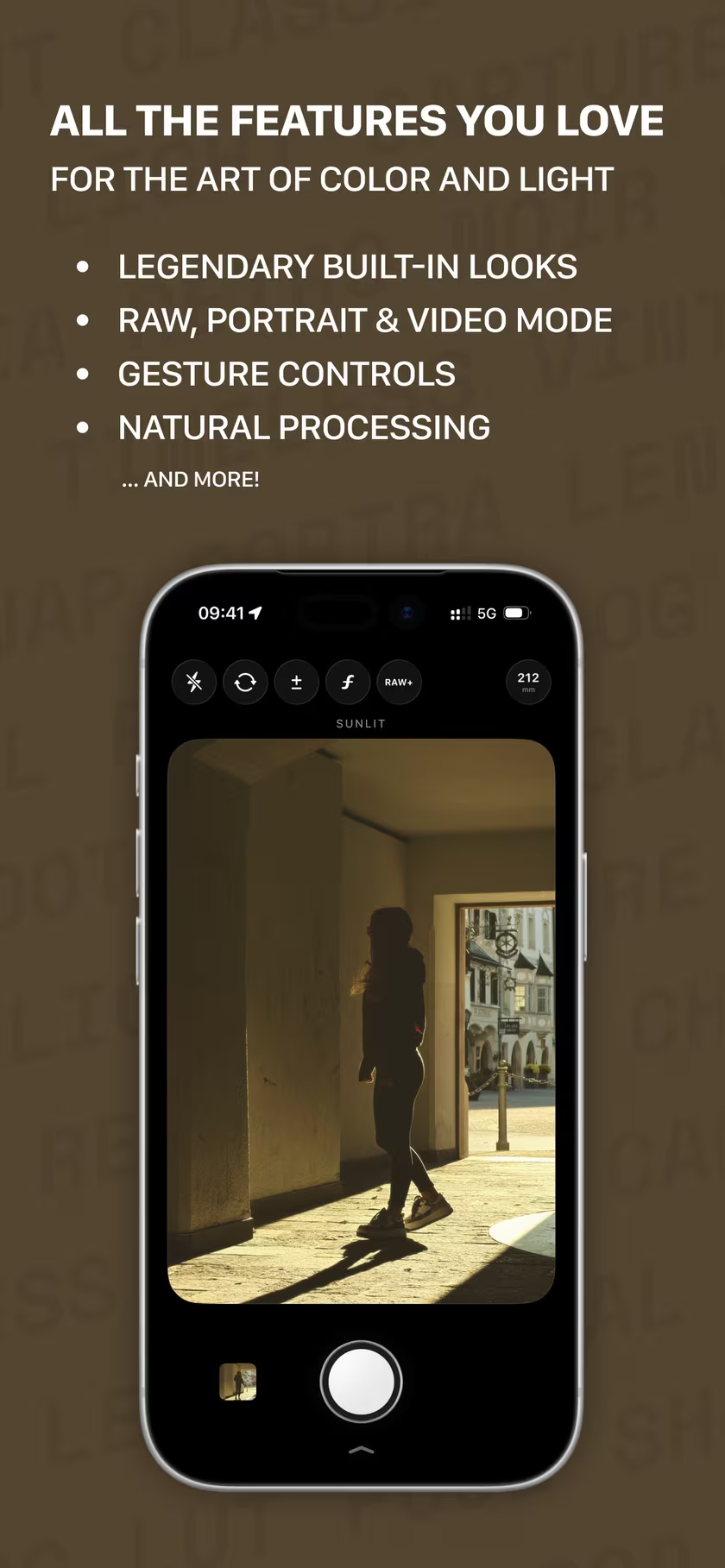
masoc is being prepared for the App Store, carrying everything the beta taught it. Sign up for the newsletter to hear first when it lands.
Questions
- How do I suggest a feature for masoc?
- Open Settings › Feedback & Diagnostics in the app and tap Suggest a Feature. Your mail app opens with a message to the developer, with your app and device details filled in, and you see everything before you send it.
- Does the developer read feedback?
- Yes. masoc is made by one developer, Joshua Hoffmann, and he reads every message. There isn’t always time to answer them all, but none goes unread.
- Which features came from beta testers?
- Among them a sort order that runs both ways in the library, look previews when you hover over a look on Mac and iPad, and reset buttons on the sliders that are easier to hit.
- Are problem reports sent automatically?
- No. They stay on your device in Settings › Feedback & Diagnostics, where you can read or delete them. They leave only with a mail you send yourself, and they hold no photos, file names or places.
- Can I still join the masoc beta?
- The public beta has ended, and masoc is being prepared for the App Store. Sign up for the newsletter to hear first when it lands.