Also by the developer
It is what it is.
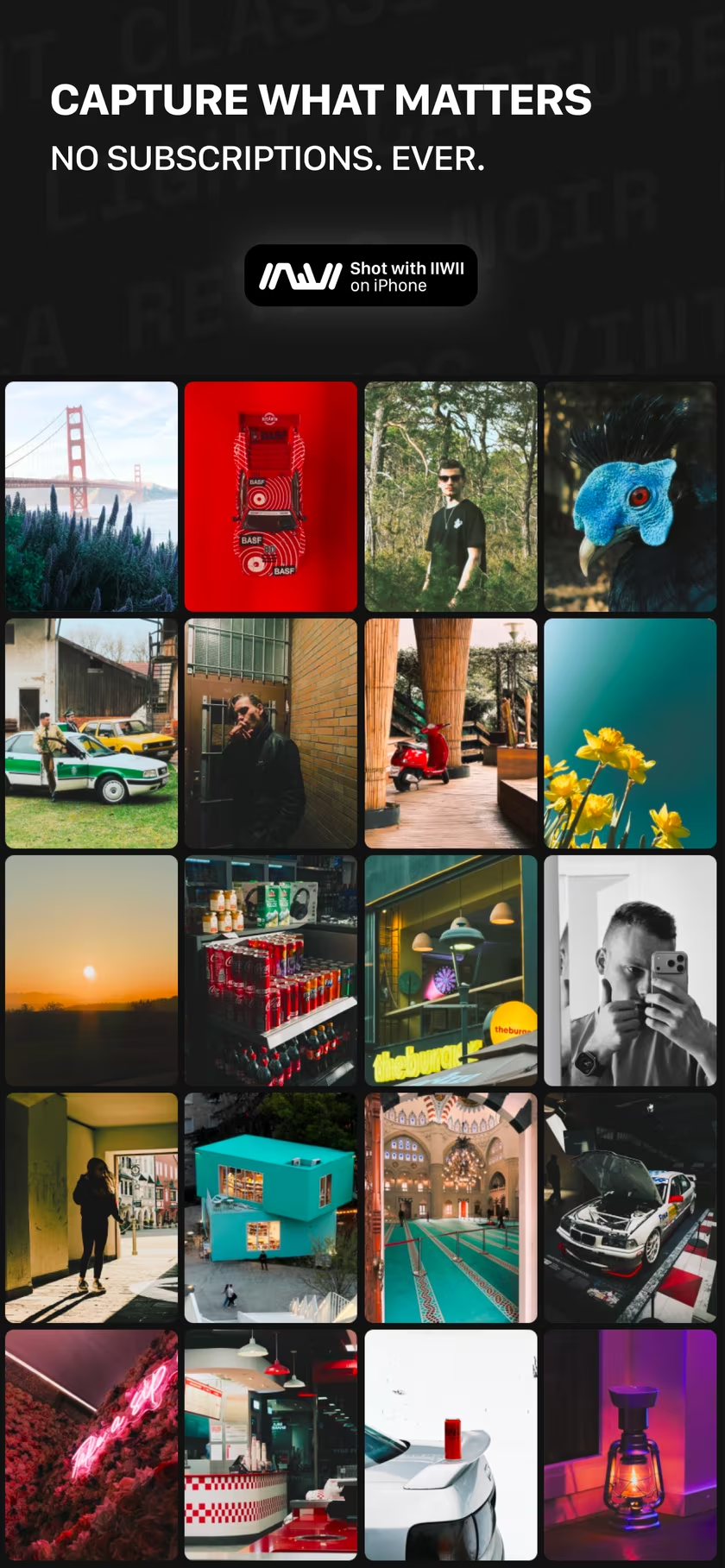
IIWII is a film simulation camera for iPhone, made by the developer of masoc. Pick a film look, see it live in the viewfinder, and shoot. No endless menus, no subscription.
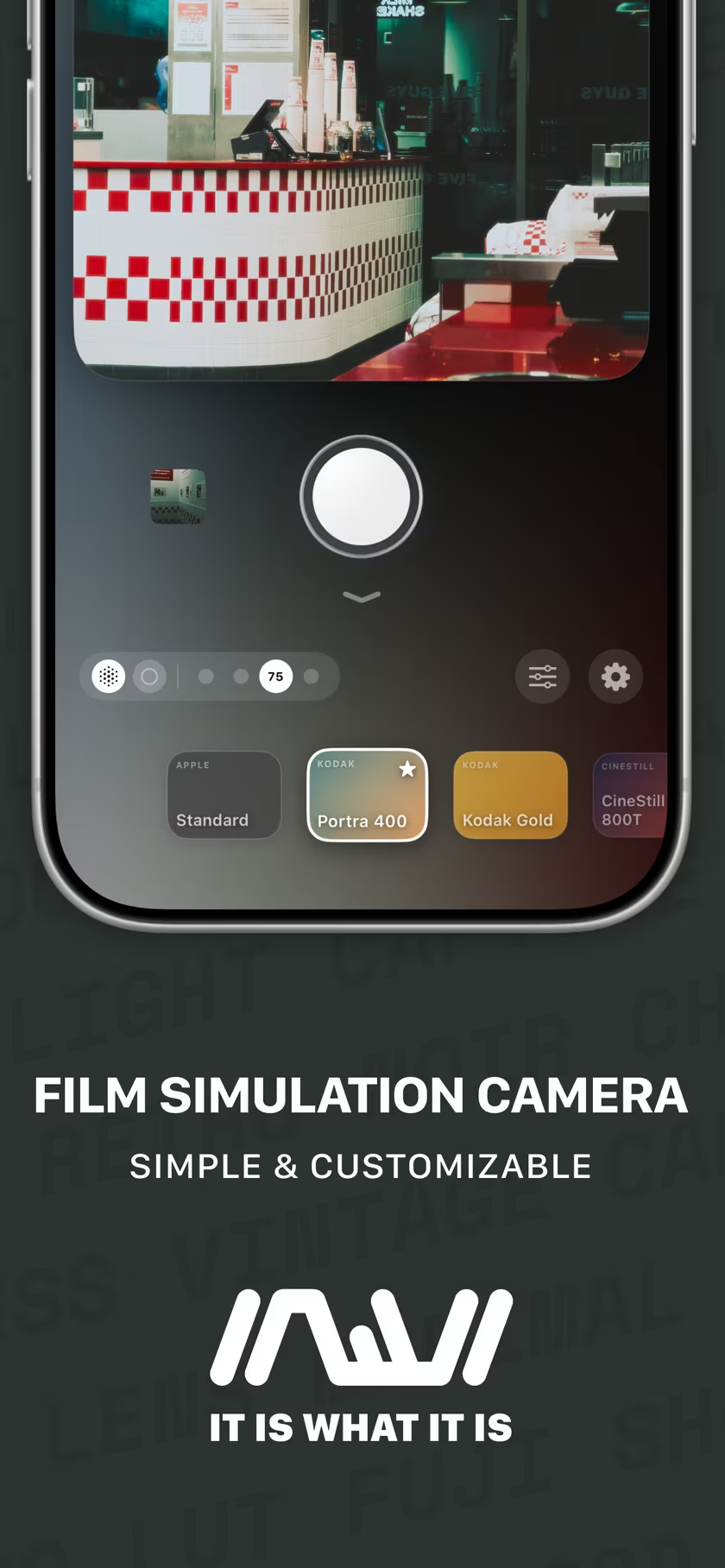
Film looks, live in the viewfinder.
What you see is what you get.
Every look applies while you frame the shot, so there are no surprises afterwards. Swipe to switch looks, set how strong each one is, and let Natural Processing skip the heavy computational look of the iPhone camera for a more authentic feel.
Standard · Portra 400 · Summer Glow · Kodak Gold · Polaroid · Autochrome · CineStill 800T · Coffee · Cyberpunk · Infrared · Contrast · Kodachrome · Bark Morken · Faded · Tungsten · Sunlit · Redscale · Ilford Delta · Ilford Delta Faded · Tri-X · London · Classic Cuban · Provia · Astia · Classic Chrome · Classic Neg · Reala Ace · Eterna · Acros · Pro Neg Std
Manual when you want it.
Auto by default. Yours to take over.
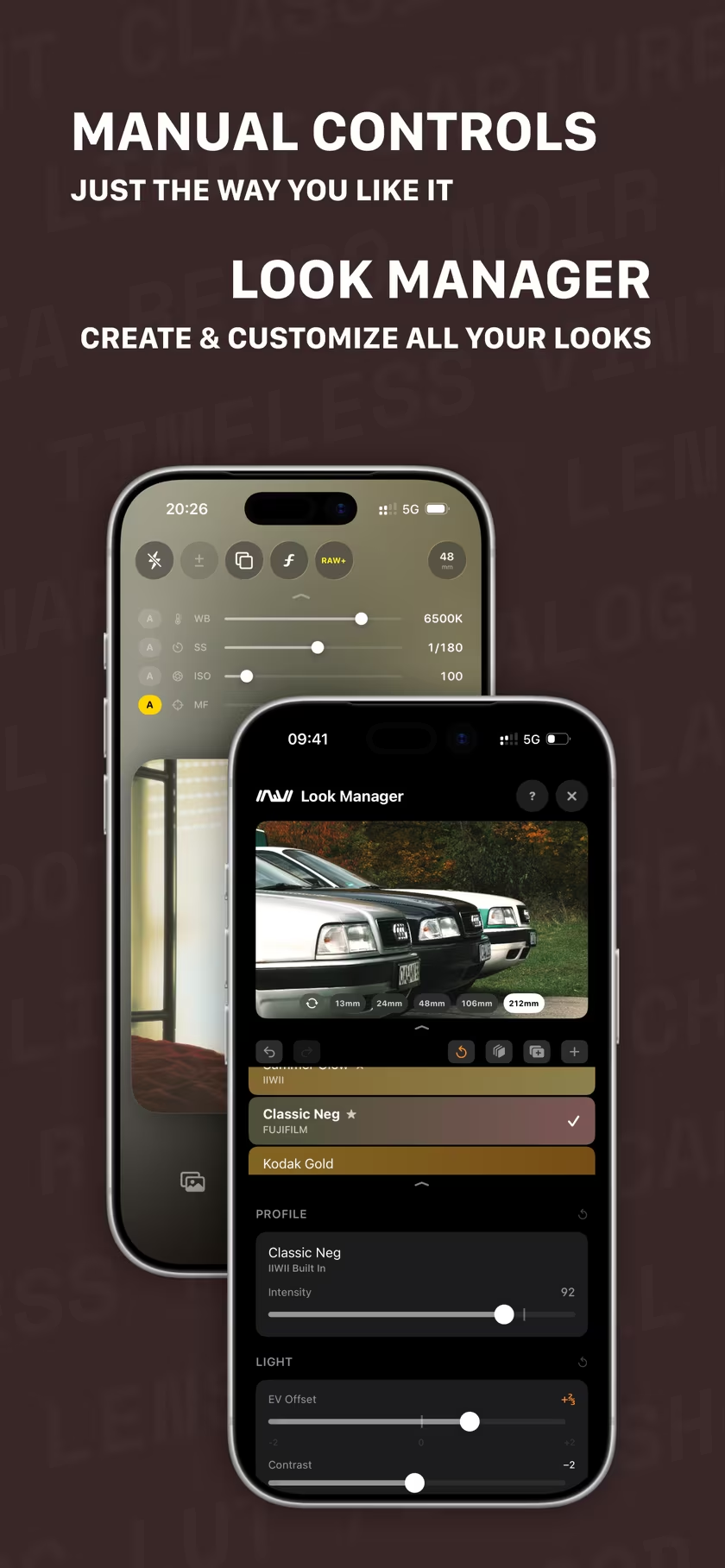
Swipe down for white balance, shutter speed, ISO and focus, each one switchable between Auto and Manual. Swipe up, and they are gone again.
The Look Manager is a small photo editor inside the camera: tone curves, color mixing, split toning, tint and white balance, with a live preview while you tune. Change a built-in look, start your own from scratch, or import any .cube LUT from the editor you already use.
A real camera, in your pocket.
Everything you need. Nothing you don’t.
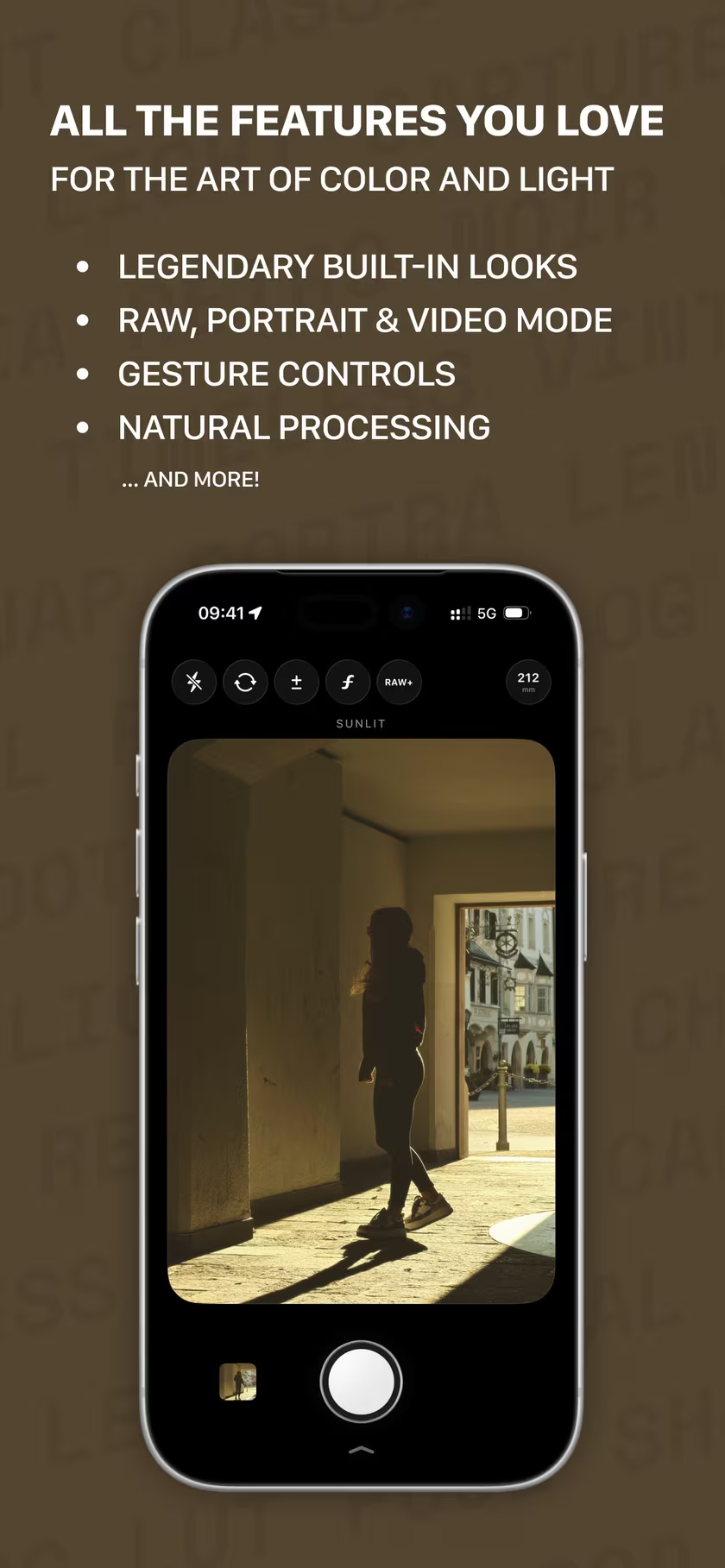
- RAW+. A DNG alongside the finished photo, or the RAW as a flat 16-bit TIFF.
- Throwback. Swipe up in the gallery and put a different look on a shot you already took.
- Portrait and video. Natural background blur with adjustable strength, and video with the look applied live and stabilization.
- Double exposure. Blend two shots into one, just like film.
- Camera tools. Every lens, 12, 24 or 48 MP, self-timer, grid, horizon level, QR codes, the Camera Button on iPhone 16 and later, and a Lock Screen camera.
Make it yours.
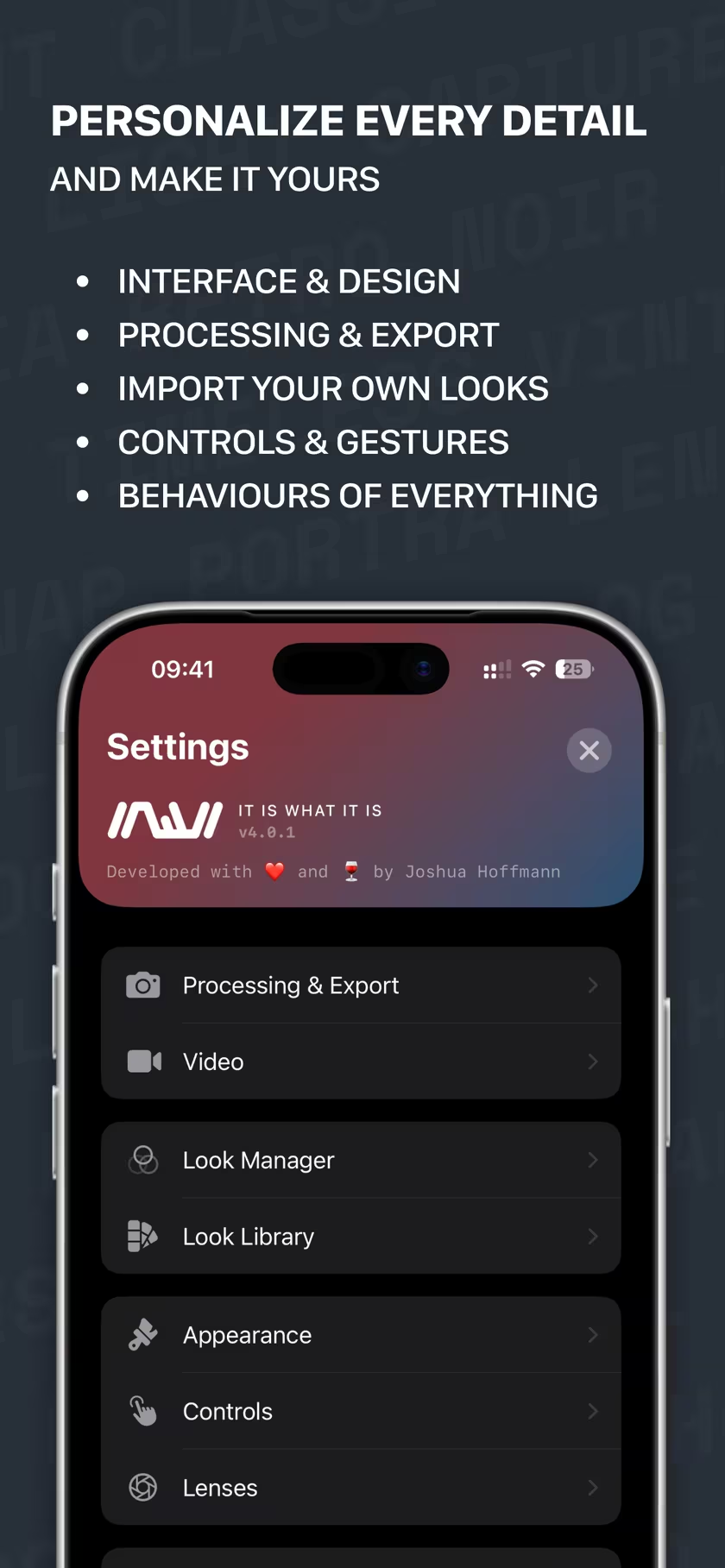
Every detail, the way you shoot.
Choose what sits in the top bar, which gestures do what, how photos are processed and saved, and how the app looks. Double-tap to flip the camera, slide along the edge to set exposure, and on iOS 26 the light of the scene glows softly around the controls.
No subscriptions. Ever.
Pay once. Keep it.
IIWII is a one-time purchase with every look included, and future updates are free. There are no ads, no accounts, no analytics and no cloud. Your photos stay on your iPhone, location tags are optional, and the location comes off when you share, unless you say otherwise.
Get IIWII on the App Store or visit iiwii.info.
Shoot with IIWII. Finish in masoc.
Two apps, one way of seeing.
IIWII came first. masoc is the editor that followed, for the photos that deserve more than one look: masks, curves, RAW development and film looks on iPhone, iPad and Mac. See masoc in pictures.
Questions
- How is IIWII different from masoc?
- IIWII is a camera: the look goes on while you shoot. masoc is an editor for the photos you already have, on iPhone, iPad and Mac. Many film looks are the same in both, and both import .cube LUTs.
- Can I edit IIWII photos in masoc?
- Yes. IIWII saves to your photo library, with RAW+ a DNG alongside. masoc opens both, so a shot can go further on iPhone, iPad or Mac.
- Is IIWII a subscription?
- No. IIWII is a one-time purchase with every look included, and future updates are free. There are no ads and no tracking.
- Which iPhones does IIWII run on?
- Every iPhone with iOS 15 or later, from the iPhone 6s and the first iPhone SE to the newest models. Older iPhones get a lighter version of the app, RAW capture included.
Fujifilm, Kodak, Kodachrome, Tri-X, Ilford, CineStill and Polaroid are trademarks of their respective owners. IIWII is not affiliated with them.