Merge
Merge panoramas and HDR on iPhone, iPad and Mac.
Stitch a series into one wide photo, or merge bracketed exposures into one HDR photo, right on your iPhone or iPad instead of waiting for the computer. masoc does both on your device and hands you a new photo to edit like RAW.
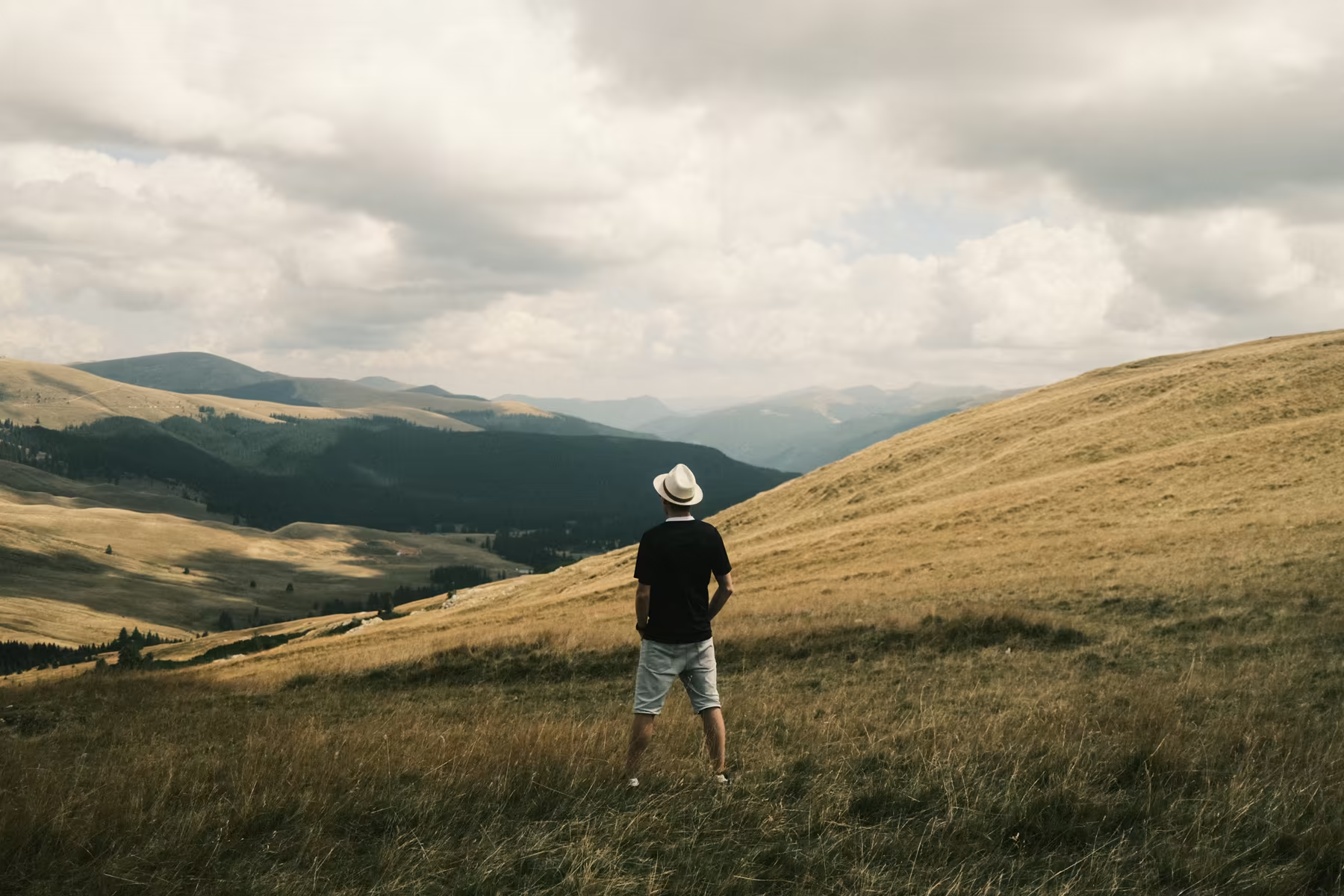
Lightroom merges at the desk. masoc merges in your pocket.
Where you can merge photos you already took, as of October 2026.
In Lightroom, Photo Merge builds panoramas, HDRs and HDR panoramas in Lightroom Classic and in Lightroom on Mac and Windows. Lightroom on iPhone and iPad has an HDR mode in its own camera, which merges exposures while you shoot. Merging photos you already took into a panorama or an HDR isn’t part of the mobile app, and Adobe’s community has an open request for it.
| Merge photos you already took | Panorama | HDR |
|---|---|---|
| Lightroom Classic and Lightroom on Mac and Windows | Yes | Yes |
| Lightroom on iPhone and iPad | No | Only while shooting, in its camera |
| masoc on iPhone, iPad and Mac | Yes | Yes |
Based on Adobe’s help pages for Photo Merge in Lightroom and HDR capture on mobile, and the open feature request, checked in October 2026.
How to merge a panorama on iPhone.
Pick the photos. Tap Merge. The same on iPad and Mac.
- Select two or more photos in the masoc library.
- Tap Merge in the bar at the bottom.
- Choose Panorama or HDR. masoc suggests the right one from the exposures.
- Check the live preview, then tap Merge again.
On Mac and iPad, the Photo menu has Merge to HDR… (⌃H) and Merge to Panorama… (⌃M). Photos that live only in iCloud come down first. Videos, and photos that are already merged, can’t be merged.
One studio, both kinds.
masoc suggests the mode. You decide.
When every photo was shot at about the same exposure, the studio opens as a panorama. A bracket opens as HDR. A switch at the top changes it at any time. The result shows on the canvas before you merge, and the photos sit below as a strip: tap one to leave it out, or touch and hold it to use it as the reference.
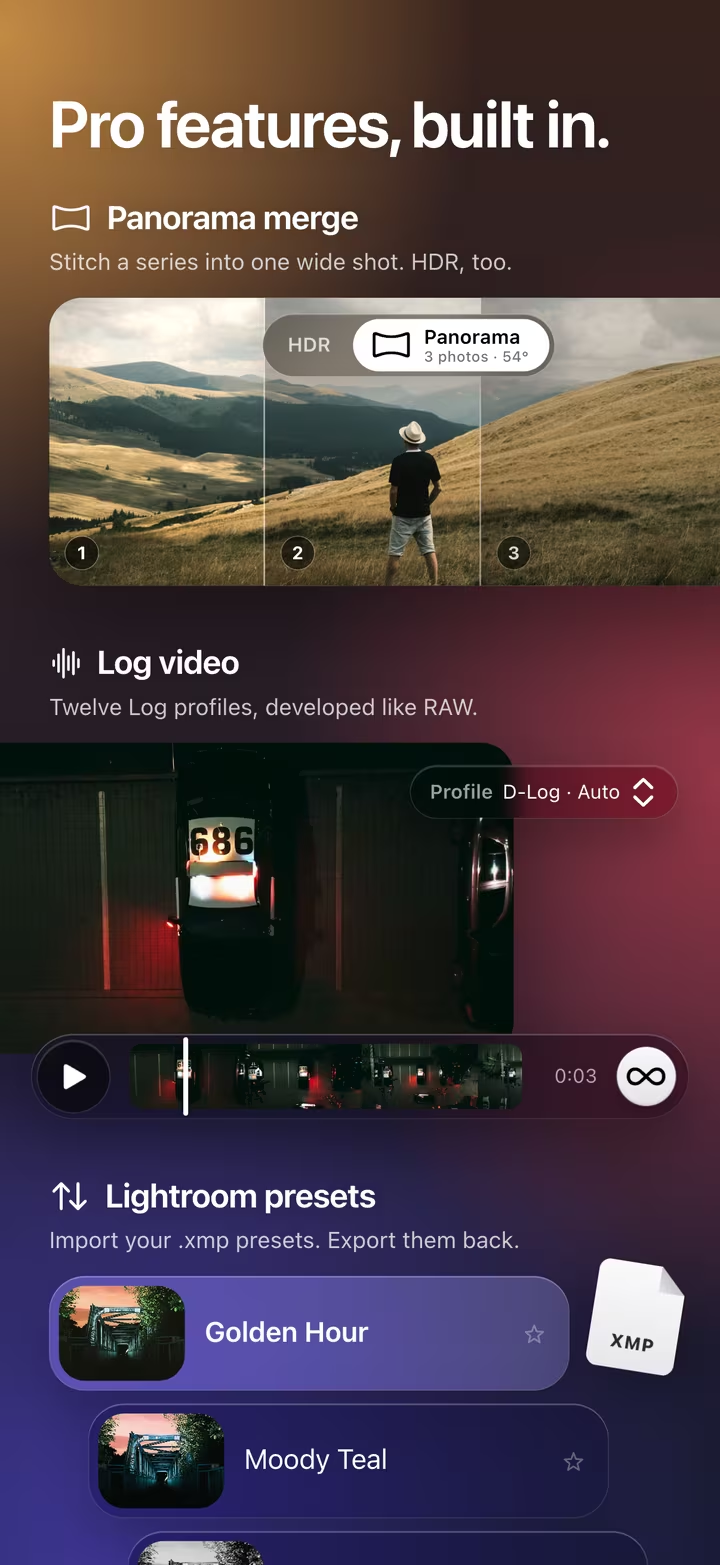
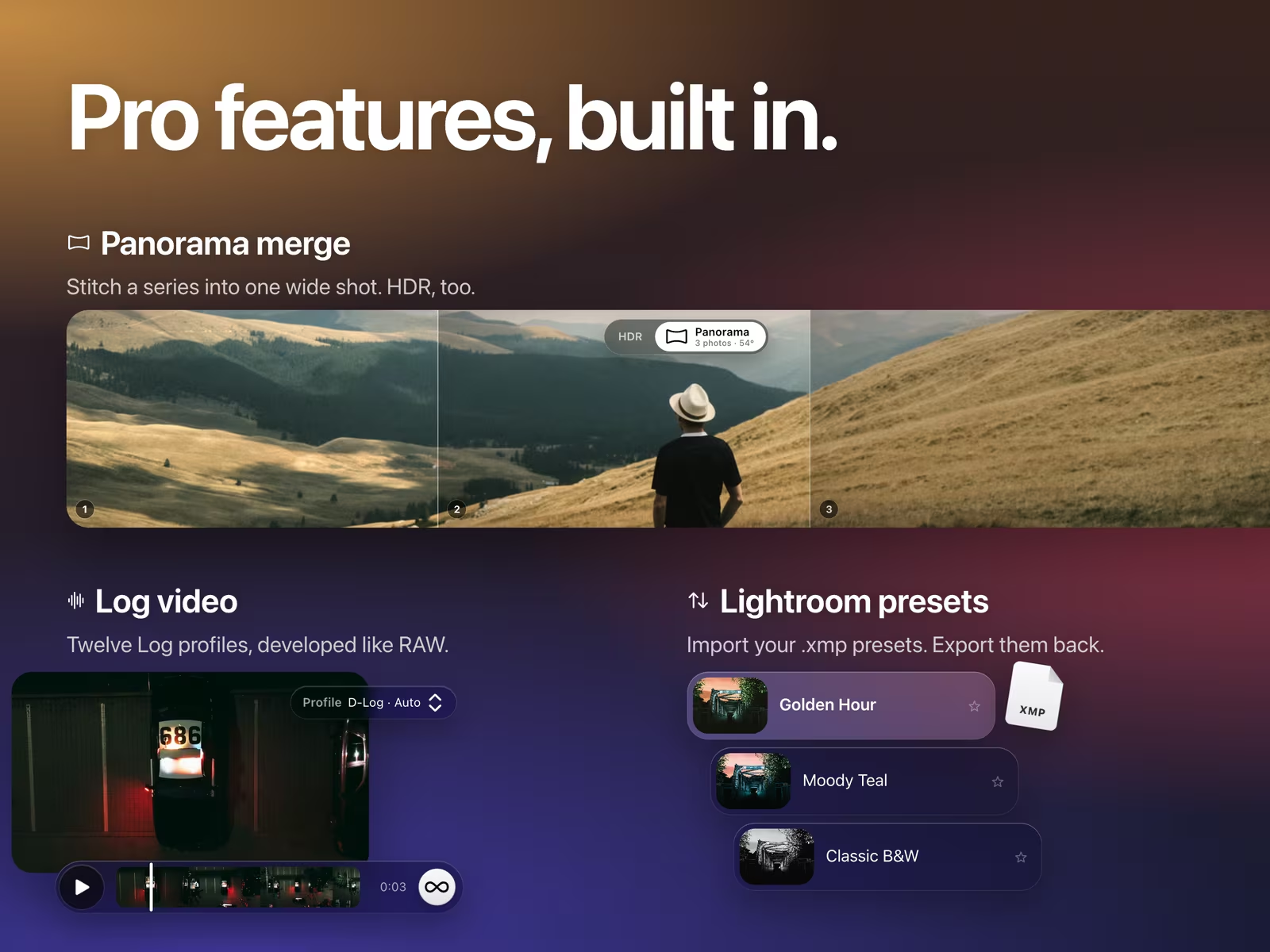
Panorama.
A series, stitched into one wide photo.
masoc puts the photos in shooting order, finds where they overlap and evens out small differences in exposure. Portrait and landscape frames can go together. A photo that overlaps nothing is left out and marked.
- Projection. Spherical, cylindrical or perspective, from the ones that fit your view. The studio shows the field of view in degrees.
- Crop. On by default: the panorama starts at the largest rectangle without empty edges. It is an ordinary crop, so you can change it later.
- Fill Edges. Fills the empty corners with invented content instead, right on the device.
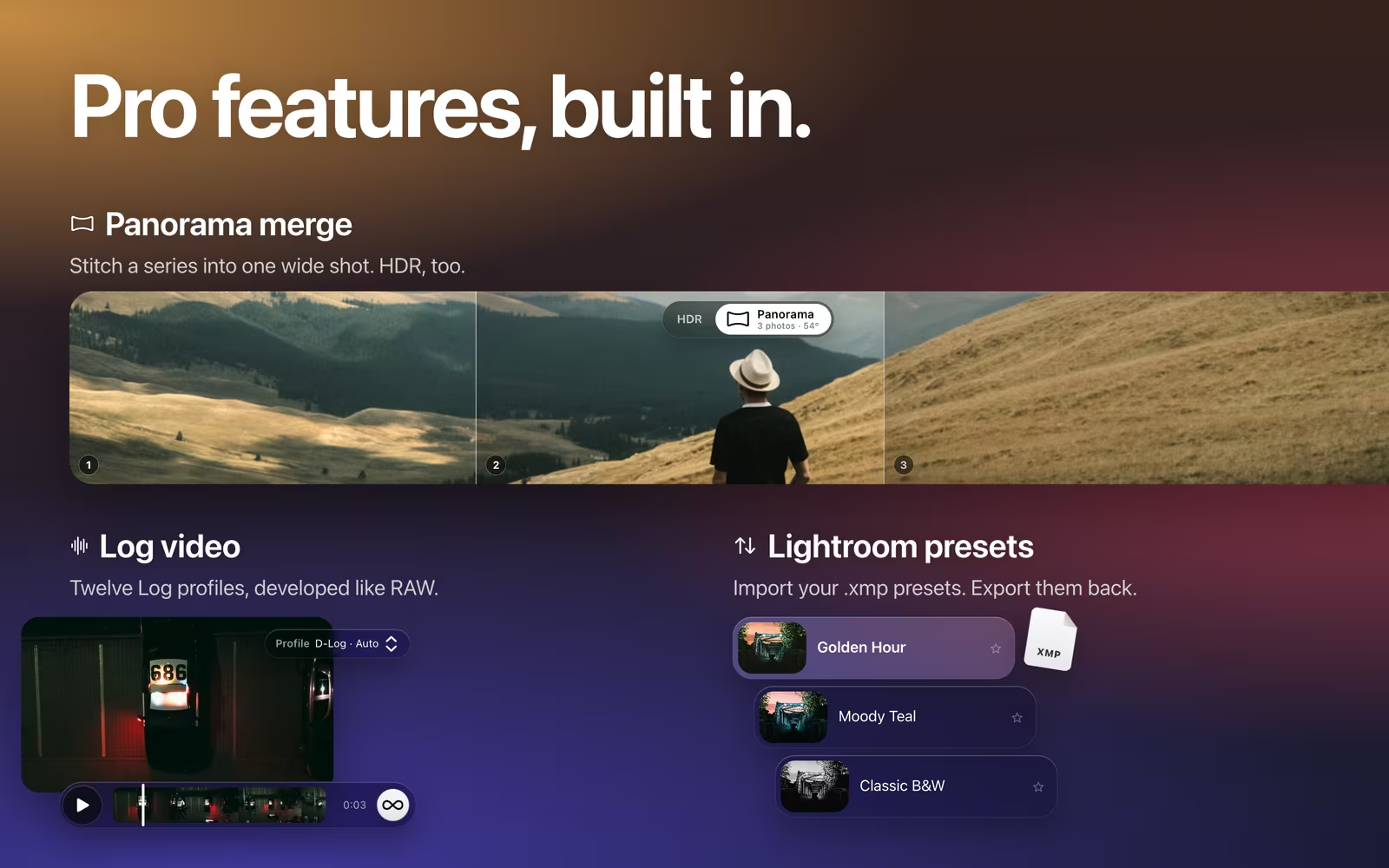
HDR.
A bracket, merged into one photo with headroom.
masoc sorts the photos by exposure and holds the result to the middle one. Align lines up handheld frames. Deghost, from Off to High, holds moving things like people or leaves to the reference photo, and Ghosts marks in red where movement was found. Touch and hold the preview to compare it with the reference.
The studio also tells you when something may hurt the result: different cameras or lenses, little difference in exposure, or photos taken more than 30 seconds apart.
A new photo, made like RAW.
Your originals stay as they are.
Tap Merge, and the studio closes. The merge runs in the background with the time left and a Cancel button, and the library stays free to use. When it is done, Open takes you straight to the result. On iPhone and iPad, a merge waits while masoc is in the background and carries on when you return.
The result is a new photo in your library, named after the reference photo and dated like it. It is saved as a 16-bit floating-point OpenEXR that keeps the light above white, and masoc develops it like RAW, so Exposure and Highlights have room to work. An HDR or PANO badge marks it, the Merged filter finds it, and the info panel shows how it was made.
On your device, within its limits.
Nothing is uploaded.
Both merges run on your iPhone, iPad or Mac. Panoramas are registered with OpenCV, an open-source library built into the app that never connects anywhere. The HDR merge runs on the GPU, in masoc’s own code. More about privacy in masoc.
From two photos up, there is no fixed limit on how many. A panorama is limited by size instead: up to 80 megapixels on iPhone and iPad, 40 on models with 4 GB of memory, and 250 on Mac. A larger one is merged smaller, and the studio says so before you start. An HDR keeps the full size of its photos. masoc checks for enough free storage first.
Coming soon.
The beta has ended. The App Store is next.
masoc is being prepared for the App Store. Sign up for the newsletter, and you’ll hear first when it lands.
Questions
- Can Lightroom merge panoramas on iPhone or iPad?
- Not from photos you already took, as of October 2026. Adobe documents Photo Merge for panoramas and HDR in Lightroom Classic and Lightroom on Mac and Windows. On iPhone and iPad, Lightroom has an HDR mode in its own camera. masoc merges both on iPhone, iPad and Mac.
- How do I make a panorama on iPhone from photos I already took?
- Select the photos in the masoc library, tap Merge and choose Panorama. masoc stitches them on your iPhone and saves the result as a new photo that you edit like RAW.
- Does masoc upload my photos to merge them?
- No. Panorama stitching and HDR merging both run on your iPhone, iPad or Mac. OpenCV, which registers the panorama photos, is built into the app and never connects anywhere.
- How many photos can I merge?
- Two or more, with no fixed upper limit. A panorama is limited by size instead: up to 80 megapixels on iPhone and iPad, 40 on models with 4 GB of memory, and 250 on Mac. A larger one is merged smaller.
- Can I edit the merged photo afterwards?
- Yes. It arrives as a new photo in your library, a 16-bit floating-point OpenEXR that keeps the light above white. masoc develops it like RAW, so Exposure and Highlights have room to work. Your originals stay untouched.
- Can I mix RAW and JPEG photos in one merge?
- No. A merge takes one kind, and RAW gives the best result. For HDR the photos must also be the same size, while a panorama can mix portrait and landscape frames.
- Do I need a tripod for HDR?
- No. Align lines up handheld frames, and Deghost holds moving things like people or leaves to the reference photo. The studio warns you when the photos were taken more than 30 seconds apart.
Adobe, Lightroom and Lightroom Classic are trademarks of Adobe Inc. OpenCV is a trademark of its respective owner. masoc is not affiliated with them.