Pricing
Free to try. Yours to keep.
masoc will be free to download, with every tool unlocked and three free exports. After that, you choose how to unlock it: by the month, by the year, or once and for good.
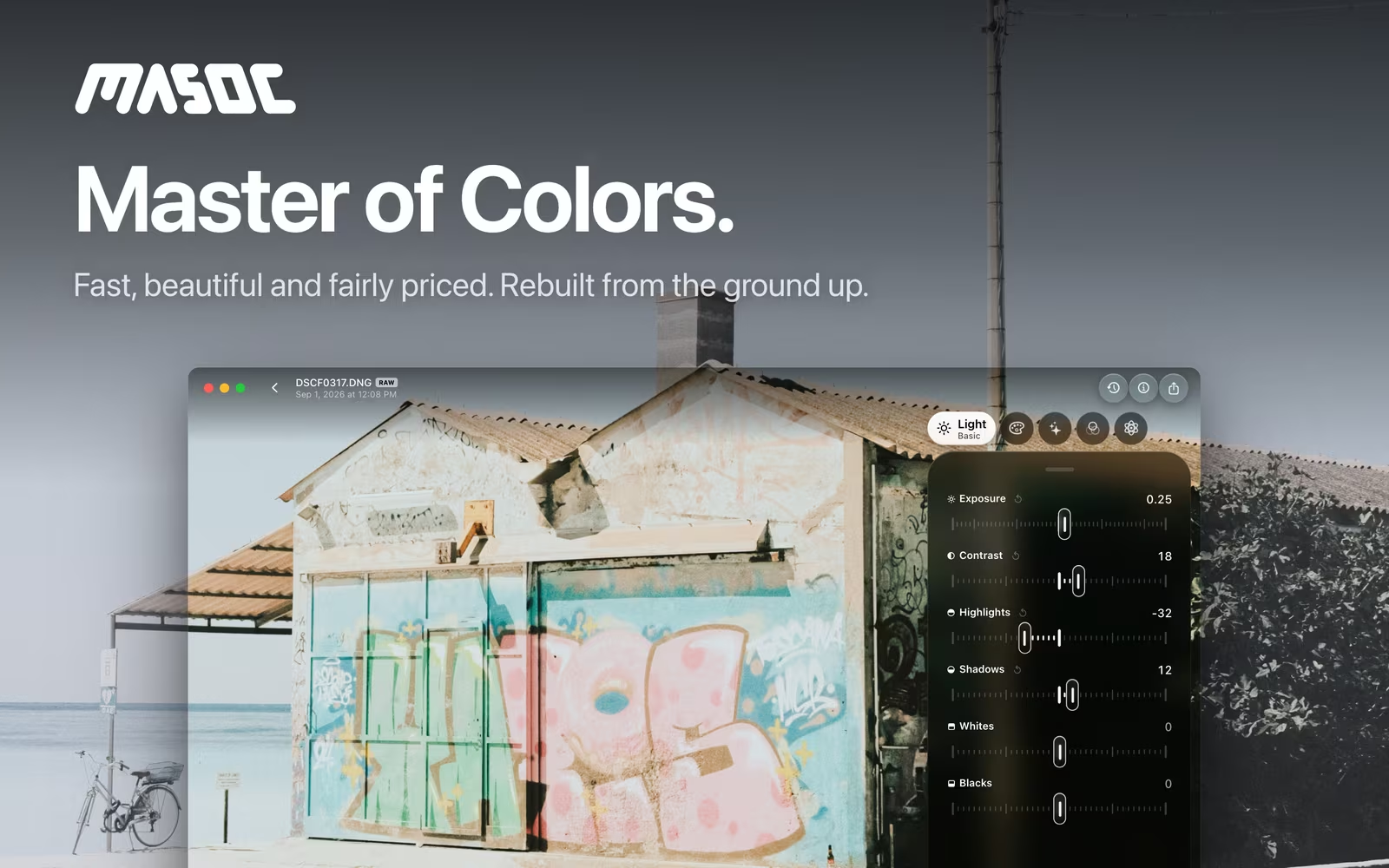
Try everything first.
No locked sliders, no watermark, no trial clock.
Every tool in masoc is free to use: masks, Smart Edit, looks, RAW, video, panorama and HDR. Your first three exports are free too, so you can see what masoc does with your own photos before you pay anything. Each exported photo or video counts as one. Exporting a photo’s untouched original never counts.
Unlock masoc your way.
Three options, the same masoc in each.
Monthly
$3.99 a month
For a trip, a wedding season or one big project. Cancel whenever you like.
Yearly
$24.99 a year
The best value per year: 48% less than twelve months of the monthly plan.
Lifetime
$69 once
Pay once and keep it. No subscription, no renewal, no reminder emails.
Every option unlocks the same app on iPhone, iPad and Mac, and Family Sharing is on for all three, so the people in your family group get masoc unlocked as well.
Prices in US dollars, as planned for the App Store launch. In other countries, the App Store shows its own price for each region, in local currency and with local taxes where they apply.
Why this model.
Fair for you, and fair enough to keep masoc going.
- You decide before you pay. A photo editor is personal. Three free exports with every tool unlocked tell you more than any screenshot.
- No subscription required. Some people like to pay as they go, others never want another subscription. The lifetime option is there for exactly that.
- No cloud bill in the price. masoc edits on your device and syncs, if you want, through your own private iCloud. There are no servers to pay for, so you don’t pay for them either.
- One person, steady updates. masoc is made by one independent developer. A fair price keeps new builds coming, and many of them start as a user’s idea.
Next to Lightroom.
What the same years cost, side by side.
Lightroom costs $11.99 a month in the US, on the annual plan paid monthly. That plan includes Lightroom on every device, Lightroom Classic and 1 TB of Adobe cloud storage. masoc has no cloud storage of its own and uses your iCloud instead.
| Over | Lightroom plan | masoc yearly | masoc lifetime |
|---|---|---|---|
| 1 year | $143.88 | $24.99 | $69 |
| 3 years | $431.64 | $74.97 | $69 |
| 5 years | $719.40 | $124.95 | $69 |
−83%
A year of masoc costs $24.99, a year of Lightroom $143.88.
6
months of Lightroom already cost more than masoc for life.
Lightroom price as listed on Adobe’s plans page for the US, checked in October 2026. Totals are the listed monthly price times the months, without future price changes.
Moving over is easy: your Lightroom presets come with you as .xmp files. How switching works.
Coming soon.
The beta has ended. The App Store is next.
masoc is being prepared for the App Store. Sign up for the newsletter, and you’ll hear first when it lands.
Questions
- What can I do in masoc without paying?
- Everything. Every tool is unlocked, and your first three exports are free. Exporting a photo’s untouched original never counts toward them.
- Do I need a subscription?
- Only if you want one. Unlock masoc comes as a monthly or yearly subscription, or as a one-time purchase for $69 that never expires.
- Does Family Sharing work?
- Yes. Family Sharing is on for all three options, so the people in your family group get masoc unlocked as well.
- Why does masoc cost so much less than Lightroom?
- masoc has no servers or cloud storage to pay for. Editing runs on your device, and sync uses your own iCloud. The Lightroom plan includes Lightroom Classic and 1 TB of Adobe cloud storage.
- Are these the final prices?
- They are the prices planned for the App Store launch, in US dollars. In other countries, the App Store shows its own price for each region, in local currency and with local taxes where they apply.
Adobe, Lightroom and Lightroom Classic are trademarks of Adobe Inc. masoc is not affiliated with Adobe.