Blur by depth
Background blur for any photo.
masoc reads the depth of a single photo and softens what lies behind your subject. No Portrait mode needed, and it all happens on your iPhone, iPad or Mac.
Depth from a single photo.
No Portrait mode. No second camera.
Open Blur in the editor’s tools, and masoc works out how far away every part of the photo is. A depth model built into the app does this from the pixels alone, right on your device. While it works, you see “Analyzing depth…”. Then the depth map fades over your photo for a moment: near is dark, far is light.
If a photo already carries depth, like one taken in Portrait mode on iPhone, masoc uses that instead. Opening the tool changes nothing. The blur begins when you raise the slider.
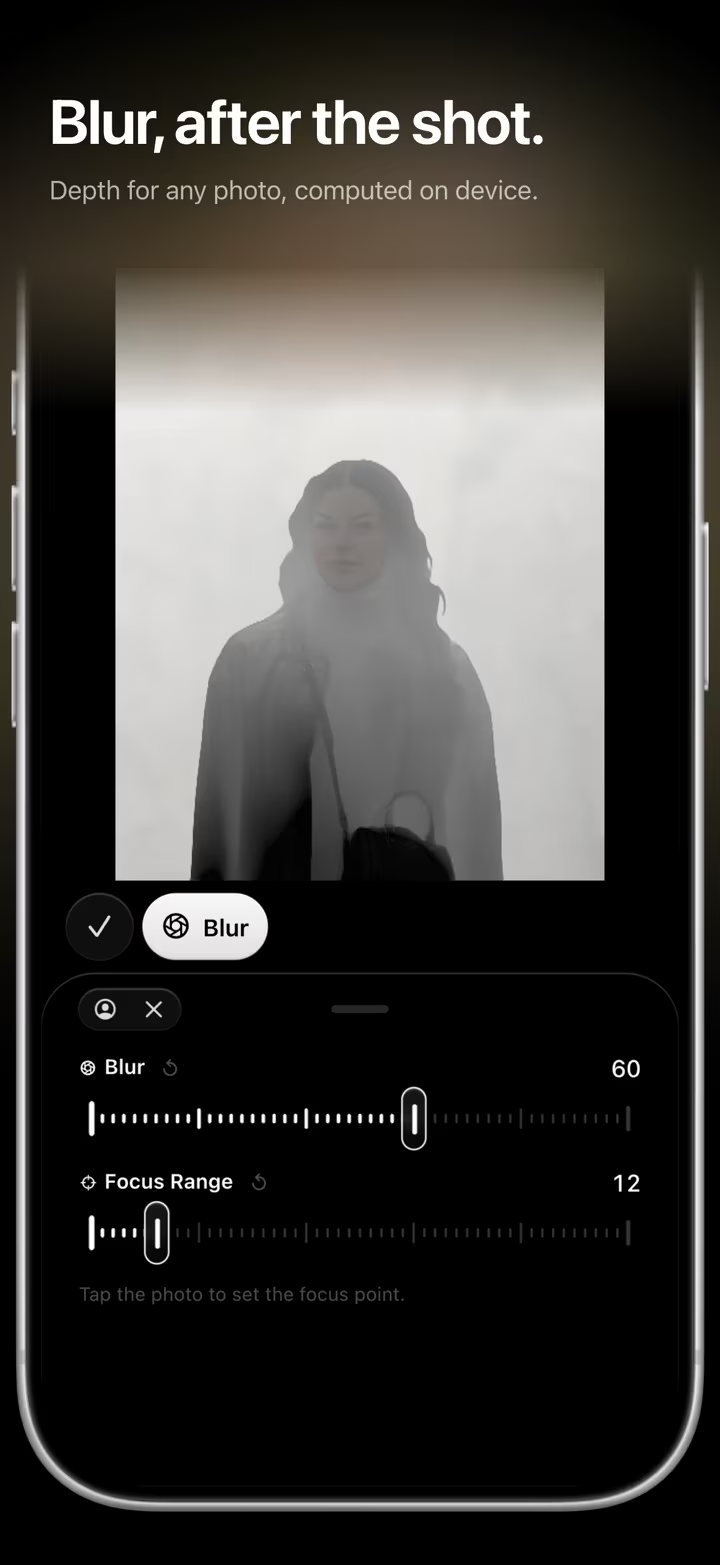
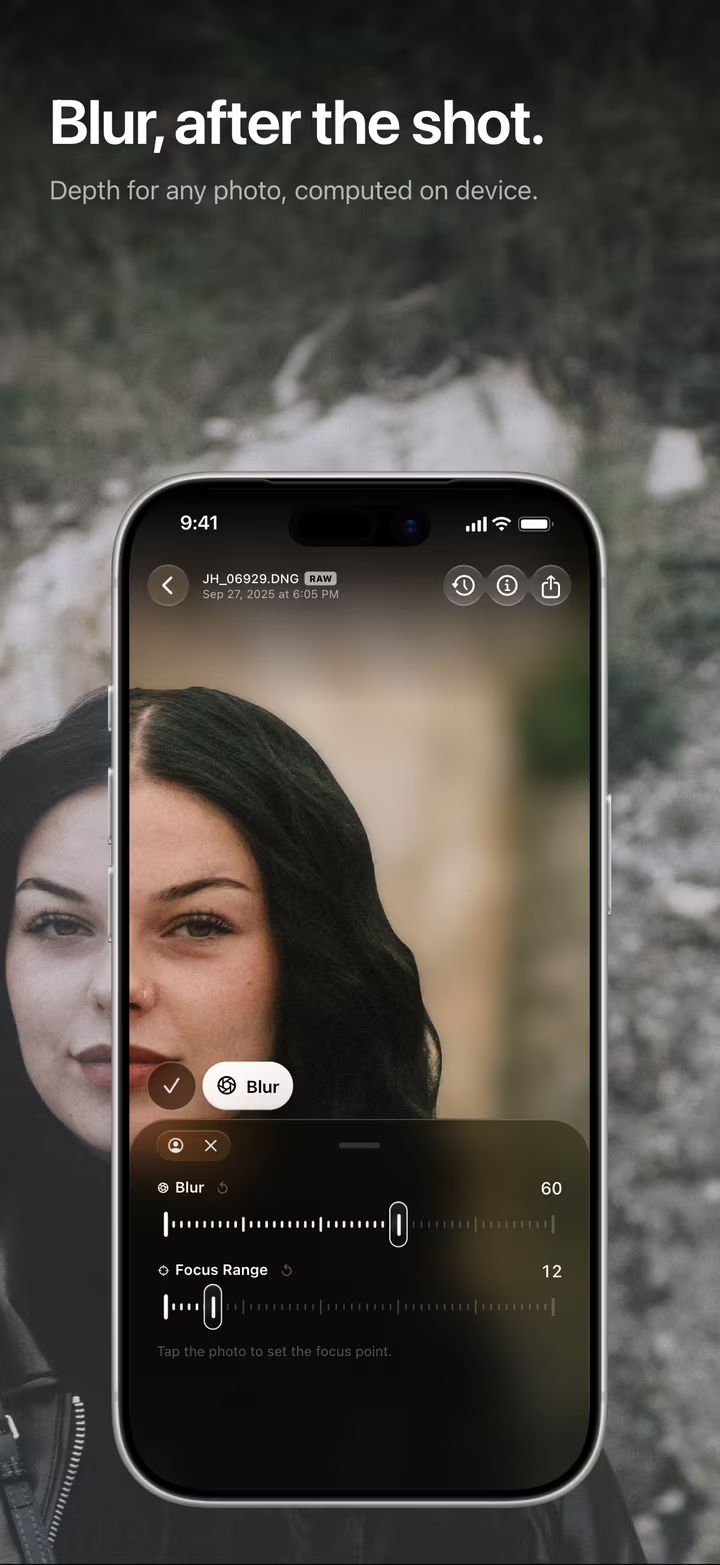
Tap where it should be sharp.
Choose the focus after the shot.
The first time you raise Blur, masoc focuses on the subject it finds in the photo. Tap anywhere else, and the depth under your finger becomes the sharp one. A ring marks the spot.
- Blur. How soft everything outside the focus gets, from 0 to 100. It scales with the photo, so it looks the same at any size.
- Focus Range. How deep the sharp zone reaches, from a thin slice to the whole scene.
- Focus on Subject. One tap brings the focus back to your subject.
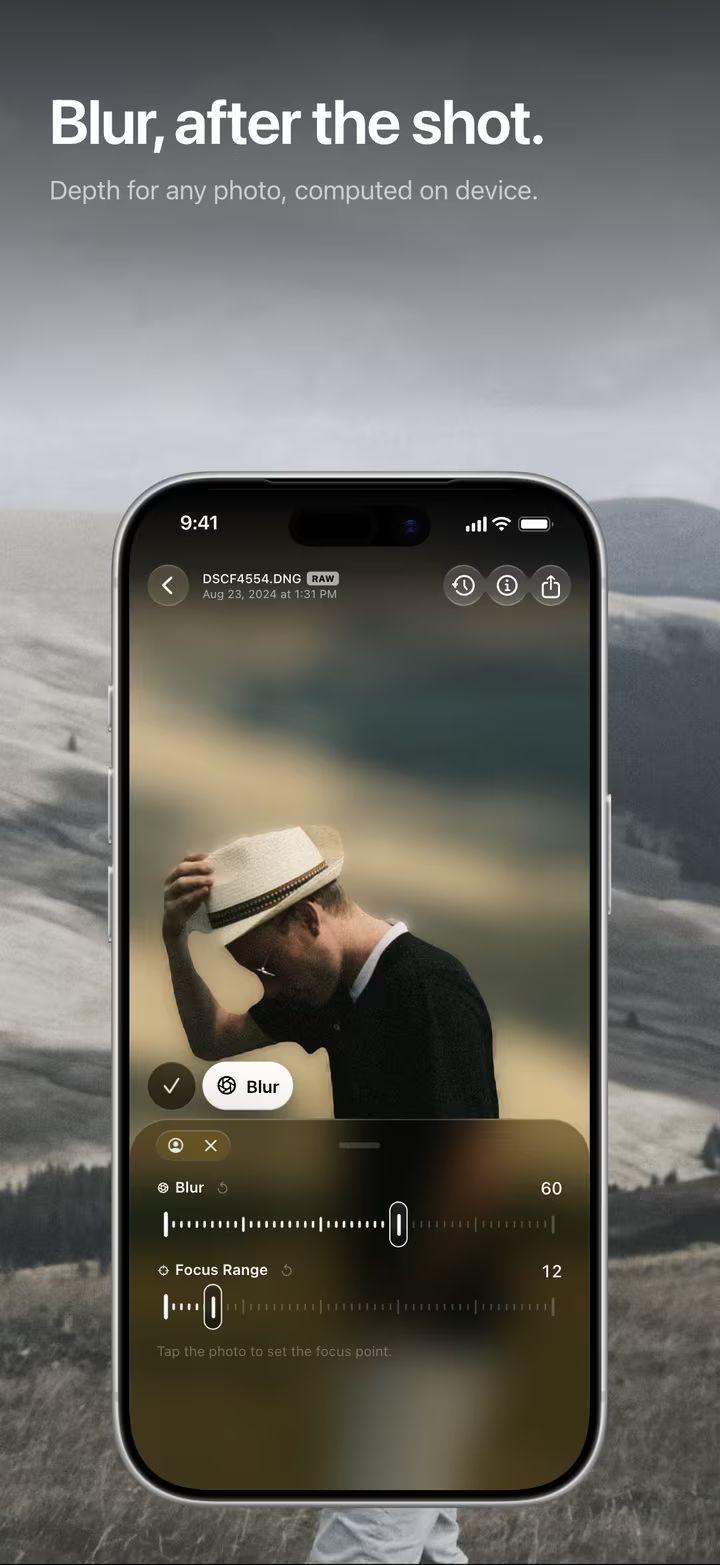
Built in layers, like a lens.
Not one blur laid over the background, but a stack of depths.
- Sort. The photo is split into bands by depth, from the far background to the foreground.
- Blur. Each band gets a round blur. The farther it lies from the focus, the softer it turns.
- Stack. The bands go on from back to front, so a sharp edge never bleeds into the blur behind it.
- Keep. The band in focus keeps the photo’s own pixels, at full resolution.
- Finish. What lies in front of the focus goes on last, more gently, so its blur spreads over what is behind it.
Your subject is treated as one piece, so a person in focus stays sharp from head to toe. Small bright points, like lights in the distance, open up into discs of light. And the blur runs right to the edge of the frame, without a sharp seam.
The foreground blurs more gently than the background on purpose. Depth read from one photo often takes the ground right in front of the camera for very near, and a heavy veil there would look wrong.
Any photo. Any camera.
The depth comes from the photo itself, so Blur works on photos from any camera: a RAW file from a mirrorless camera, a JPEG from years ago, a snapshot from your phone.
The blur is part of your edit, like any slider. Move the focus, change the strength or remove it whenever you like. The original stays untouched. Blur sits in the same place on iPhone, iPad and Mac.
Prefer words? Ask Smart Edit to “blur the background”, and it sets the blur for you.
Smart Edit requires a device that supports Apple Intelligence.
Full quality, on your device.
Nothing leaves your iPhone, iPad or Mac.
When you export, masoc renders the photo at full resolution, and the area in focus keeps its original pixels. If the depth isn’t ready yet, the export works it out first.
The depth model, the subject detection and the blur all run on your device. Nothing is uploaded, and it works offline. More about on-device AI.
Questions
- Do I need a photo taken in Portrait mode?
- No. masoc estimates depth from a single, ordinary photo, right on your device. If a photo already carries depth from Portrait mode, masoc uses that depth instead.
- Can I change the focus after adding the blur?
- Yes. Tap any part of the photo to make that depth sharp, widen the sharp zone with Focus Range, or tap Focus on Subject to go back to the subject. You can remove the blur at any time.
- Are my photos uploaded to estimate depth?
- No. The depth model, the subject detection and the blur all run on your iPhone, iPad or Mac. Nothing is uploaded, and it works offline.
- Does the blur lower the quality of my export?
- No. masoc renders the export at full resolution, and the area in focus keeps its original pixels. If the depth isn’t ready yet, the export works it out first.
- Does background blur work on video?
- No. Blur by depth is for photos. On video, masoc applies light, color, looks and framing, while masks, effects and depth blur stay with photos.