RAW
Edit RAW photos on iPhone, iPad and Mac.
Apple ProRAW and RAW from Sony, Canon, Nikon, Fujifilm and more. masoc develops them on your device, with white balance in true Kelvin and exposure up to ±5 EV.
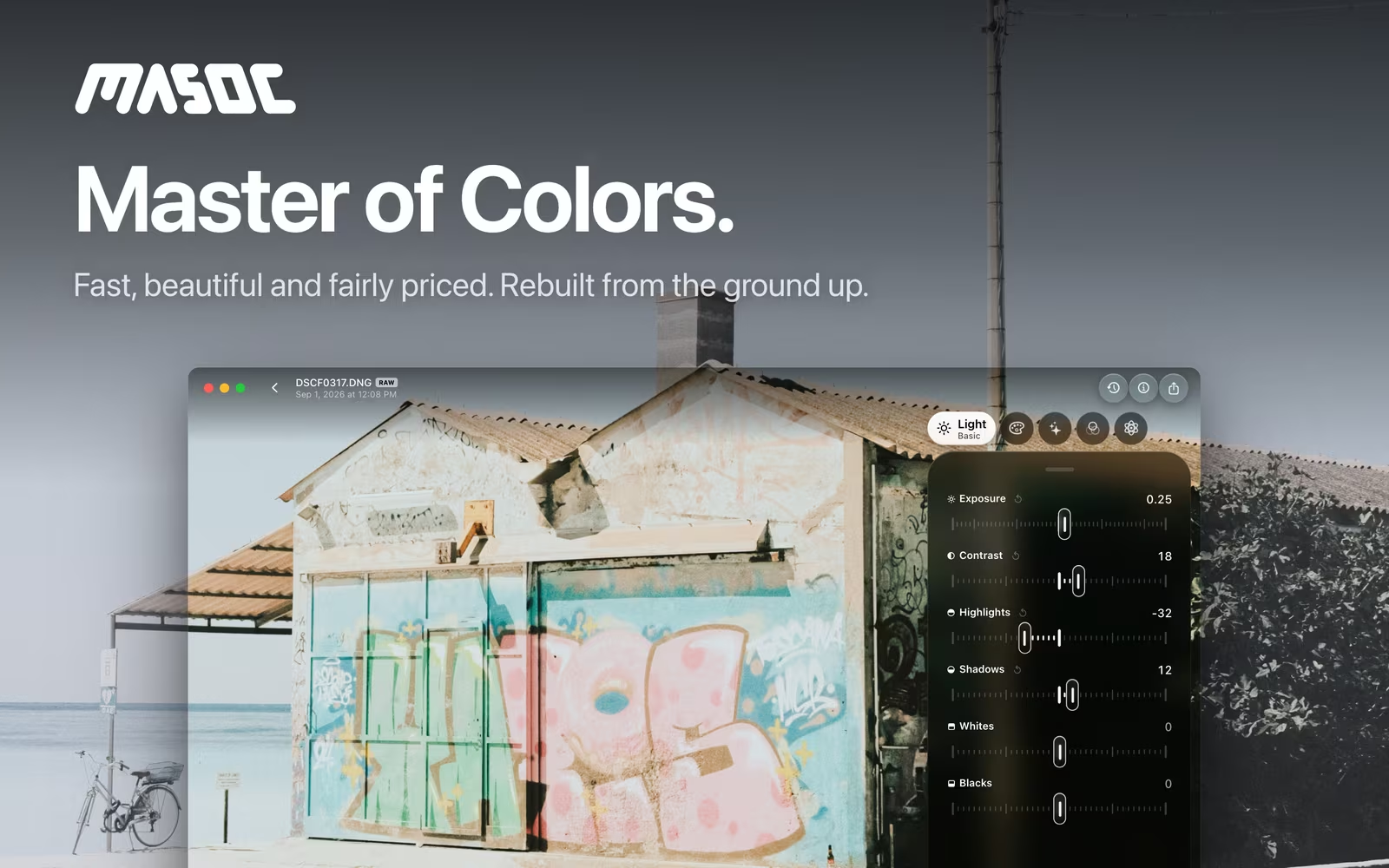
Every RAW in one library.
ProRAW from your iPhone, RAW from your camera.
masoc opens DNG, Apple ProRAW included, and the RAW files of Canon, Nikon, Sony, Fujifilm, Panasonic, Olympus and OM System, Pentax and Samsung. Bring them in from Photos, Files or the share sheet. A RAW badge marks every RAW file in the library, and one filter shows only them.
Your original stays as it is. masoc saves your edits separately, so you can change them, copy them or start over at any time.
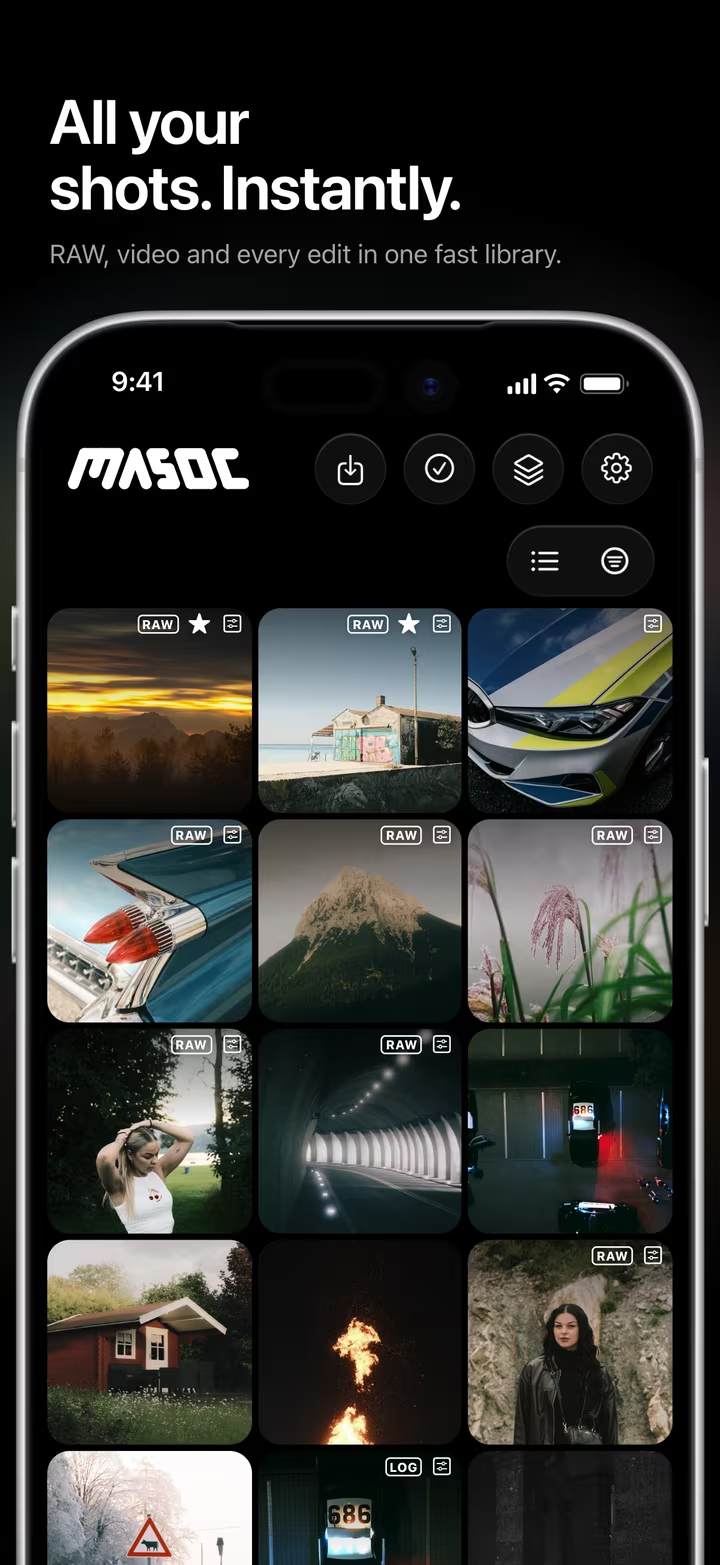
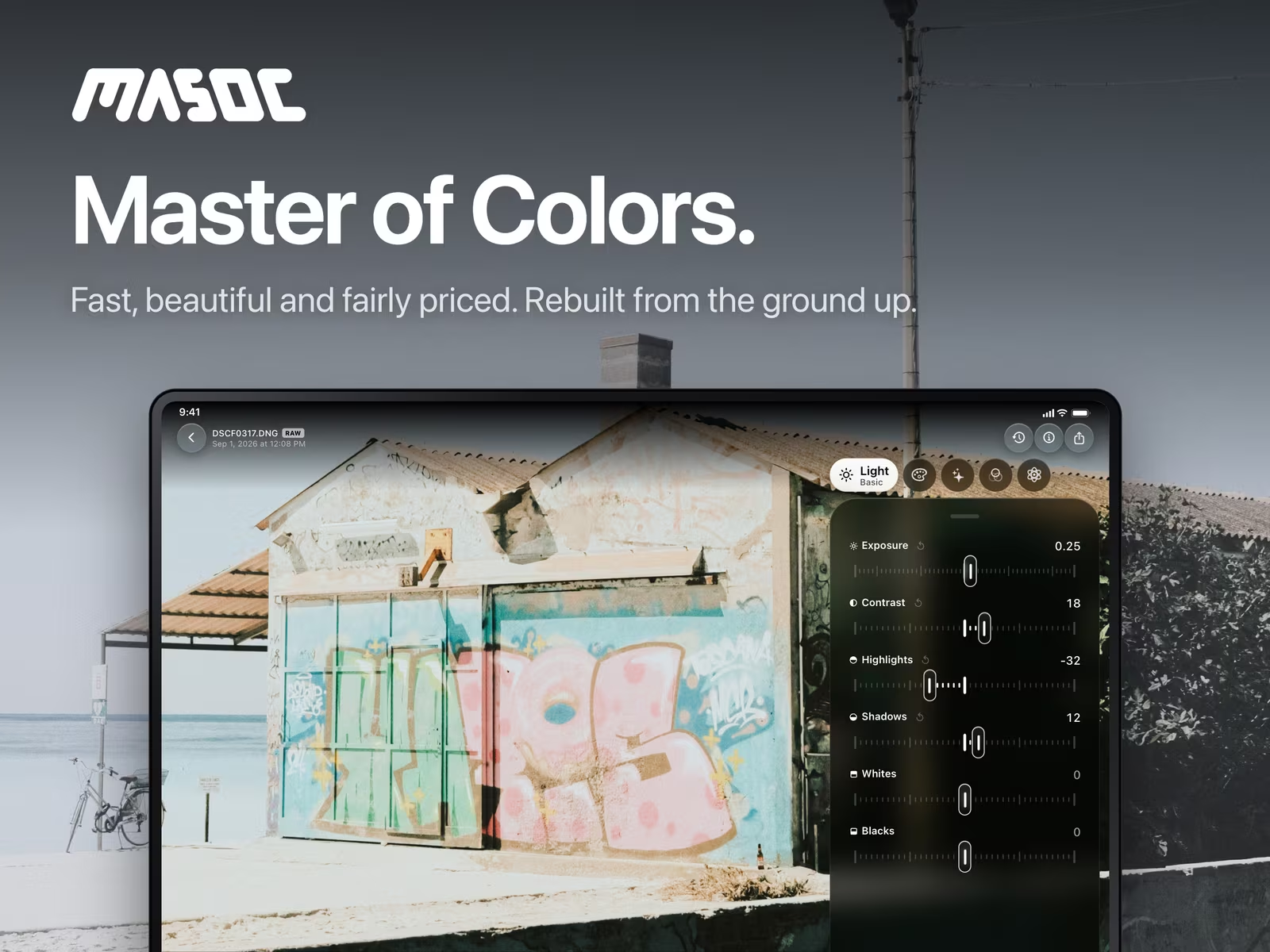
Developed on your device.
Apple’s RAW engine, then three careful steps.
masoc decodes every RAW with the RAW engine built into iOS, iPadOS and macOS. Before you touch a slider, it does three things.
- Base curve. Straight from the decoder, a RAW looks flat. masoc lays a gentle S curve over it, with black and white pinned, so the photo starts with natural contrast.
- Edge crop. The outermost pixels at the sensor edge can show a thin, discolored seam. masoc trims a hair off every side, about a tenth of a percent of the long edge.
- Sensor repair. Older cameras can leave dead and hot pixels in uncompressed DNG files. masoc fixes them before decoding and learns each camera’s defects from your photos. It’s on by default, in Settings › Editing.
Which camera models open depends on the RAW support in iOS, iPadOS and macOS.
White balance in true Kelvin.
On RAW, temperature is a real color temperature.
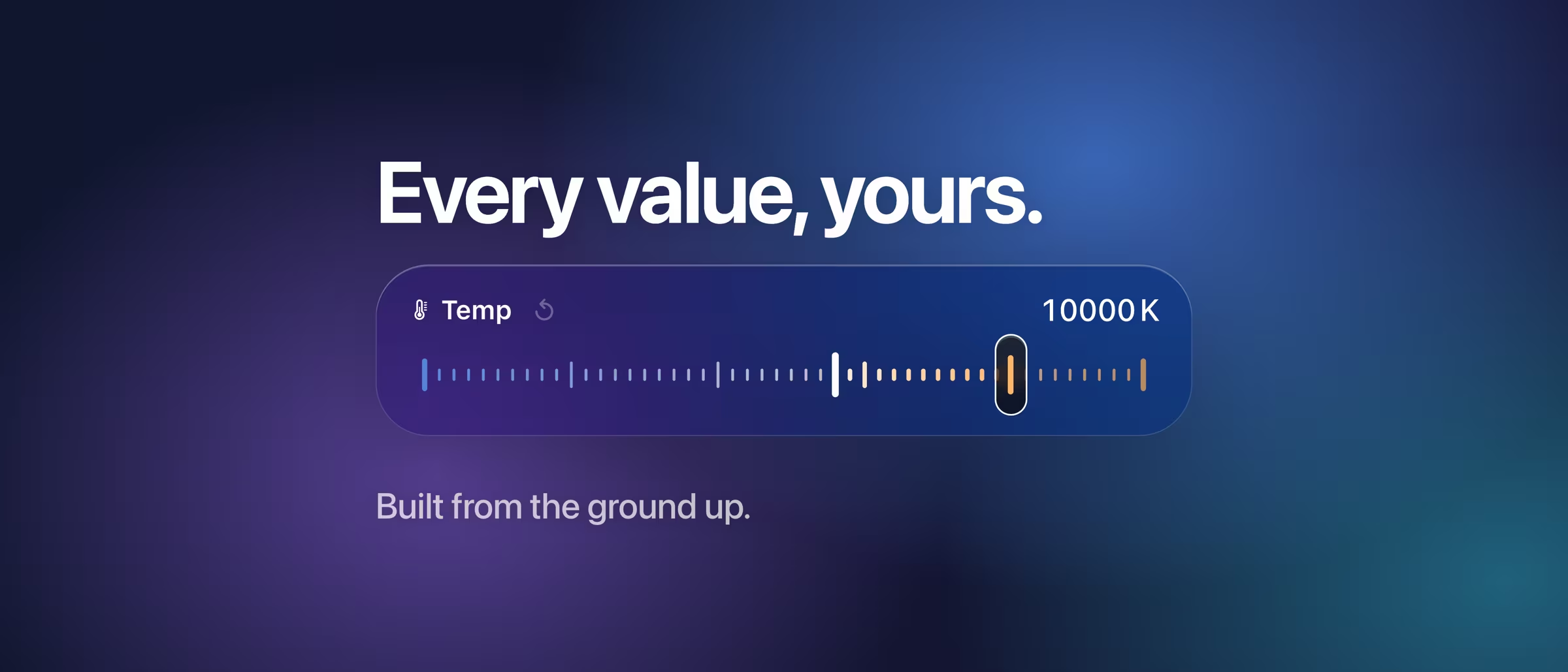
A RAW file still holds what the sensor saw, so masoc sets white balance in the decoder itself. You work in Kelvin and tint, starting from the camera’s own As Shot value. Pick Daylight, Cloudy, Shade, Tungsten, Fluorescent or Flash, let Auto even out the colors, or drag the picker onto something that should be neutral.
The Kelvin slider runs on a perceptually even scale, so the daylight range isn’t squeezed into one end. JPEG and HEIC have their white balance baked in. There masoc shifts temperature and tint relatively, from −100 to +100.
Room to recover.
Exposure up to ±5 EV, and highlights that come back.
Exposure runs from −5 to +5 EV in steps of 0.05. It lifts the midtones most and eases off toward white, instead of multiplying every pixel by the same amount.
Highlights and Shadows work on areas, not single tones. Each pixel is judged by its surroundings, so a bright sky comes down and dark corners open up. Whites, Blacks and a tone curve with free points on RGB, red, green and blue do the fine work.
Looks and presets on RAW.
Your style, on top of a clean develop.
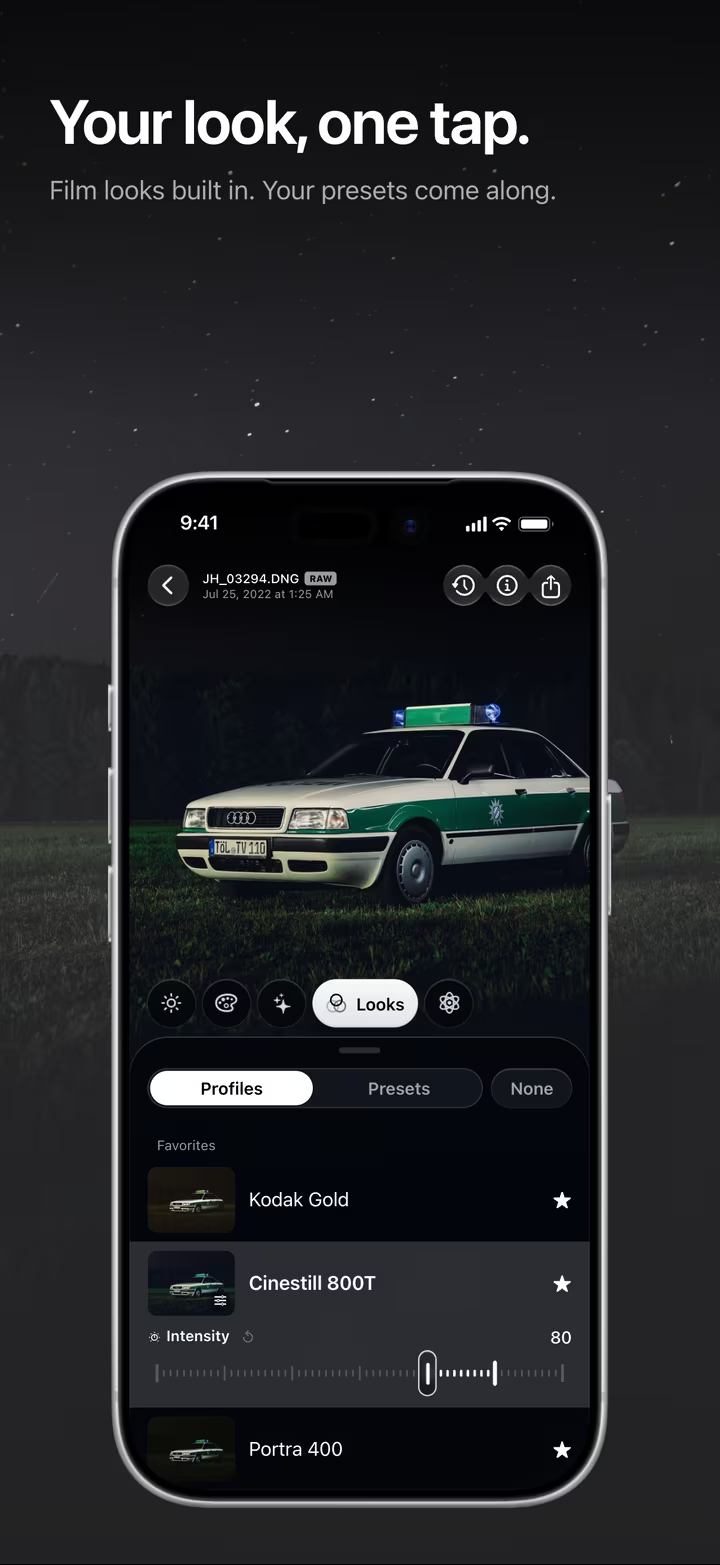
The 22 built-in looks and your own .cube LUTs go on right after the RAW is developed, before your light and color edits. Every slider still works on top, and the intensity runs from 0 to 120 percent. More about film looks.
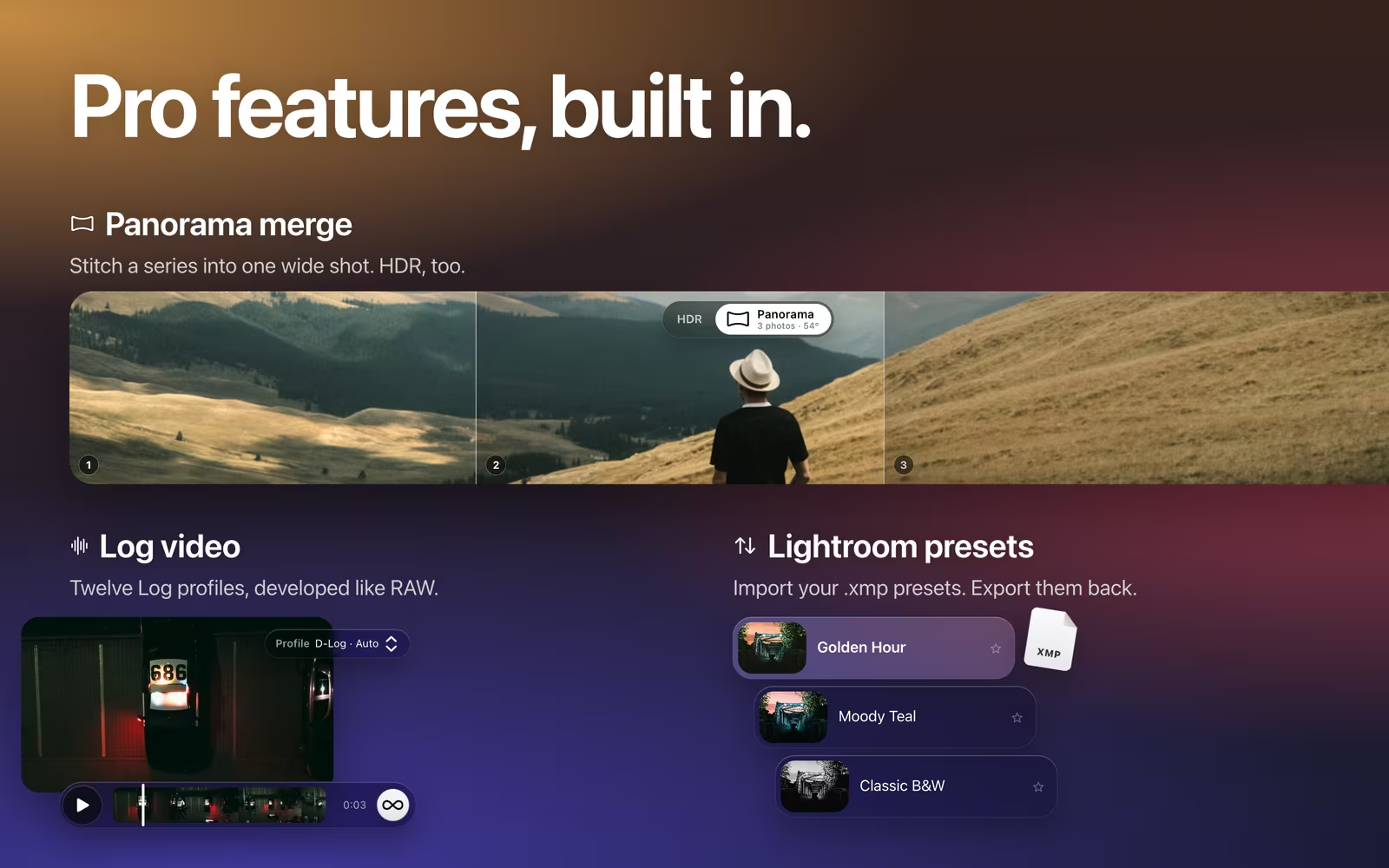
Lightroom and Camera Raw presets come in as .xmp files and become masoc presets. A preset with a Kelvin white balance keeps it in Kelvin on your RAW photos. Copy an edit from one photo and paste it onto the rest of the shoot, all of it or only the parts you choose. More about switching from Lightroom.
Export the way you need it.
HEIC, JPEG, PNG, or the RAW file itself.
Export as HEIC, JPEG or PNG at full size, or by long edge, megapixels or percent. Pick Display P3, sRGB or Adobe RGB, and decide whether location, camera details and date go along. Choose Original, and masoc hands over the untouched RAW file instead.
Exports go to Photos, to Files or to the share sheet, and run in the background while you keep working.
Coming soon.
The beta has ended. The App Store is next.
masoc is being prepared for the App Store. Sign up for the newsletter, and you’ll hear first when it lands.
Questions
- Which RAW formats does masoc open?
- DNG, Apple ProRAW included, and the RAW files of Canon (CR2, CR3), Nikon (NEF), Sony (ARW), Fujifilm (RAF), Panasonic (RW2), Olympus and OM System (ORF), Pentax (PEF) and Samsung (SRW). masoc decodes them with Apple’s RAW engine, so your camera model needs RAW support in iOS, iPadOS or macOS.
- Why is white balance in Kelvin only on RAW?
- A RAW file still holds the sensor data, so masoc sets white balance in the decoder, in Kelvin and tint, starting from the camera’s As Shot value. JPEG and HEIC have it baked in, so there temperature and tint shift relatively, from −100 to +100.
- Does editing change my RAW file?
- No. masoc keeps the original file as it is and saves your edits separately. Export the result as HEIC, JPEG or PNG, or export the untouched original.
- Can I use Lightroom presets on RAW photos?
- Yes. Open an .xmp preset from Lightroom or Camera Raw with masoc, and it becomes a masoc preset. A Kelvin white balance in the preset stays in Kelvin on your RAW photos.
- What does Repair Sensor Defects do?
- Older cameras can leave dead and hot pixels in uncompressed DNG files. masoc repairs them before decoding and learns each camera’s defects from your photos, on your device. It’s on by default, in Settings › Editing.
Apple ProRAW, Canon, Nikon, Sony, Fujifilm, Panasonic, Olympus, OM System, Pentax, Samsung, Adobe Lightroom and Camera Raw are trademarks of their respective owners. masoc is not affiliated with them.