Smart Edit
Edit photos with words.
Type or say what you want, like “a bit warmer” or “brighten the subject”. masoc turns your words into slider values, right on your device, and every one of them stays yours to change.
Smart Edit requires a device that supports Apple Intelligence.
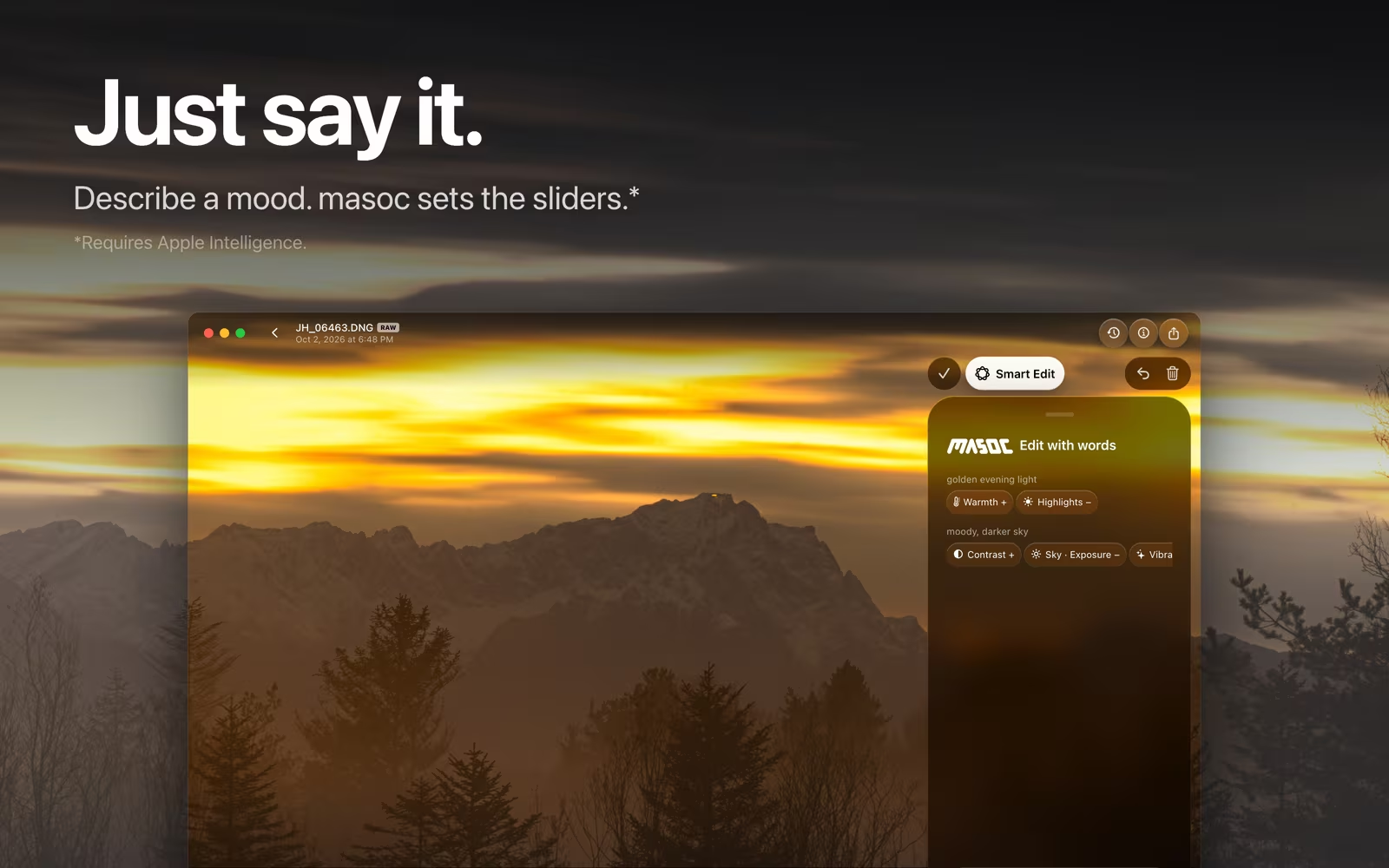
Type it, or just say it.
One line at the bottom of the panel.
Open Smart Edit in the tool row and write what you want, in your own words. Or tap the microphone and say it. masoc listens in the language your device is set to and transcribes your speech on the device.
Not sure where to start? The empty panel offers three examples: “a bit warmer”, “brighten the subject” and “moody film look”. Tap one to fill the line.
What you say, what moves.
Requests from the masoc test set, and what they change.
- “a bit warmer please”
- Warmth goes up.
- “the shadows are too crushed”
- Shadows go up. A complaint gets the fix.
- “the reds are too strong”
- Red saturation goes down in the color mixer.
- “brighten the person a bit”
- A subject mask, brighter inside it.
- “darken the background”
- A background mask, darker inside it.
- “blur the background”
- Background blur, from the depth of the photo.
- “crop it square for instagram”
- A square crop.
- “set white balance to tungsten”
- Tungsten white balance, on RAW photos.
- “mach das Bild heller”
- Exposure goes up. It’s German for “make the photo brighter”.
Strength words count: “a little” moves a slider less, “a lot” moves it more. Typos and rambling dictation are fine.
Only what you asked for.
Every change needs a word behind it.
Apple Intelligence suggests the edit. Then masoc checks each suggestion against your words. Ask for warmer, and warmth moves. Grain, glow, blur, a crop or a look only go on when you name them.
Name a part of the photo that masoc can’t find, and it tells you so. Ask for something that isn’t an edit, and your photo stays as it is.

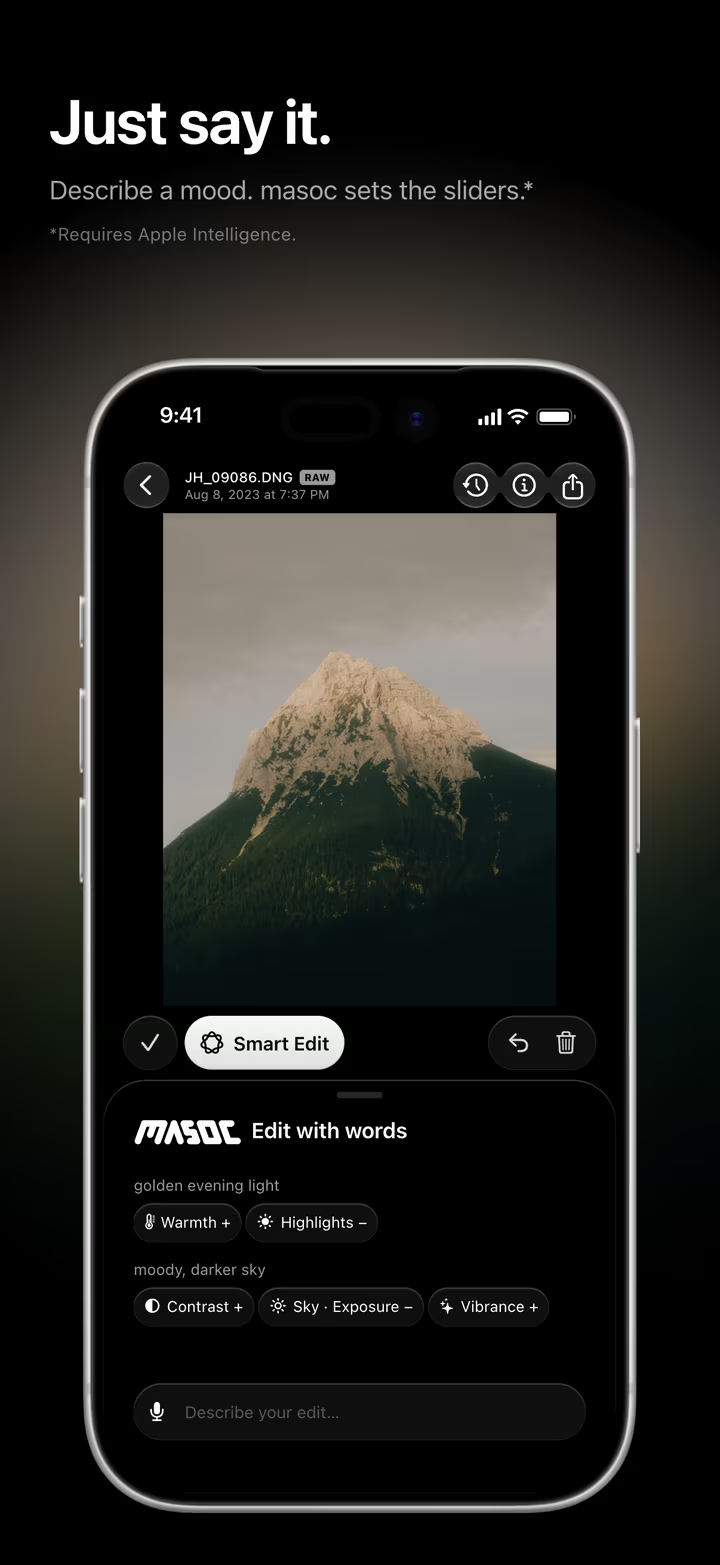
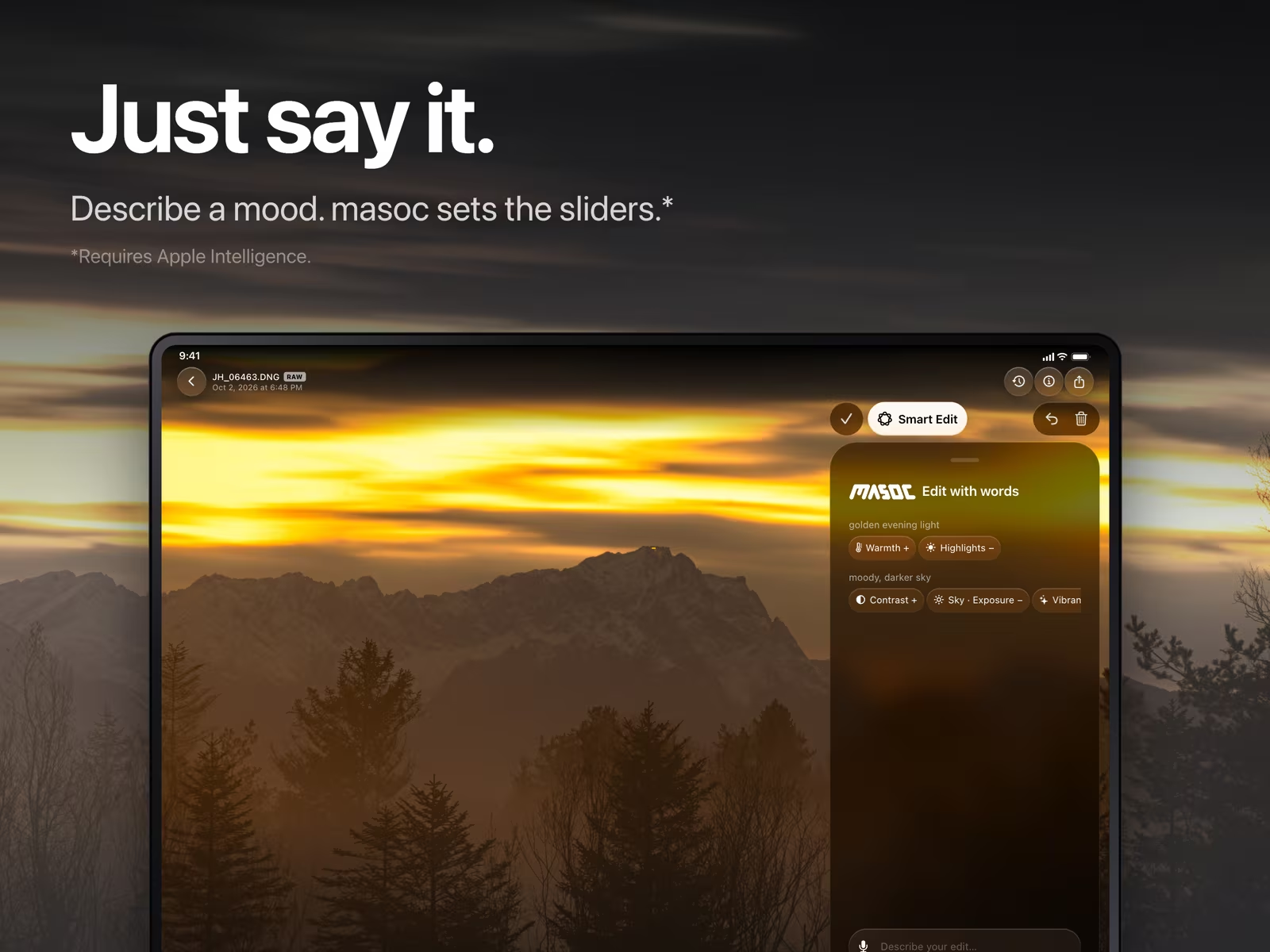
Every value, yours.
Smart Edit sets the sliders. You keep them.
Each change shows up as a chip under your request, like “Warmth +” or “Sky · Exposure −”. Tap a chip, and its slider opens right there. Hold it to take back just that change.
Each request is one undo step, and saying “undo that” works too. “Undo all Smart Edits” puts the photo back to how it was before your first request. The conversation stays with the photo, so the chips are still there when you come back.
Looks by name. Values by number.
Ask for a film look, or give the exact value.
Name one of the 22 built-in looks, like “apply Portra 400” or just “Astia”. Your own presets and imported LUTs answer to their names too. Or describe a mood: “moody tungsten night look with halation” finds Cinestill 800T. Add a percentage for the strength, as in “Classic Chrome at 60%”. Moods match best in English, the language the look descriptions are written in.
Numbers go straight onto the slider. “set contrast to 25” sets Contrast to 25, “exposure -0.5” takes off half a stop, and “highlights -40 and shadows +30” moves both. More about film looks.
On your device, in your language.
Nothing you type or say is uploaded.
Smart Edit runs with Apple Intelligence on your iPhone, iPad or Mac. Your words and your voice stay there. More about on-device AI.
Write in your own language. masoc’s own word check covers 16 languages, among them English, German, French, Spanish, Italian, Japanese, Chinese and Korean, and Smart Edit is tested with requests in 28.
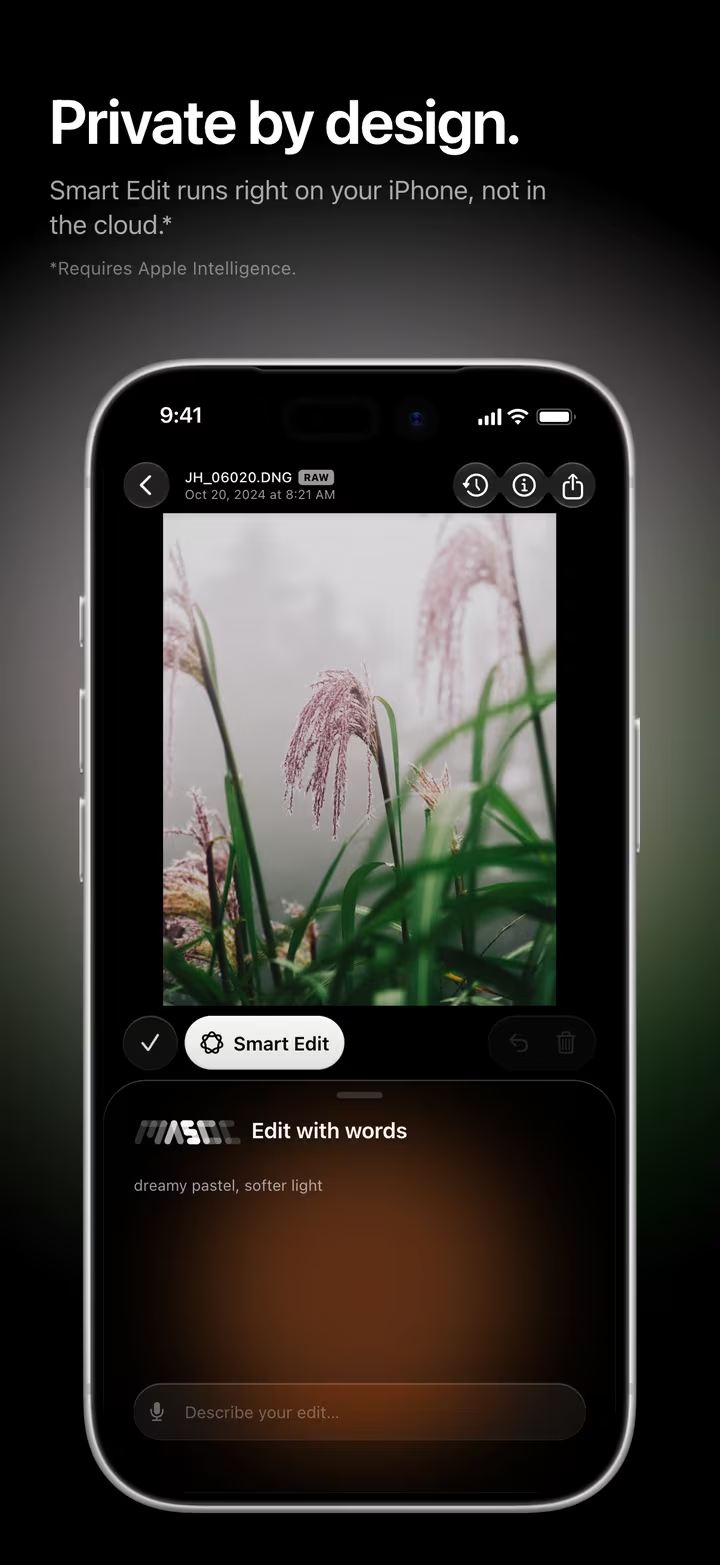
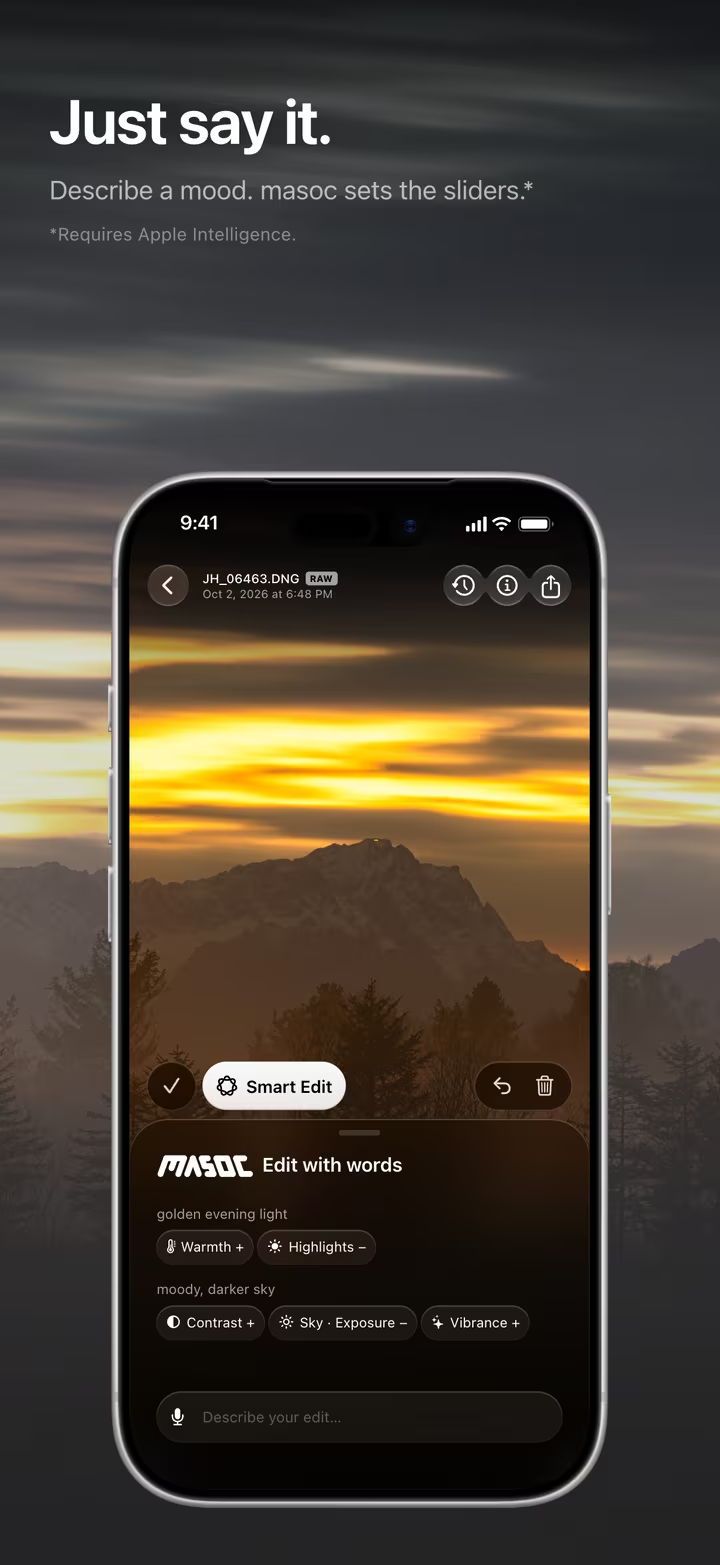
Smart Edit appears in the tool row once Apple Intelligence is turned on.
Questions
- Which devices does Smart Edit work on?
- iPhone, iPad and Mac models that support Apple Intelligence, with Apple Intelligence turned on. On other devices Smart Edit stays hidden, and every other tool in masoc works as usual.
- Does Smart Edit send what I type or say to a server?
- No. Apple Intelligence turns your words into slider values on your device, and dictation is transcribed on the device too. Nothing is uploaded.
- Can I change what Smart Edit did?
- Yes. Every change shows up as a chip. Tap it to open its slider, hold it to take that one change back, or undo the whole request in one step.
- Which languages does Smart Edit understand?
- You can write in your own language, and dictation listens in the language your device is set to. masoc checks words in 16 languages and tests Smart Edit with requests in 28.
- Can I ask for a film look or an exact value?
- Yes. Name a built-in look, a preset or an imported LUT, and add a percentage for its strength. Numbers work for sliders too, like “set contrast to 25” or “exposure -0.5”.
Fujifilm, Astia, Classic Chrome, Kodak, Portra, Cinestill and Polaroid are trademarks of their respective owners. masoc is not affiliated with them.