A breakup letter
Dear Lightroom, we need to talk.
It’s not you. Okay, it’s a little bit you. We had some good years, and a lot of good photos. But lately it feels like we’re paying more and more for the same sliders. So here it is, in writing.
It’s the money, honey.
Every relationship has a budget. Ours kept growing.
On March 20, 2026, the Lightroom plan with 1 TB went from $11.99 to $14.99 a month for existing subscribers, billed annually. Paid month to month, it’s $22.49. That’s a nice dinner for two, every single month, and the photos were already ours.
+25%
Lightroom plan with 1 TB, billed annually: $11.99 a month until March 2026, $14.99 since.
Adobe’s US prices, as listed in Adobe’s pricing FAQ, checked in October 2026.
You never made it easy to leave.
Most breakups end with a talk. Some end with an invoice.
On the annual plan paid monthly, cancelling in the first year costs half of the remaining payments. In June 2024, the US Department of Justice sued Adobe over how that fee was disclosed. In March 2026, Adobe agreed to settle with a $75 million civil penalty and $75 million in free services for customers, without admitting wrongdoing.
50%
of the remaining payments, due when you cancel the annual plan paid monthly in its first year.
Settlement as reported by CG Channel on March 23, 2026, checked in October 2026.
You always wanted me in the cloud.
I just wanted to edit a photo. You wanted me to sign in first.
Lightroom starts with an Adobe account, and its plan is named after the cloud storage it comes with. Nothing wrong with clouds. We just like ours over a landscape, not between us and our photos.
masoc needs no account. You open it, pick a photo and edit. Masks, depth, retouching and Smart Edit run on your device, even in airplane mode. iCloud sync is there if you want it, in your own private iCloud, and off until you turn it on.
You’re still dressing like it’s 2007.
We love vintage. In film looks, not in software.
Lightroom first came out in 2007, the year the first iPhone did. The last version you could simply buy and keep, Lightroom 6.14, came out in 2017. Since then it’s rent only. And the desktop version that most photographers grew up with is now officially called Lightroom Classic. Even Adobe agrees it’s a classic.
2007
The year Lightroom 1.0 came out. masoc was built from the ground up for iOS 26, iPadOS 26 and macOS 26.
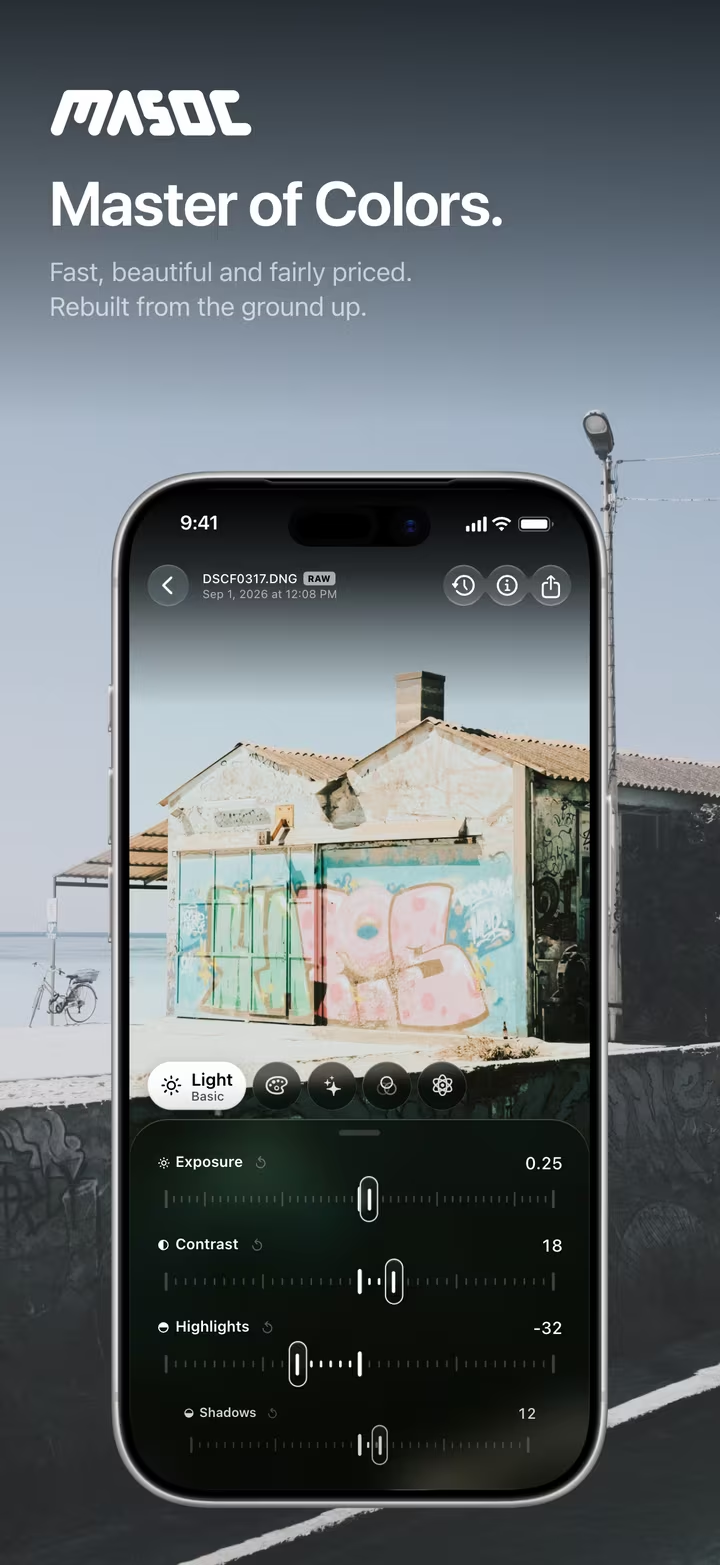
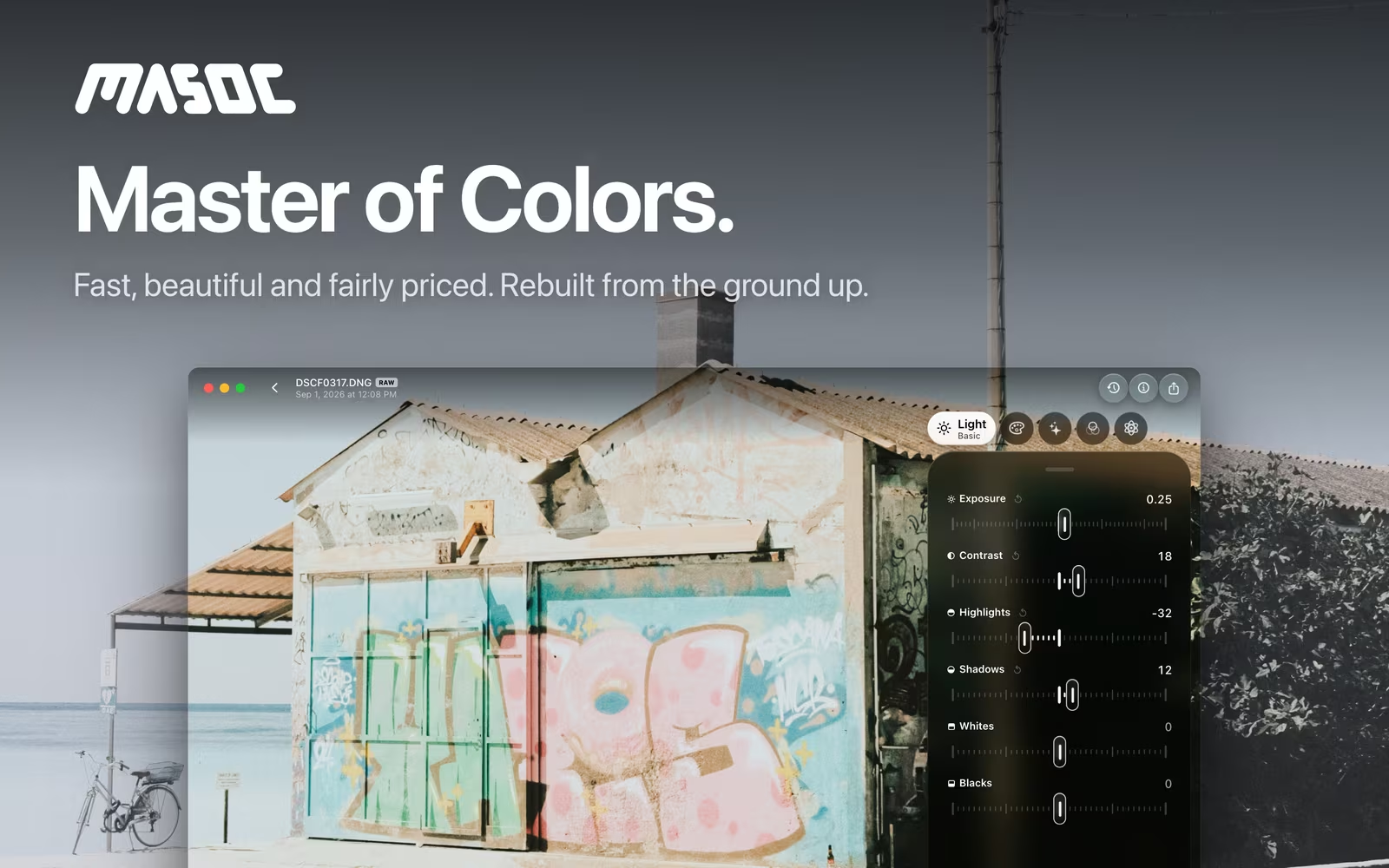
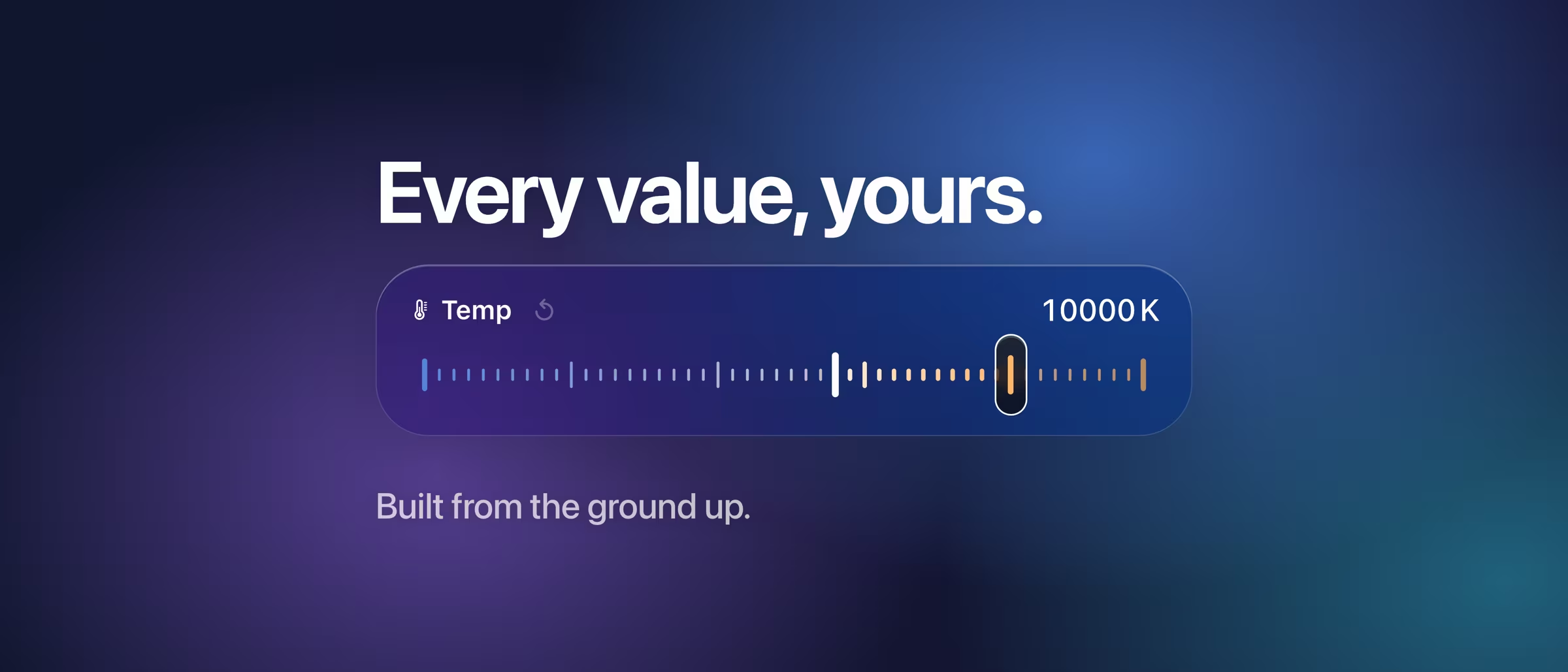
masoc is one native app for iPhone, iPad and Mac, with the same tools in the same places on each. Every slider shows its real value, and the photo follows your finger while you drag.
Let’s stay friends.
Your presets don’t have to choose sides.
Open your Lightroom and Camera Raw presets with masoc, and each one becomes a masoc preset. Presets you build in masoc export as .xmp files too, in case you ever want to call Lightroom back. No hard feelings, no lost looks. How switching works, step by step.
P.S. Keep the 1 TB. We’re good.
Questions
- Is this page serious?
- Mostly. The jokes are ours, the numbers are Adobe’s or come from the reports linked on the page, each with the month we checked it.
- Can I take my Lightroom presets to masoc?
- Yes. Open an .xmp preset from Lightroom or Camera Raw with masoc, and it becomes a masoc preset. Presets you build in masoc export as .xmp files too.
- Does masoc need an account or a cloud plan?
- No. masoc needs no account, and editing and every AI feature run on your device. iCloud sync is optional, uses your own private iCloud, and stays off until you turn it on.
- How much does masoc cost?
- masoc will be free to download, with every tool and three free exports. After that, Unlock masoc costs $3.99 a month, $24.99 a year or $69 once. The pricing page has the details.
Adobe, Lightroom, Lightroom Classic and Camera Raw are trademarks of Adobe Inc. masoc is not affiliated with Adobe. This page is a lighthearted opinion piece. The numbers come from the sources linked above.