CineStill 800T
The CineStill 800T look on iPhone.
Cool shadows, warm lights and a glow around every street lamp. What the CineStill 800T look is, where it works, and how to get it on iPhone: live in IIWII, or afterwards in masoc.
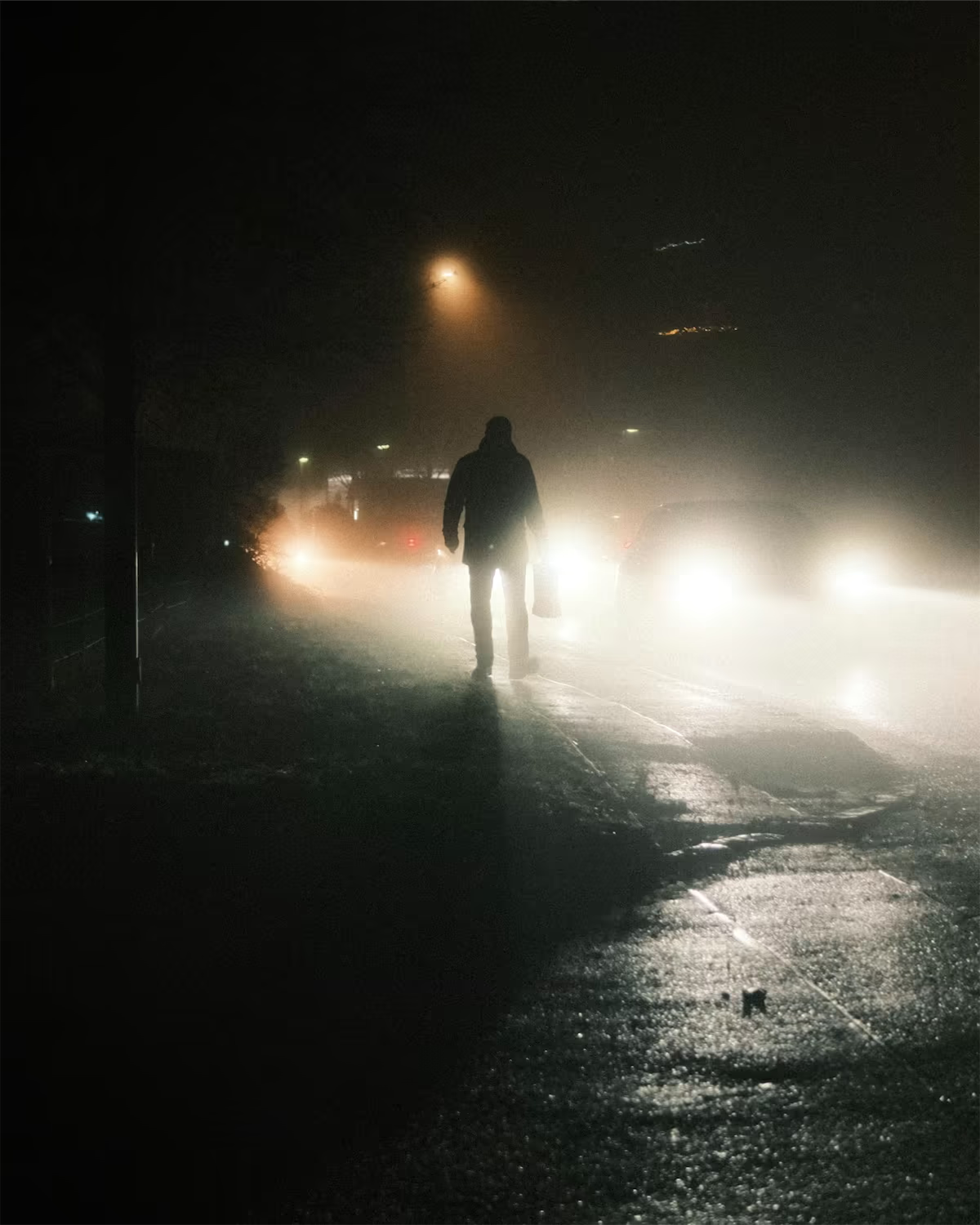
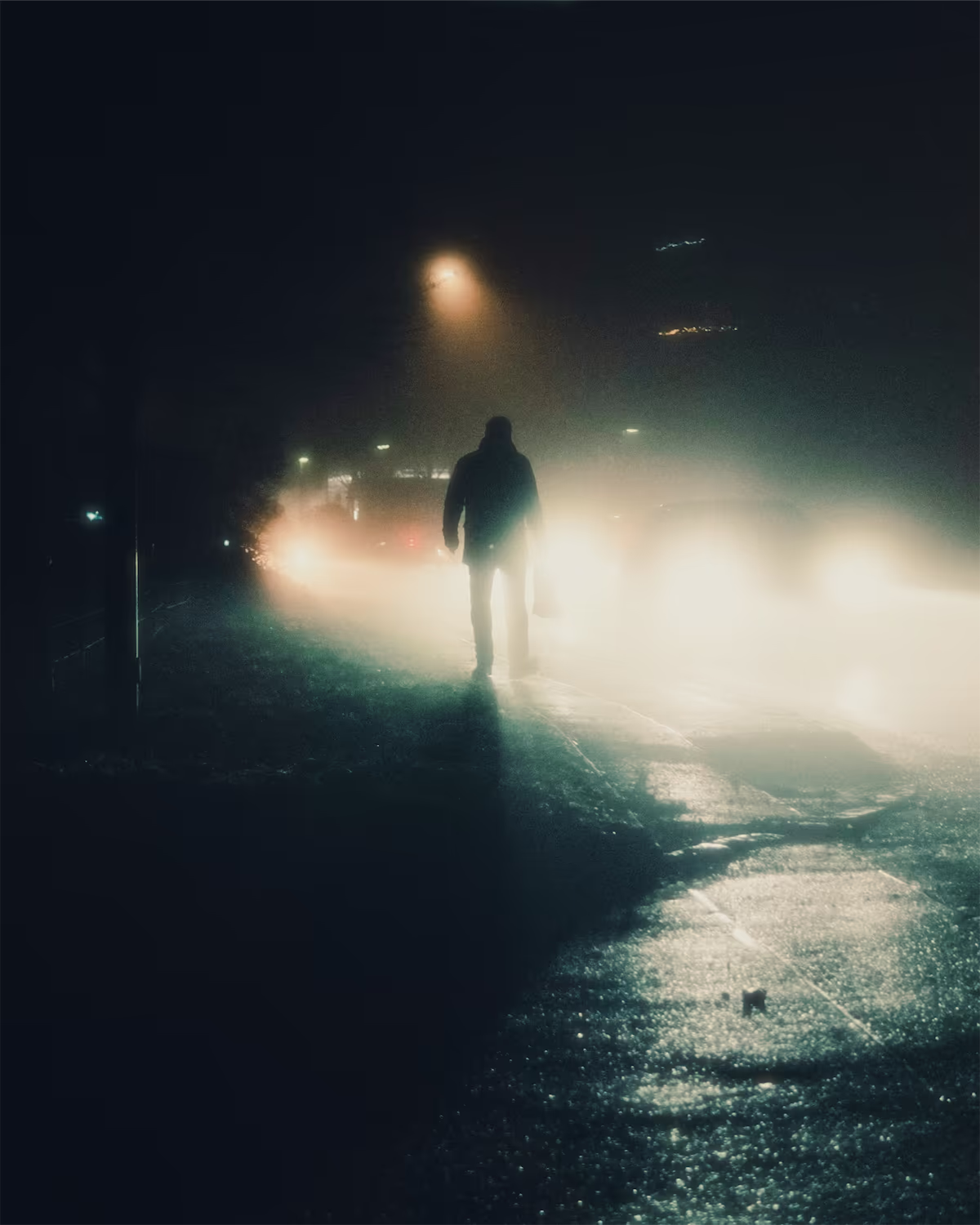
A night photo before and after, rendered with masoc’s own color math: the Cinestill 800T profile at 100 percent, Glow at 30, nothing else.
What CineStill 800T is.
A tungsten film from the movies, made for any photo lab.
CineStill 800T is a color negative film rated at ISO 800 and balanced for tungsten light at 3200 K. CineStill launched it in 2012 and says it was originally based on a 500-speed motion picture film. Unlike that cinema stock, it goes to any lab that develops C-41, and it can be pushed up to ISO 3200.
Its best-known trait comes from a layer that is missing. Motion picture film carries rem-jet, a black backing of carbon, wax and adhesive that works as an anti-halation layer. CineStill makes its color films without it. Overexposed highlights then get a glow on the red-sensitive layer: the red halo around street lights and neon signs that people look for in 800T photos.
Sources: CineStill’s 800T product page, its FAQ and its post on 800T as a tungsten-balanced film (March 17, 2024), checked in October 2026.
Where the look works.
Tungsten film wants artificial light.
Balanced for 3200 K, the film renders warm bulbs close to neutral. Daylight sits much higher on the Kelvin scale, so it turns blue. That is why the look belongs to the night:
- Street lights, headlights and wet asphalt
- Neon signs and lit shop windows
- Bars, kitchens and rooms lit by warm bulbs
- Fog or rain, which spread the light even further
Point lights matter most, because a glow needs something bright to grow around. In daylight, CineStill recommends an 85 filter on the lens or rating the film at ISO 400 to 500. On a phone, the same lesson means: by day, use the look at a lower intensity, or pick one made for daylight.
Shoot it live in IIWII.
See the look in the viewfinder before you press the shutter.
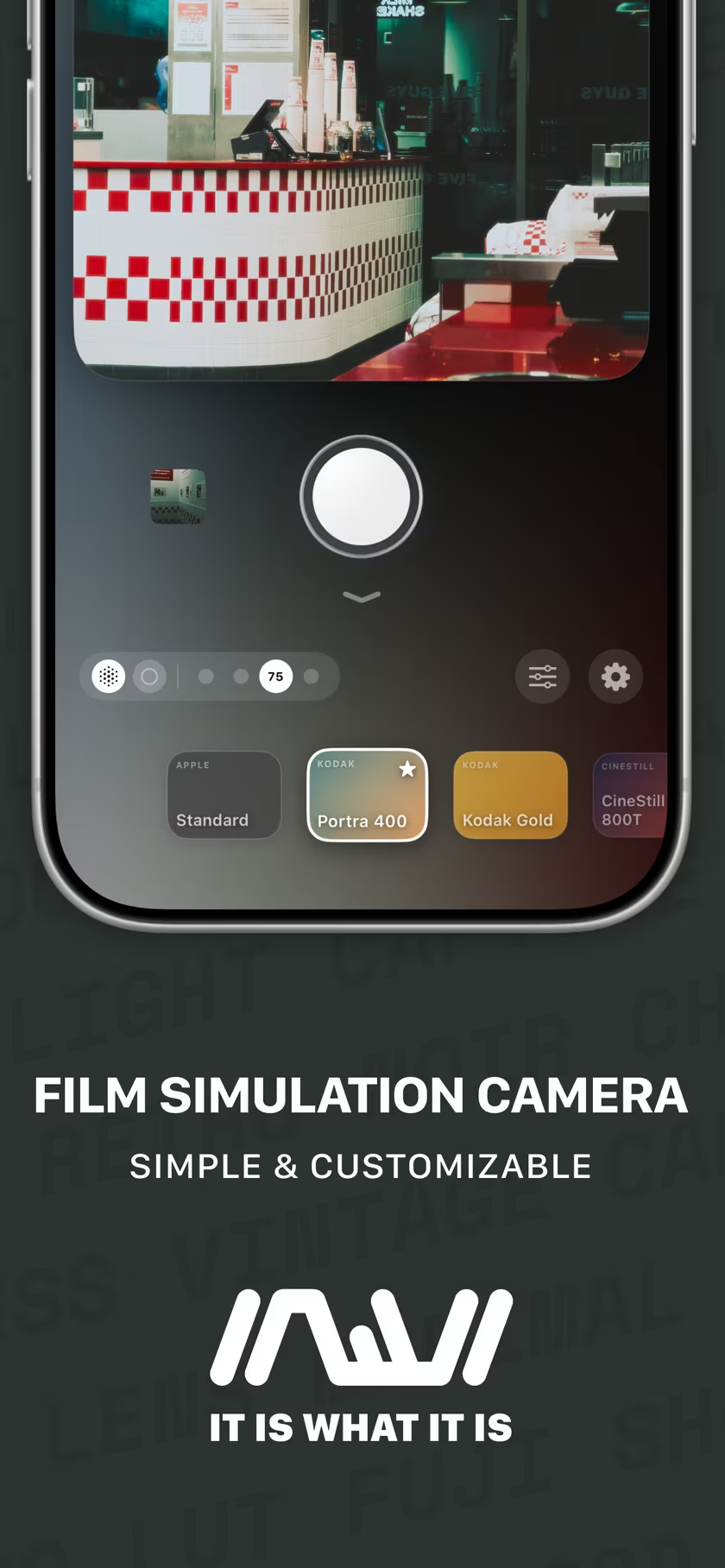
IIWII is a film simulation camera for iPhone by the developer of masoc, and CineStill 800T is one of its looks. The viewfinder shows the photo with the look already on, and the look adds a touch of grain as you shoot. More about IIWII, or visit iiwii.info.
- Swipe up from the bottom of the viewfinder to open the looks, and pick CineStill 800T.
- Swipe down for the manual controls (on iOS 18 and later), turn off auto white balance with the A button and set 3200 K. Now the camera sees light the way the film does: warm bulbs come out neutral, everything else turns cool.
- Keep Soft Light on under Settings › Processing & Export › Effects. It adds a subtle glow to every look except Standard.
- Turn on RAW+ to save a DNG alongside the finished photo, for a second pass later.
Build it in masoc.
Start from the profile, then add what a color table can’t do.
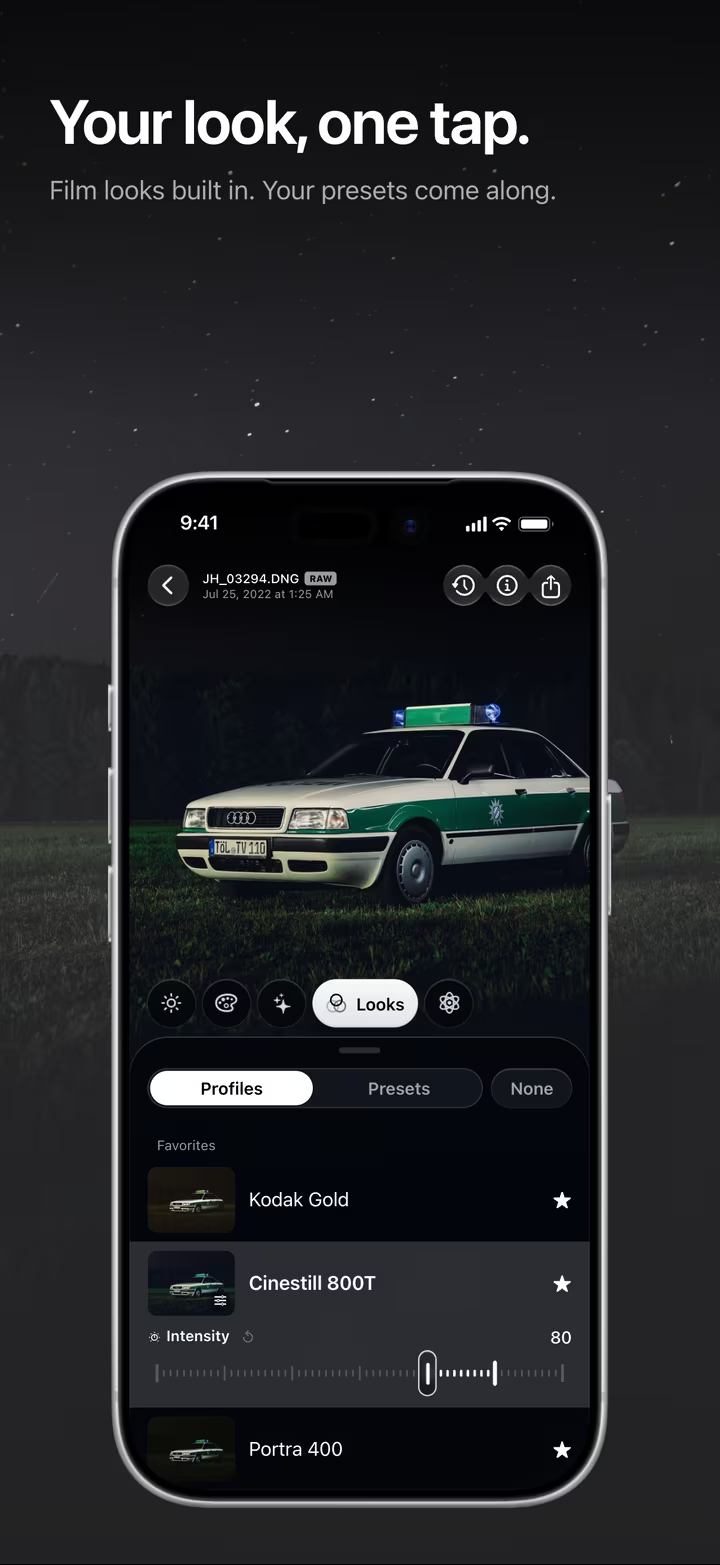
masoc ships the same Cinestill 800T profile as IIWII, built on the same color table. It works on a JPEG or HEIC, on Apple ProRAW and on the DNG from IIWII. These values are a starting point for a night photo.
- Look. Pick Cinestill 800T under Looks › Profiles. Keep the intensity at 100 percent at night, 60 to 80 by day.
- White balance. Under Color, set Temp to about 3200 K on a RAW photo, as if the film were loaded. On a JPEG or HEIC, pull Temperature to around −15 instead.
- Glow. Under Effects › Atmosphere, set Glow to 25 to 35.
- Grain. Under Effects › Grain, try Grain 25, Size 35 and Roughness 55. An 800-speed film is not clean.
- Red in the lights. If you want more red, open Color › Grading, choose Highlights, and set Hue to 15° and Saturation to 15.
- Save it all as a preset, ready for the next night out.
A note on halation: a look is a 3D color table. It changes colors, not where light falls, so no color table can paint a halo. masoc has no separate halation tool. Glow does that part instead: it softens and brightens the light around bright areas and keeps its color, so under the look, street lights glow warm. The profile works on video too. Effects such as Glow and Grain are for photos.
All 22 profiles side by side are on film simulations. How looks, your own LUTs and presets work in masoc is on film looks.
IIWII is available now on the App Store. masoc is being prepared for the App Store. Sign up for the newsletter to hear first when it lands.
Questions
- What is the CineStill 800T look?
- Cool, tungsten-balanced color with deep teal shadows and a warm glow around bright lights. It comes from CineStill 800T, an ISO 800 color negative film balanced for 3200 K and made without an anti-halation layer.
- Why does CineStill 800T have red halation?
- Motion picture film carries rem-jet, a black backing that works as an anti-halation layer. CineStill makes its color films without it, so overexposed highlights get a glow on the red-sensitive layer.
- How do I get the CineStill 800T look on iPhone?
- Shoot with the CineStill 800T look in IIWII to see it live in the viewfinder, or edit afterwards in masoc: pick Cinestill 800T under Looks › Profiles, then add Glow and Grain under Effects.
- Can masoc add halation?
- masoc has no separate halation tool. Glow under Effects › Atmosphere softens and brightens the light around bright areas and keeps its color, so under the look, street lights glow warm. For more red, warm the Highlights in Color Grading.
- Does the CineStill 800T look work in daylight?
- It works, but it reads cooler, because the film is balanced for tungsten light. CineStill recommends an 85 filter for daylight. In masoc, set the look to 60 to 80 percent by day.
CineStill, Kodak, Portra, Apple, iPhone, ProRAW and App Store are trademarks of their respective owners. masoc and IIWII are not affiliated with them.