Film recipes
Film recipes for your iPhone.
Film recipes for iPhone photos, ready to copy. Each one starts from a built-in look in masoc, sets its intensity and adds a few sliders, with the light it likes best.
What a film recipe is.
A base look plus a few settings, written down so anyone can repeat it.
Recipes come from Fujifilm shooters. A recipe takes one of the camera’s film simulations and adds a handful of settings: tone, color, white balance and grain. The Kodak Portra 400 recipe Fuji X Weekly published in 2018, for example, starts from Classic Chrome and sets Highlight −1, Shadow +2, Color −2, strong grain and a white balance shift of +2 Red and −5 Blue.
The recipes below work the same way, with masoc’s sliders instead of camera menus. They fit photos from an iPhone, a RAW file or any other camera. Where film simulations come from, and why they are everywhere right now, is on our page about film simulations.
Source: Fuji X Weekly, My Fujifilm X100F Kodak Portra 400 Film Simulation Recipe (May 30, 2018), checked in October 2026.
The recipes.
Base look and intensity first, then the sliders. Everything not listed stays where it is.
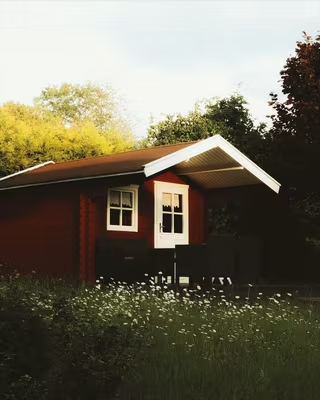 No. 01Kodak Gold90%
Golden Hour
Late sun, people outdoors, summer streets.- Look
- Kodak Gold
- Intensity
- 90%
- Highlights
- −20
- Shadows
- +15
- Temperature
- +6
- Vignette
- +12
- Grain
- 20
- Size
- 30
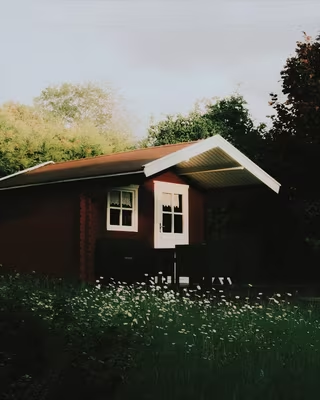 No. 02Portra 40085%
Window Portrait
Faces in open shade or soft window light.- Look
- Portra 400
- Intensity
- 85%
- Exposure
- +0.30
- Contrast
- −10
- Highlights
- −15
- Shadows
- +20
- Glow
- 6
- Grain
- 12
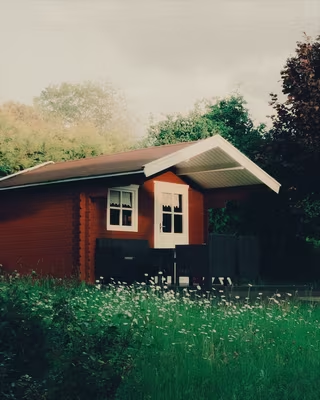 No. 03Cinestill 800T100%
Neon Night
City nights, neon signs, street lamps.- Look
- Cinestill 800T
- Intensity
- 100%
- Highlights
- −15
- Blacks
- +10
- Temperature
- −8
- Glow
- 25
- Grain
- 30
- Size
- 40
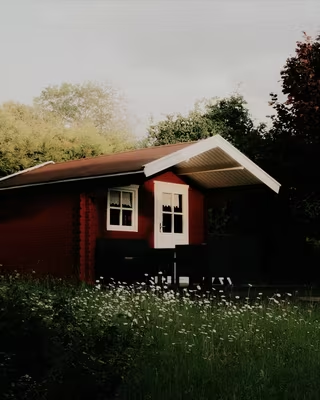 No. 04Classic Chrome100%
Street Chrome
City streets, overcast days, hard midday light.- Look
- Classic Chrome
- Intensity
- 100%
- Contrast
- +15
- Shadows
- −10
- Saturation
- −10
- Clarity
- +10
- Vignette
- +15
- Grain
- 25
- Roughness
- 65
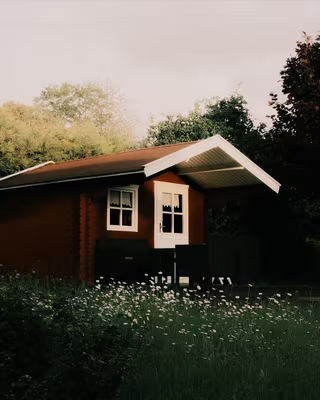 No. 05Classic Neg90%
Faded Negative
Everyday snapshots, travel, muted interiors.- Look
- Classic Neg
- Intensity
- 90%
- Contrast
- −15
- Highlights
- −20
- Blacks
- +20
- Grain
- 18
- Grading, Shadows
- Hue 190°, Saturation 10
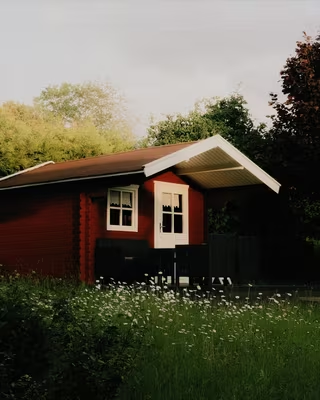 No. 06Reala Ace100%
Clear Daylight
Landscapes, architecture, bright travel days.- Look
- Reala Ace
- Intensity
- 100%
- Highlights
- −25
- Shadows
- +10
- Vibrance
- +10
- Texture
- +10
- Sharpness
- 20
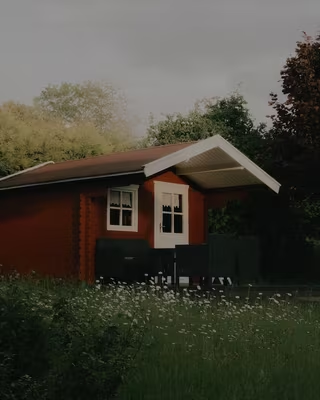 No. 07Eterna100%
Quiet Cinema
Overcast evenings, interiors, frames that feel like a film still.- Look
- Eterna
- Intensity
- 100%
- Contrast
- −10
- Saturation
- −10
- Vignette
- +10
- Grain
- 15
- Grading, Shadows
- Hue 200°, Saturation 12
- Grading, Highlights
- Hue 40°, Saturation 8
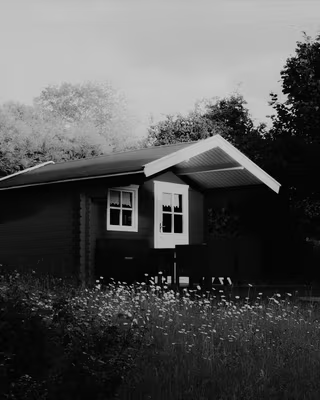 No. 08Acros100%
Silver Street
Street, hard light, textured walls and faces.- Look
- Acros
- Intensity
- 100%
- Contrast
- +20
- Blacks
- −10
- Clarity
- +15
- Vignette
- +20
- Grain
- 35
- Roughness
- 70
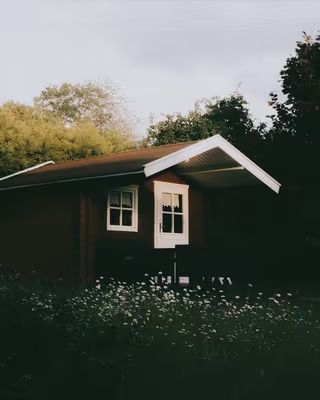 No. 09Polaroid80%
Instant Snapshot
Friends, parties, small moments worth a print.- Look
- Polaroid
- Intensity
- 80%
- Exposure
- +0.20
- Highlights
- −30
- Temperature
- +5
- Glow
- 15
- Vignette
- +20
- Frame
- Polaroid
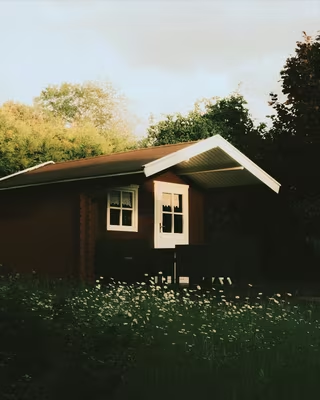 No. 10Summer Glow75%
Summer Haze
Backlit scenes, beach days, low sun through trees.- Look
- Summer Glow
- Intensity
- 75%
- Exposure
- +0.15
- Contrast
- −10
- Dehaze
- −10
- Glow
- 20
- Grain
- 15
Each picture shows the base look at full intensity on the same photo, before the rest of the recipe.
Dial in a recipe.
Five steps, the same on iPhone, iPad and Mac.
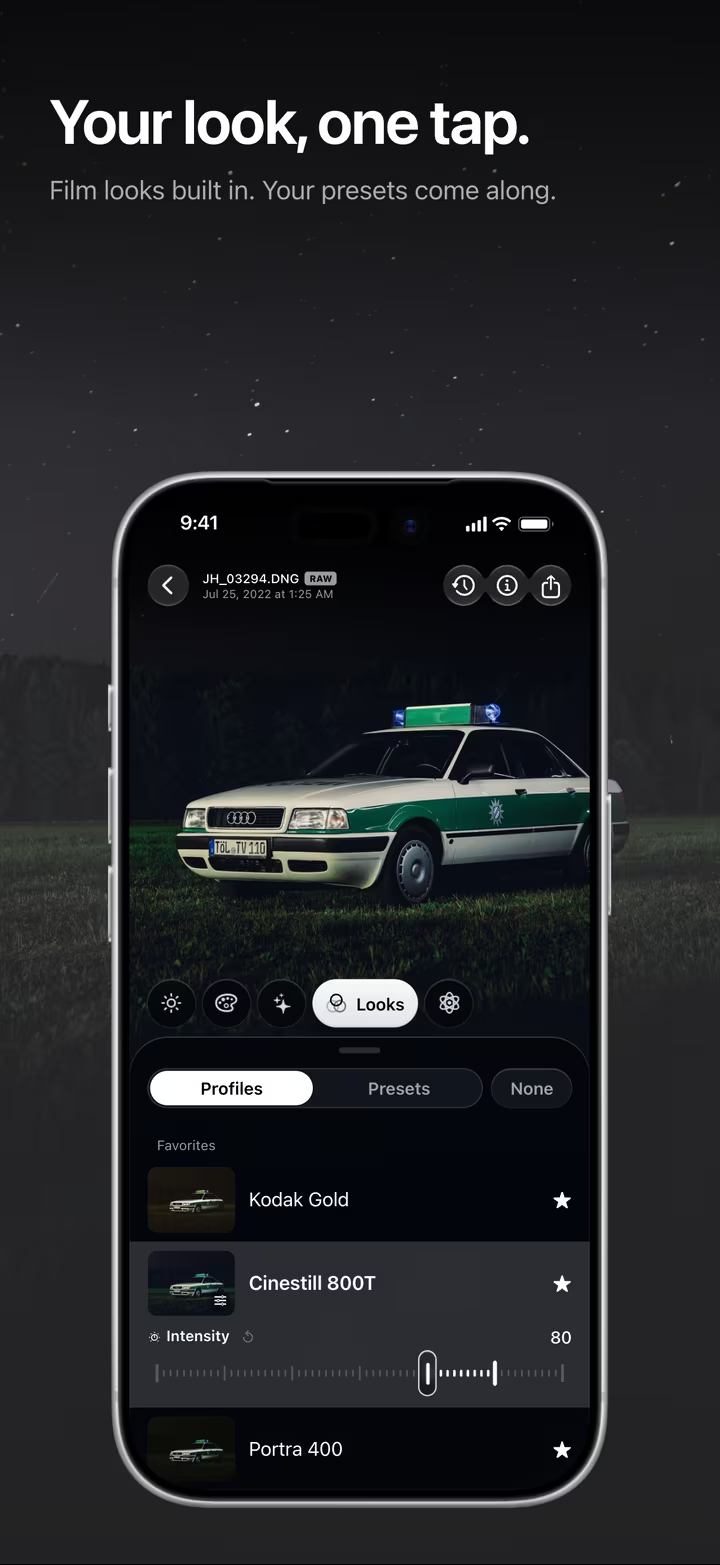
- Pick the look under Looks › Profiles. Tap it again to show Intensity, and set the recipe’s value. The range runs from 0 to 120 percent.
- Set the light under Light: Exposure, Contrast, Highlights, Shadows and Blacks.
- Set the color under Color: Temperature, Vibrance and Saturation. For Grading, open Color › Grading, choose Shadows or Highlights in the menu, then set Hue and Saturation.
- Add the finish under Effects: Texture, Clarity, Dehaze, Glow, Vignette, Sharpness, and Grain with its Size and Roughness. A positive Vignette darkens the corners. The Polaroid edge is in the Frames tool.
- Save it with Save current look in the export sheet (pick HEIC, JPEG or PNG first). The recipe becomes a preset under Looks › Presets, ready for the next photo.
Temperature in the cards is the relative slider you get on JPEG and HEIC photos. On a RAW file, masoc shows Temp in Kelvin instead: move it the same way, to the right for warmer. Treat every value as a starting point. A dark photo may want more Shadows, a bright one less Glow. More about film looks in masoc, including your own .cube LUTs.
Shoot the base. Finish the recipe.
Pick the look in the camera, add the rest later.
IIWII is a film simulation camera for iPhone by the developer of masoc. Every base look above is built into IIWII too, made from the very same color tables. So the look you frame with is the look masoc starts from.
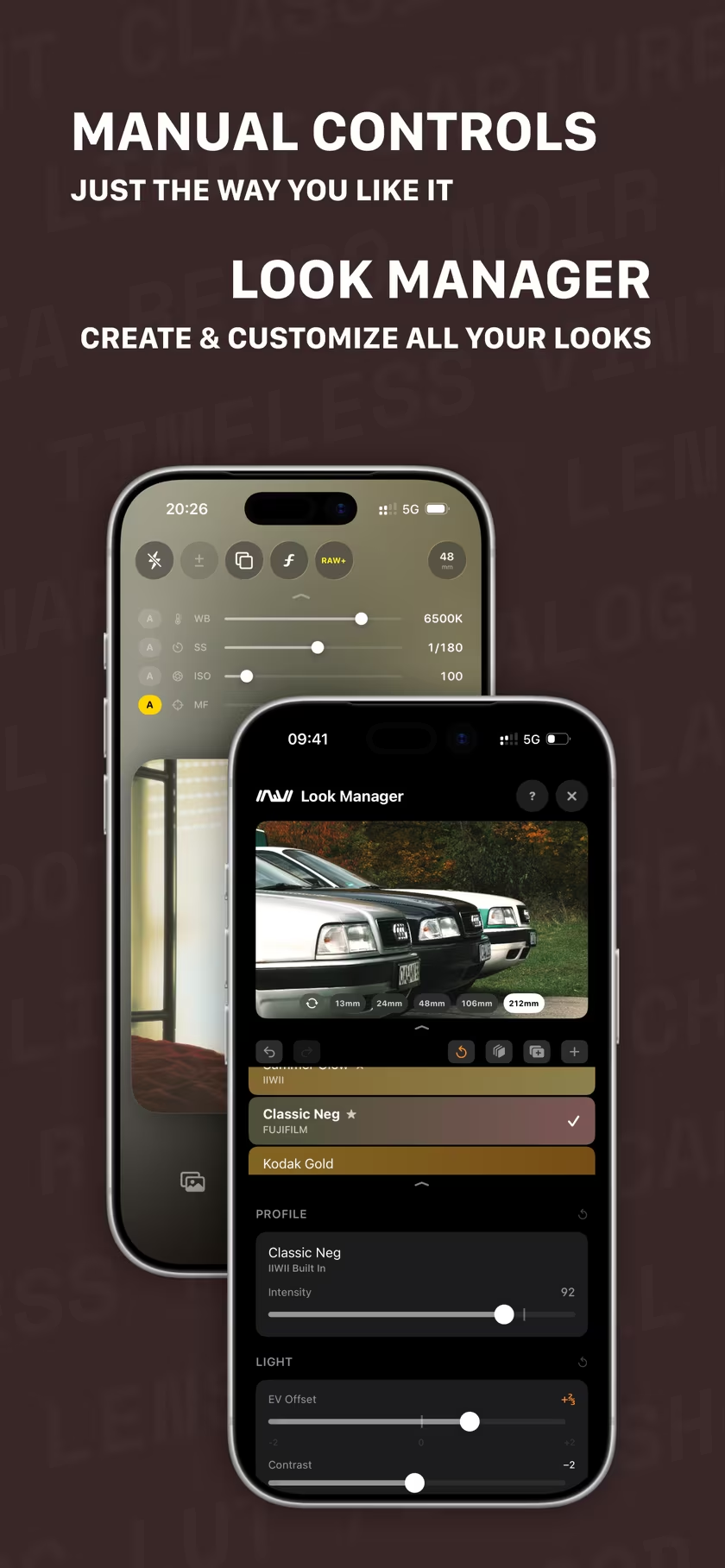
- Set the strength in IIWII’s Look Manager (iOS 18 and later). For looks built on a color table, its Intensity runs from 0 to 120 percent as well, so you can shoot at the recipe’s value from the start.
- Shoot with the look live in the viewfinder. Turn on RAW+, and IIWII saves a DNG next to the finished photo.
- Finish the DNG in masoc: the same look at the same intensity, then the sliders from the recipe.
Working from IIWII’s finished photo instead of the DNG? Most IIWII looks already add a touch of grain while you shoot, so go lighter on the Grain value. More about IIWII, or visit iiwii.info.
Questions
- What is a film recipe?
- A film recipe is a base film look plus a short list of settings, such as tone, color, white balance and grain, written down so anyone can repeat it. The idea comes from Fujifilm shooters, who share recipes for their cameras’ film simulations.
- Can I use Fujifilm recipes on an iPhone?
- Not one to one, because camera settings like Highlight −1 or Color −2 have no exact match outside the camera. masoc includes eight Fujifilm looks, among them Classic Chrome and Classic Neg, so you can start from the same simulation and rebuild the rest with sliders like Highlights, Saturation and Grain.
- How do I get a film look on iPhone photos?
- Pick a film look in masoc, set its intensity, then fine-tune contrast, white balance and grain. To see the look while you shoot, use IIWII, a film simulation camera for iPhone with the same looks, and finish the photo in masoc.
- Do these film recipes work on RAW files?
- Yes. masoc puts the look on first, and every slider still works on top of it. On RAW files, the temperature slider is called Temp and shows Kelvin, so move it in the same direction the recipe says.
Fujifilm, Provia, Astia, Classic Chrome, Classic Neg, Reala Ace, Eterna, Acros, Kodak, Portra, Kodak Gold, CineStill, Polaroid, Ilford, Apple, iPhone and App Store are trademarks of their respective owners. masoc and IIWII are not affiliated with them or with Fuji X Weekly.