Switch, step by step
Cancel Lightroom. Keep your presets.
Your presets, photos and edits are yours. Here is how to take all of them along before you cancel, and how to keep using your Lightroom presets without an Adobe plan.
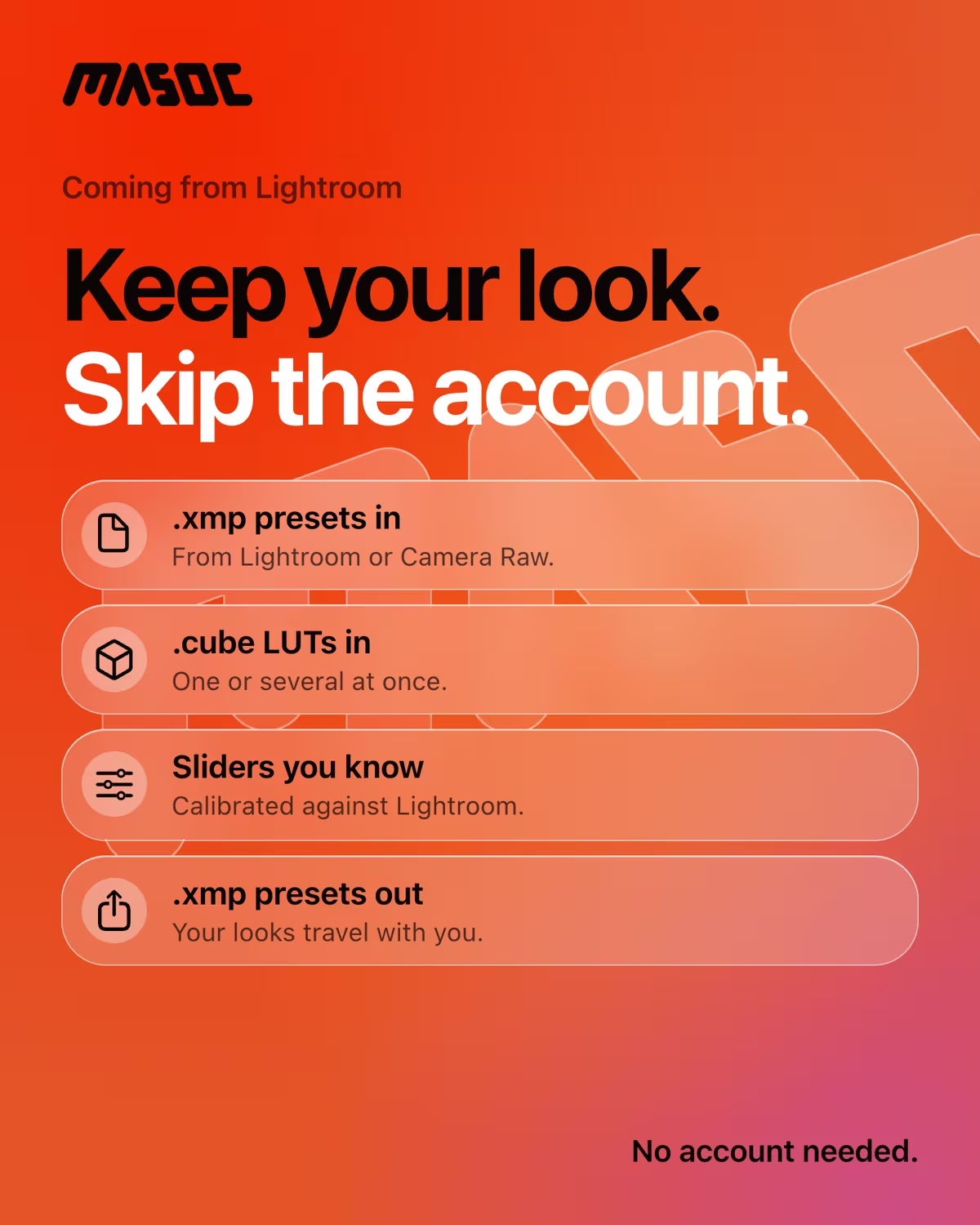
Before you cancel.
Do this while your plan is still active.
Four things are worth saving. Once the plan ends, some of them get harder to reach, so take them first and cancel second.
Presets
Export them as .xmp files.
Cloud photos
Download the originals, with your edits beside them.
Classic edits
Write them into XMP files next to each photo.
Finished photos
Export full-size JPEG or TIFF copies.
Step by step.
Lightroom Classic and Lightroom, on Mac or PC.
- Presets in Lightroom Classic. In the Develop module, right-click a preset and choose Export. For all of them at once, open Preferences › Presets › Show Lightroom Develop Presets and copy the folder.
- Presets in Lightroom. Right-click a preset in the Presets panel and export it. Lightroom on your phone exports presets only as DNG files, so export the ones you made there from Lightroom on a computer, while sync still works.
- Photos in the Adobe cloud. In Lightroom on a computer, select your photos, choose Export and pick Original + Settings. RAW files come with an .xmp sidecar that holds your edits.
- Edits in Lightroom Classic. Select all photos in the Library and choose Metadata › Save Metadata to File. Classic writes your edits into XMP, next to each RAW file.
- Finished photos. Export your best edits as full-size JPEG or TIFF. Those open in any app, today and in twenty years.
One more check before you click cancel. On the annual plan billed monthly, Adobe charges a fee of 50% of the remaining payments if you cancel after the first 14 days. Note the date your plan renews.
Sources: Adobe’s Lightroom Classic presets FAQ, presets in Lightroom for mobile and subscription terms (US), and the Adobe community on Original + Settings, all checked in October 2026.
What happens after you cancel.
Your files stay yours. Some doors close.
Lightroom Classic keeps opening. Your photos stay on your drive, and you can still browse and export them in the Library. The Develop and Map modules and Lightroom on your phone stop working.
Photos in the Adobe cloud are different. Your cloud storage shrinks to the free amount, and Adobe keeps your Lightroom originals for one year after the plan ends. In that year, you can still open Lightroom and download them.
1 year
How long Adobe keeps your Lightroom cloud originals after the plan ends. Download them before you cancel, not after.
Source: Adobe’s account access after plan cancellation, checked in October 2026.
Use your presets without Adobe.
Open the .xmp files in masoc. That’s it.
masoc is a photo editor for iPhone, iPad and Mac. In the library, tap Looks, then Import Presets, and pick your .xmp files, as many as you like. On a Mac, you can also drop them onto the library window. Each one becomes a masoc preset under Looks › Presets, ready for any photo, RAW included. No Adobe account, no masoc account.
masoc reads what most develop presets contain: light, white balance, color, tone curves, HSL, color grading, sharpening, noise reduction, grain, vignette, lens and perspective settings, and calibration. Linear and radial masks come along as they are. Subject, sky and background masks are found again by masoc on each photo, so they fit the new picture.
Point curves come in exactly. Lightroom’s parametric curve is translated into points, as a close match. Adobe doesn’t publish its formula.
It works the other way too. Any preset you build in masoc exports as an .xmp file under Export › Lightroom (.xmp), in case you ever want it back in Lightroom or Camera Raw. How switching works.
Where presets stop.
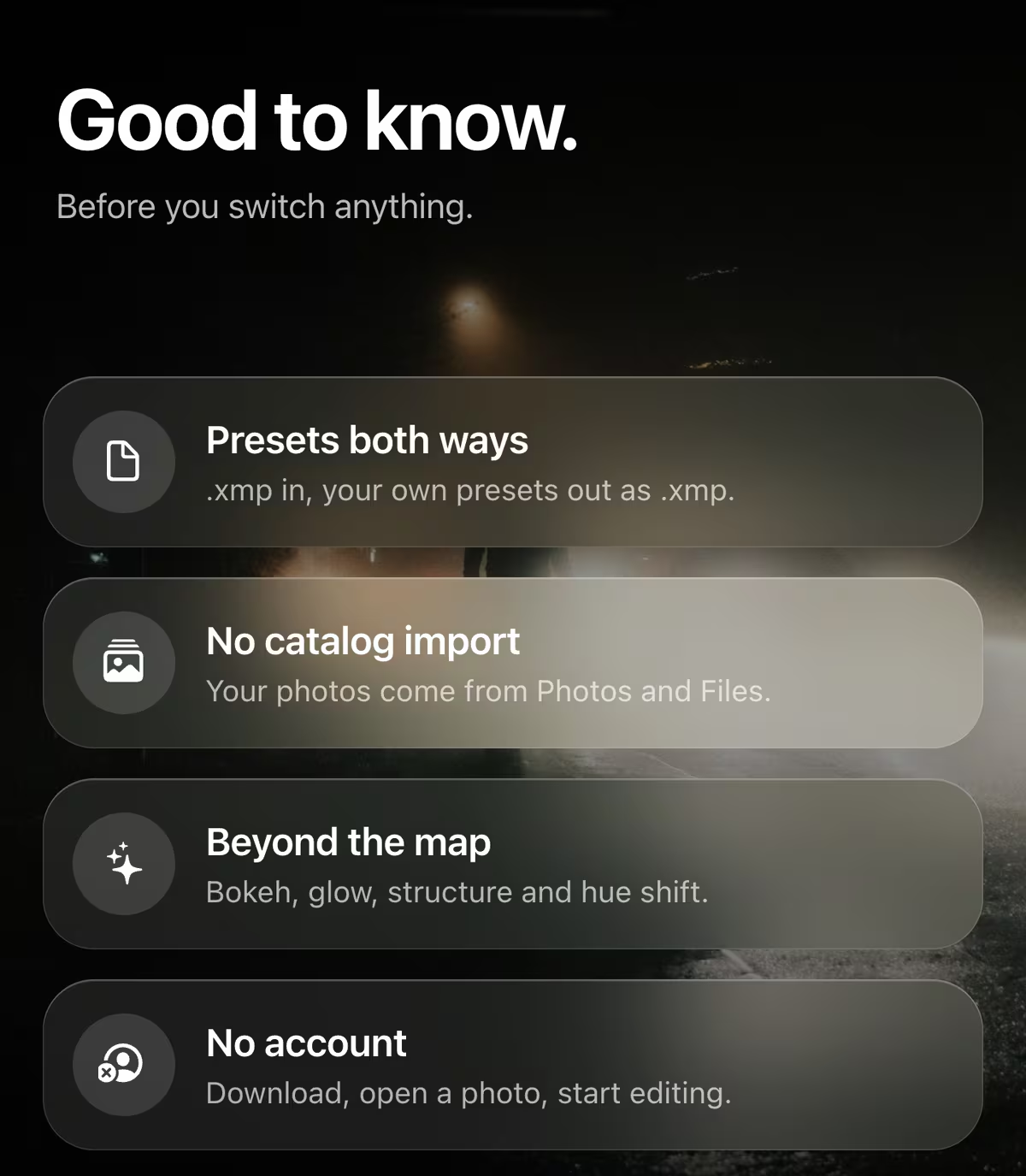
Most presets move over. Here is what doesn’t, yet.
Profiles
Profile .xmp files, the ones in Lightroom’s Profile browser, don’t import yet. masoc says so with a note. If you have the same look as a .cube LUT, that one works.
Black and white
Lightroom’s black-and-white switch doesn’t carry over yet, so these presets arrive in color. Add the Ilford Delta look on top, or set Saturation to −100.
Brush strokes
A preset’s brush masks come in without their strokes. Masks for parts of a person, like hair or skin, become a mask of the whole person.
Old formats
masoc reads .xmp, not the older .lrtemplate files, and not .zip archives. Unzip first, then pick the files inside.
masoc doesn’t open Lightroom catalogs or the XMP sidecars next to your photos. Your photos come in from Photos and Files, and your presets bring the look.
Coming from Aperture?
A Mac editor you can buy once, again.
Apple stopped developing Aperture in June 2014. macOS Mojave was the last version to run it, so on any newer Mac it won’t open. Apple’s own guide points to Photos or Lightroom Classic for your old libraries.

masoc is a native Mac app, built with SwiftUI for macOS 26 on Apple silicon, with the editing panel beside the photo and a real menu bar. You can unlock it once for $69, and that one purchase covers your iPhone and iPad too. masoc doesn’t read Aperture libraries, so move them to Photos first, then pick your photos from there.
Source: Apple’s Migrate your Aperture libraries, checked in October 2026.
Try it before you cancel.
Every tool, free to try.
masoc is free to download, with every tool unlocked and three free exports. Import a few presets, edit a few photos, and see if it fits. After that, Unlock masoc costs $3.99 a month, $24.99 a year or $69 once, with Family Sharing. Pricing.
Want the lighter take? Our slightly cheeky breakup letter to Lightroom has the price and the fee. Ready now? Get masoc on the App Store.
Questions
- Can I use Lightroom presets without a subscription?
- Yes. Export your presets as .xmp files while your plan is active, or copy them from the presets folder, then open them in masoc. Each one becomes a masoc preset, and no Adobe account is needed.
- Do I lose my presets when I cancel Lightroom?
- Not the files. Presets you exported, or that sit in the presets folder on your computer, stay there. Presets made in Lightroom on your phone sync through Adobe, so export them from Lightroom on a computer before you cancel.
- What happens to my photos in the Adobe cloud after I cancel?
- Adobe keeps your Lightroom originals for one year after the plan ends, and you can still open Lightroom to download them. Photos in Lightroom Classic stay on your drive, but Develop and Map stop working.
- Which Lightroom presets work in masoc?
- Most develop presets: light, white balance, color, tone curves, HSL, color grading, detail, grain, vignette, and linear and radial masks. Profiles, the black-and-white switch, brush strokes and .lrtemplate files don’t carry over yet.
- Is masoc an Aperture alternative for Mac?
- It’s a native Mac editor you can unlock once for $69, with Family Sharing, on macOS 26 with Apple silicon. It doesn’t open Aperture libraries, so move them to Photos first and pick your photos from there.
Adobe, Lightroom, Lightroom Classic and Camera Raw are trademarks of Adobe Inc. Apple, Aperture, iPhone, iPad, Mac, macOS and App Store are trademarks of Apple Inc. Ilford is a trademark of its owner. masoc is not affiliated with them. Adobe’s and Apple’s steps and terms can change, the facts on this page come from the sources linked above.